
CRM segment syncing
Turn CRM segments into audiences and push them into platform-specific matching products, with hashing, deduplication, and consent-aware handling called out in the source.

Synter’s Prospector uses AI to turn CRM segments, customer lists, and buying signals into ad audiences synced to major ad platforms.
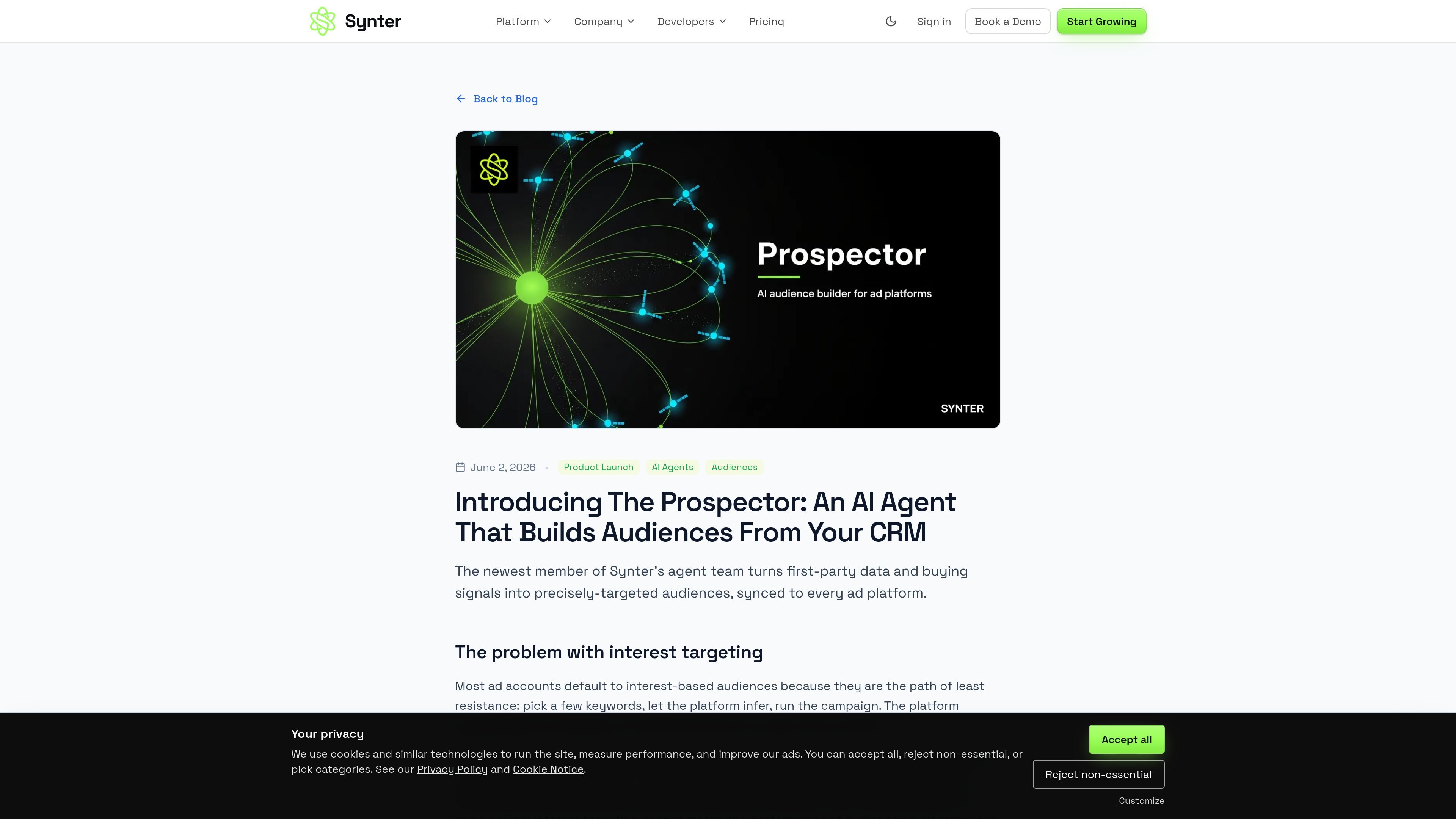
The Prospector is a Synter agent persona focused on audience building for paid media. It turns first-party data, CRM segments, customer lists, and buying signals into targeted audiences that can be synced to major ad platforms.
According to the source, it can pull segments from HubSpot, Attio, or Salesforce, create lookalikes from strong customer cohorts, and build signal-based audiences from inputs such as hiring, funding, ad-spend changes, tech installs, and intent data. It is meant to sit inside the Synter Campaign IDE and be invoked by mentioning `@Prospector`.
The product is positioned for enrolled workspaces and works alongside other Synter agents. It is scoped to audience activation for paid media rather than outbound messaging or creative generation, and it includes guardrails around consent, hashed matching, and platform-specific audience rules.
Turn CRM segments into audiences and push them into platform-specific matching products, with hashing, deduplication, and consent-aware handling called out in the source.
Build lookalike audiences from a seed list of paying customers or a high-LTV cohort across platforms that support lookalikes, with Reddit explicitly excluded in the source example.
Create audiences from real-world buying signals such as hiring, funding, ad-spend changes, tech installs, and intent data, then combine them into a targeted segment.
Keep CRM attribution usable by making sure UTM attributes are present so campaign traffic can be tied back to the connected CRM.
Operate as a named agent in a campaign thread, with a mention-based workflow that lets users request audience builds directly in the Campaign IDE.
Hand off to other Synter agents once the audience is live, so audience creation sits inside a broader campaign workflow rather than standing alone.
Turn a CRM segment such as a qualified pipeline list into suppression or targeting audiences for Google Customer Match and Meta. The source specifically calls out syncing CRM lists into ad platforms for paid media activation.
Build a lookalike audience from your best customers or a high-LTV cohort when you want to expand reach from a known seed list. The product description says The Prospector can do this across supported platforms.
Create a new audience from live buying signals such as hiring, funding, tech installs, and ad-spend changes. This is useful when you want to target accounts that resemble an active buying moment rather than a static profile.
Keep campaign attribution cleaner by ensuring UTM attributes are present in the connected CRM, so leads can be tied back to the campaign that generated them.
Use a mention-based workflow inside the campaign thread when a strategist or operator wants to request an audience build without leaving the Synter interface.
The Prospector is triggered inside a campaign thread by mentioning `@Prospector`. The source says it is available in enrolled workspaces, and the broader Campaign IDE chat works for everyone.
It is designed to build audiences from CRM segments, customer lists, and buying signals, then sync those audiences to supported ad platforms such as Google, Meta, LinkedIn, Reddit, X, TikTok, and Microsoft Ads.
The source describes support for HubSpot, Attio, and Salesforce segments, plus platform-specific audience syncs and lookalike building. It also mentions WattData signal clusters feeding into audience creation.
The product page says The Prospector builds and activates audiences for paid media, but does not send outbound email or LinkedIn messages, create campaigns, generate creative, or sync PII-rich audiences where hashed matching is not supported.

Podium is an AI lead generation and lead management platform for local businesses. It centralizes lead conversations, automated follow-up, reviews, payments, and booking, with a 24/7 AI Employee available as an add-on.

Knock is customer engagement infrastructure for product, marketing, and transactional messaging teams—activate your data and ship cross-channel workflows with developer tooling.

Krev AI is an ecommerce platform with role-based AI employees for market research, creative production, ad planning, and social publishing. It is built for brands that want product and brand context carried through connected growth workflows.

NanoCorp is a web-based autonomous AI company platform that turns one prompt into a running business, with a free tier, Founder plan, and tools for building, payments, outreach, ads, and reporting.

Nova Recruiter is an AI-assisted talent sourcing platform that helps recruiters, founders, and hiring teams search 800M+ public profiles, rank candidates by merit, and run automated outreach. It also connects with ATS systems and MCP-compatible AI assistants.

DataFast is a web analytics and revenue attribution tool that helps entrepreneurs and product teams see which marketing channels lead to paying customers. It includes goals, funnels, visitor journeys, API access, and a cookieless tracking option.