
Real-time thought mapping
Tackly listens while you speak and turns live conversation into a structured board, so ideas, decisions, risks, and questions are organized as they emerge rather than after the call ends.

Tackly is a browser-based AI notetaker that maps ideas and meeting discussions into structured boards. Export to PNG, SVG or Markdown.
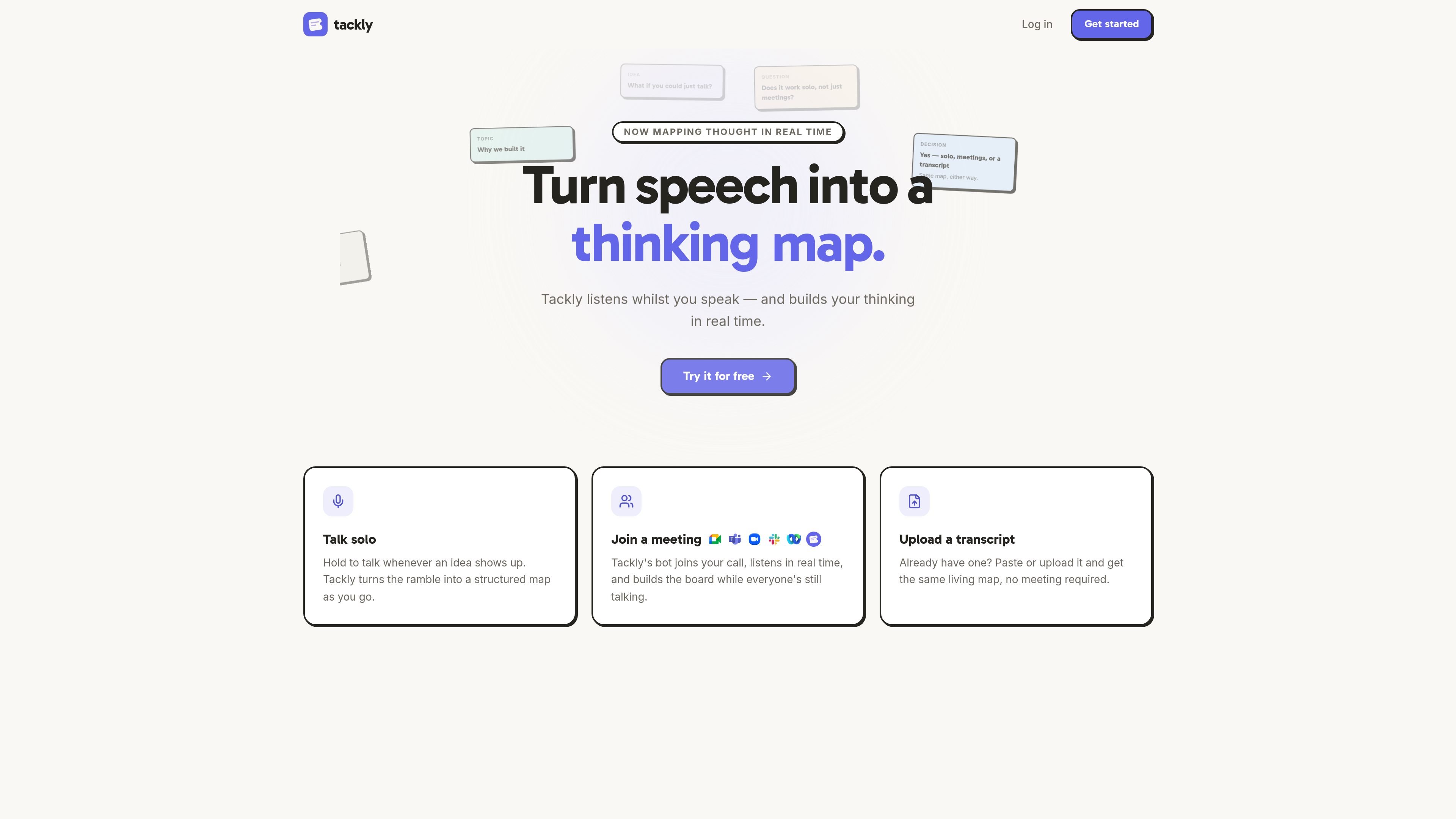
Tackly is an AI notetaker that turns spoken ideas and meeting content into a structured map instead of a flat transcript. It captures ideas, decisions, risks, and questions as they happen, then presents them in a board format that is meant to reflect how the conversation or thought process actually unfolded.
The product is built for solo thinking, meetings, and transcript uploads. You can talk into it in your browser, invite its bot into a call, or paste an existing transcript, and Tackly produces the same live map across those inputs. The site also shows an AI Assistant on every plan for asking board-specific follow-up questions, plus export options for taking the output elsewhere.
Tackly listens while you speak and turns live conversation into a structured board, so ideas, decisions, risks, and questions are organized as they emerge rather than after the call ends.
Use the hold-to-talk flow for individual brainstorming, quick voice notes, or any time you want to capture a ramble and shape it into a board.
Invite Tackly's bot to a call so it can listen in real time and build the board during the meeting.
Paste or upload an existing transcript and get the same living map without running a live meeting.
Ask questions directly on a board, such as what the main action was or which risks came up, and get answers grounded in that board's own nodes and transcript.
Export boards as PNG, SVG, or Markdown for sharing or reuse elsewhere.
Capture a solo brainstorming session, then review the resulting board instead of sorting through a long audio file or plain transcript.
Have Tackly's bot join a meeting and build notes while the discussion is still happening, which is useful for recurring calls and fast-moving conversations.
Paste an existing transcript into Tackly when you already have recorded material and want it converted into a more usable structure.
Ask board-specific questions after a session, such as what the main action is or which risks were mentioned, to quickly find follow-up items.
No. The site says Tackly runs in your browser, so you can hold to talk, invite the bot to a call, or paste a transcript without downloading anything.
Yes. The homepage says Tackly started with solo thinking and that you can hold the mic and think out loud when you're alone; it maps solo sessions as well as meetings.
Tackly says you can export any board as a PNG, an SVG, or Markdown.
The AI Assistant is scoped to one board at a time. It answers questions using only that board's nodes and transcript, and the site says the conversation itself is not stored.
The pricing page shows a free tier and two paid plans: Free at $0/month for 30 minutes of rambling per month, Plus at $10/month for 300 transcript minutes per month, and Pro at $18/month for 1000 transcript minutes per month.

QuickQuill is a local-first macOS dictation and transcription app to record meetings, summarize audio, and export notes without the cloud.

MeetStream is a meeting bot API for Zoom, Google Meet, Microsoft Teams, and Webex. Record, stream, and analyze meetings with usage-based pricing and $5 free credit.

Notewarp is an AI note-taking tool that turns voice notes, uploads, or pasted text into cleaner notes, transcripts, summaries, and action items.

Wendi AI is an AI workspace for people managers that captures meeting context, organizes it by person, and helps plan next steps for workplace conversations.

Flunkey is a voice-first productivity layer for Windows that turns speech into text, AI outputs, and remembered context without leaving your app.

Liam is an AI copilot for inbox management, email replies, prioritizing messages, and scheduling meetings. Free for individuals; custom pricing for teams and enterprise.