
Draft from a brief
Start from a topic, prompt, or rough notes and turn them into a structured first draft that can be refined before publishing.

Techne is a content operations platform for teams and AI agents to plan, draft, research, review, and publish from one workspace with API and MCP workflows.
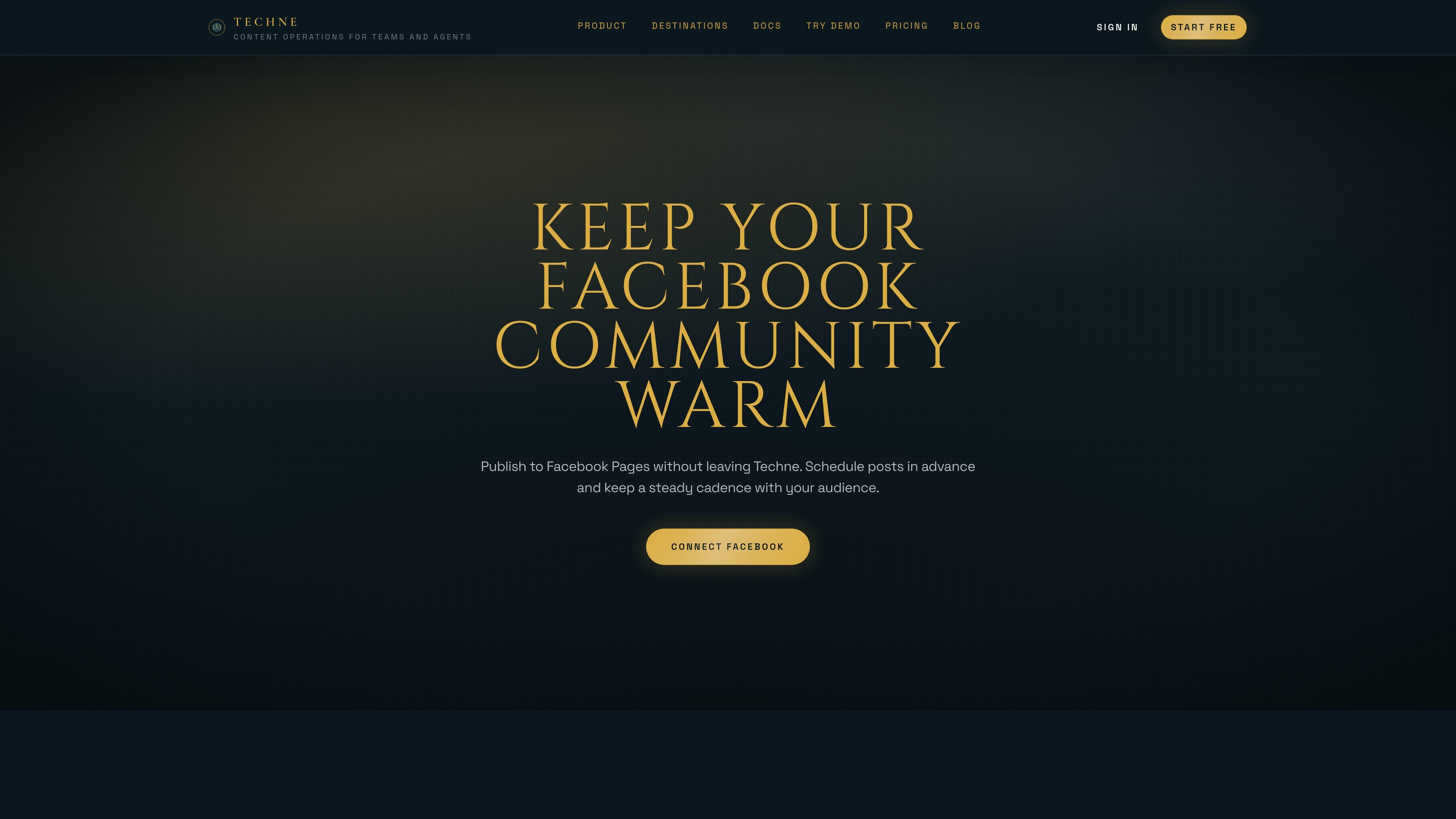
Techne is a content operations platform for teams and AI agents that brings planning, drafting, research, review, and publishing into one workspace. It is built around a shared workflow that can be used in the web app or extended through API and MCP.
The product includes Techne Blog as a built-in publishing destination and supports output to LinkedIn, X, Facebook, Webflow, WordPress, and other connected channels. The workflow is designed to move from brief to draft to review to publish without copy-pasting between tools.
Start from a topic, prompt, or rough notes and turn them into a structured first draft that can be refined before publishing.
Use web research and citations to add supporting context, source links, and more verifiable claims when authority matters.
Generate blog, social, and CMS variants from the same approved idea so each destination gets a format that fits it.
Keep final review and publishing decisions in human hands while Techne helps move the workflow forward.
Publish through the web app, REST API, or MCP server so assistants and internal tools can use the same content system.
Connect destinations such as Techne Blog, LinkedIn, X, Facebook, Webflow, WordPress, and Pinterest, then choose to publish or schedule.
Use Techne when a team wants to move from a rough idea to a publishable post in one workflow, with brief, draft, review, and publish steps kept together.
Turn one approved piece into multiple channel-specific outputs, such as a blog post, LinkedIn update, X thread, or Facebook post, without rebuilding the content from scratch.
Use the web app when humans want to review drafts before anything goes live, keeping approval and publishing control in the studio UI.
Connect API or MCP when assistants or internal tools need to inspect requirements, generate drafts, or push approved content forward programmatically.
Publish to Webflow or WordPress when a CMS destination is part of the workflow and fields, authors, categories, tags, or metadata need to be carried through.
Techne is a content operations workspace for planning, drafting, researching, reviewing, and publishing content from one place. It is aimed at teams and also supports agent workflows through API and MCP.
The source describes starting with Quickstart and the Blog Workflow. Users create a workspace, connect a destination, and publish a first post in under 5 minutes.
Techne can generate drafts, refine metadata, create social variants, and publish or schedule content to destinations such as Techne Blog, LinkedIn, X, Facebook, Webflow, and WordPress.
Techne supports human-led publishing in the web app and agent-assisted workflows through API and MCP, using the same underlying content workflow.
Pricing includes a free plan and paid plans. The source says Webflow and WordPress integrations are available on paid plans, while Techne Blog and core social channels are available on free plans.

Skayle researches topics, publishes structured CMS content, and tracks AI search citations for teams needing one system for visibility.

PromptScout tracks how ChatGPT, Gemini, Google AI Overviews, and Perplexity mention your brand or competitors, with source analysis and website audits.

An All-In-One AI Platform that combines tools for image, video, voice, writing, and chat to enhance creativity and collaboration.

Slidesgo is a presentation template platform for Google Slides, PowerPoint and Canva workflows, with free and Premium templates plus AI-assisted creation.

ClayHog is an AI search visibility platform for tracking brand presence in ChatGPT, Gemini, Perplexity, Claude, and Google AI Overviews from one dashboard.

Wysera is an AI business platform with PostWyse for content and OpsWyse for CRM and revenue workflows, powered by shared Wyse AI and approval-first automation.