
Declarative template authoring
Describe complex table layouts with a declarative string rather than building each output format separately.
TenTags is a Python declarative language for generating HTML, Excel, and PDF documents from one template.
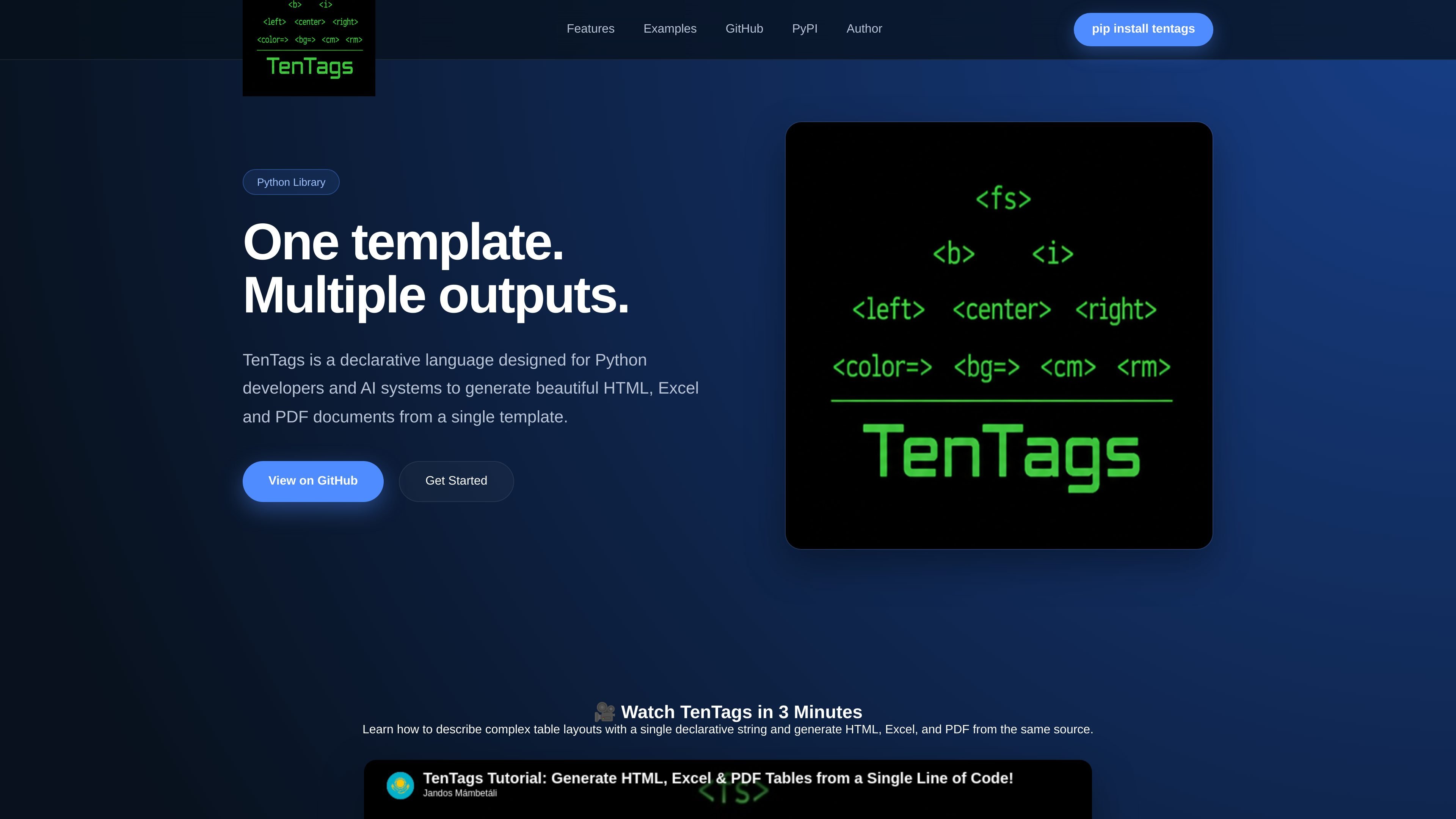
TenTags is a declarative language for generating HTML, Excel, and PDF documents from Python. It is presented as a tool for developers who want to describe document structure once and render that source into multiple output formats.
The homepage emphasizes a single-template workflow: the same declarative description can generate responsive HTML pages, native XLSX spreadsheets with formatting and formulas, and PDF documents for invoices, reports, and other printable output. The page also mentions that TenTags is designed for Python developers and AI systems.
Describe complex table layouts with a declarative string rather than building each output format separately.
Render responsive HTML pages from the same source template used for other document types.
Produce native XLSX spreadsheets with formatting and formulas.
Export invoices, reports, and other printable documents as PDF.
Use one template as the source for multiple document formats, reducing duplicated document logic.
Build a report once and render it to HTML for web viewing, XLSX for spreadsheet analysis, or PDF for distribution without rewriting the document structure.
Generate invoices or other printable documents from a shared template so the same source can feed both human-readable and exportable formats.
Create spreadsheet outputs with formatting and formulas when the final deliverable needs native Excel behavior rather than a static export.
Describe table layouts declaratively when document structure is complex and you want to manage it from Python code.
TenTags is presented as a declarative language for Python developers and AI systems that generates HTML, Excel, and PDF documents from a single template.
The homepage shows installation with a pip command, which indicates a Python package workflow. It does not provide further setup detail on the page itself.
The source page highlights generating HTML pages, native XLSX spreadsheets, and PDF documents from the same source template.
The page positions TenTags for developers who need to produce documents from Python, especially when the same structured content must be rendered in multiple formats.
The pricing page provided in the source set returns Not Found, so no pricing details are available from the site content reviewed here.

Formularizer is a web-based AI for Excel and Google Sheets that generates and explains formulas, SQL queries, regex, and scripts.

nolainocr is an AI OCR tool that extracts structured data from PDF invoices, receipts, forms, contracts, and bank statements into Excel, Google Sheets, JSON, or CSV.

PDFTools is a browser-based suite of free and premium PDF tools for editing, conversion, and document handling—process PDFs locally without uploading files.

Artifacts by Samepage is a connected writing surface for product teams that turns signals and context into PRDs, release notes, bug tickets, and more, with built-in AI editing.
司马阅 is an AI document agent platform for enterprises, turning scattered document knowledge into structured capabilities for Q&A, search, writing, and review.

Vorker.ai is an AI coworker for solo operators and small teams, helping with email, research, documents, marketing, meetings, reporting, and admin tasks.