
Context-aware break timing
The app waits for natural pauses instead of interrupting during meetings or media playback. It can detect calls, recordings, and video playback, then move the next break accordingly.
TouchGrass is a macOS break reminder app that waits for meetings and media, counts away time as a break, and runs locally without Accessibility permission.
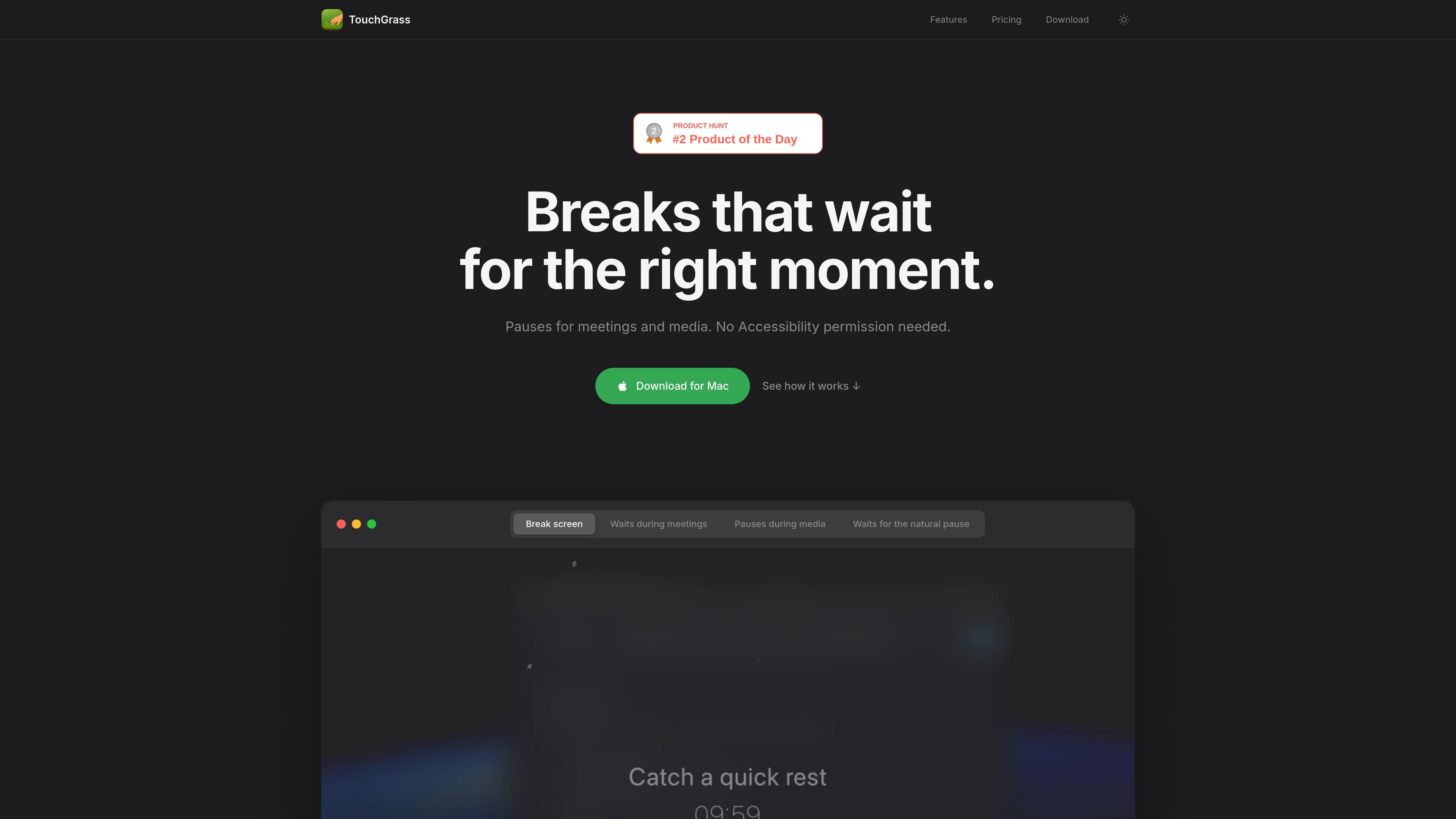
TouchGrass is a macOS break reminder app that adjusts around real activity instead of interrupting at arbitrary times. It pauses for meetings and media, counts time away as a break, and works without Accessibility permission.
The app is designed for people who want break reminders that fit around calls, playback, and focused work sessions. It runs locally on the Mac, supports offline use, and keeps the workflow simple: download, install, and enter a license key if you buy it.
The app waits for natural pauses instead of interrupting during meetings or media playback. It can detect calls, recordings, and video playback, then move the next break accordingly.
If you step away for coffee or another short break, TouchGrass counts that time away so the next reminder adjusts automatically.
Beyond basic break prompts, it can trigger blink reminders, posture nudges, and typing strain alerts based on your activity and screen time.
You can customize break screens, wallpapers, messages, timing, durations, working hours, and enforcement level from within the app.
The app is designed to work without Accessibility permission and keeps processing on your Mac, with no analytics, tracking, cloud sync, or accounts.
Use TouchGrass when you want scheduled breaks to avoid interrupting meetings, screen recordings, or media playback. The reminder waits for the next natural pause instead of forcing a break mid-session.
Use it if you often forget to step away during long focus blocks. The app can nudge you with breaks, blink reminders, posture prompts, and typing-strain alerts based on your activity.
Use it in privacy-sensitive workflows where you do not want a reminder app to read the screen, request Accessibility access, or depend on cloud sync and account sign-ins.
Use it when you want a break reminder that adapts after you step away on your own. If you already took a break for coffee or a short walk, the next reminder is adjusted automatically.
No. The site says TouchGrass works without Accessibility permission.
The site says meeting detection checks for active audio sessions locally, and it does not use microphone access.
The site states that only license validation and update checks leave the Mac; other processing stays local.
Yes. The buy page says the free trial includes every feature for 7 days and does not require payment.
MealTime is your personal, offline-first recipe companion designed to help you save, organize, plan meals, and generate smart grocery lists, all while keeping your data private.

Goldfish is an AI memory app for macOS that helps you reply, write, summarize, and continue with context already on your Mac. It stores memory locally and writes in your tone.

Biji is a versatile platform designed to enhance productivity through innovative tools and features.

Gemma AI is a phone call reminder app that calls you with scheduled reminders instead of push notifications, with Google Calendar sync and natural voice interaction.

Redline is a budgeting tool for Claude Code that paces sessions by time, tokens, cost, or plan percentage, helping them end with a usable result.

Claude Overlay is a Windows desktop overlay for Claude Code that reads your screen, so you can ask questions, inspect content, and request edits without leaving the app. Uses your existing Claude subscription via Claude CLI.