
AI inside text boxes
Open Clico in any text field to draft, rewrite, summarize, research, or dictate without leaving the page.

Clico is a browser-based AI writing assistant for drafting, rewriting, summarizing, and dictating in text fields without leaving the page. Free and Pro plans available.
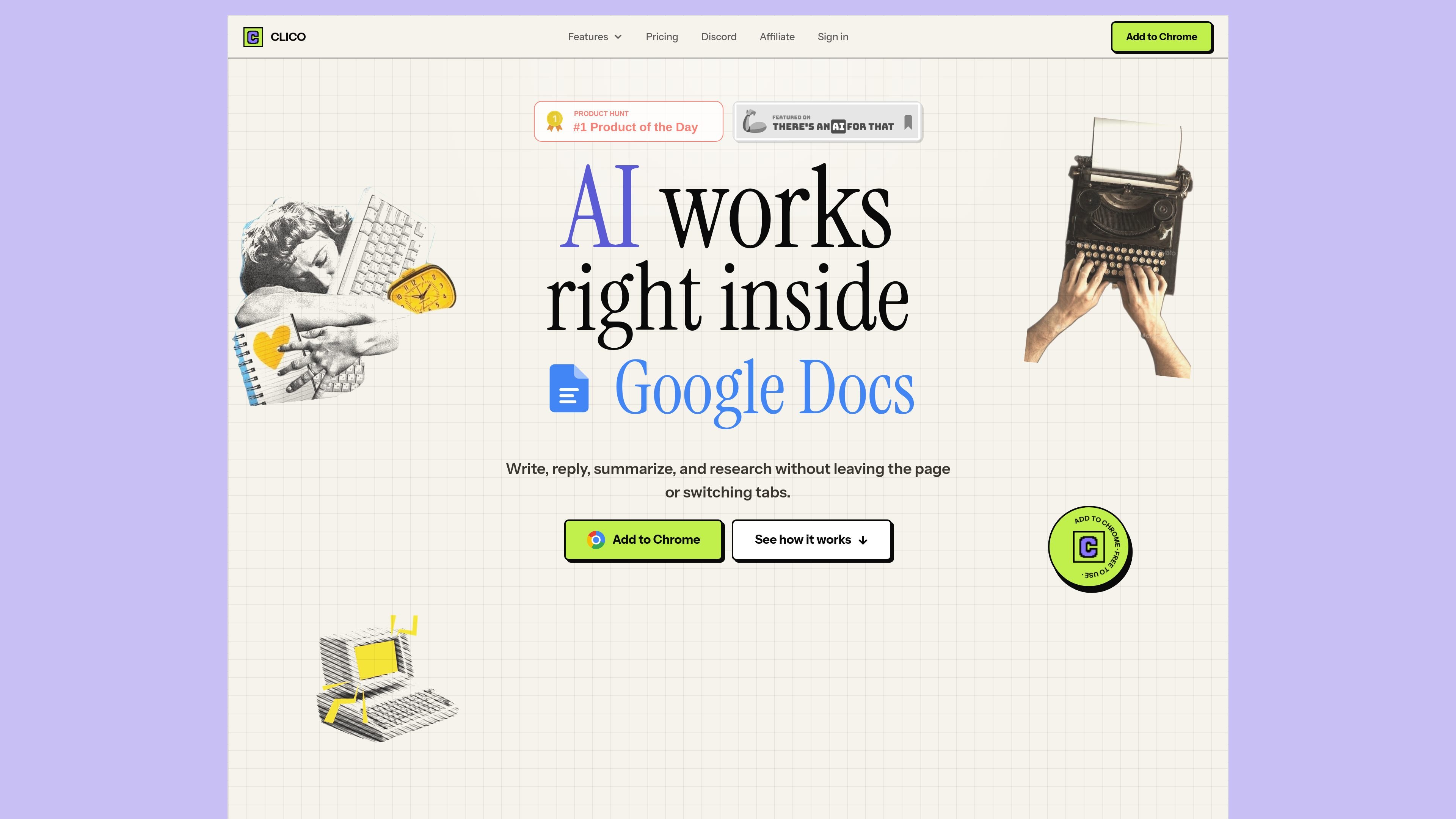
Clico is a browser extension that adds AI writing tools directly inside text boxes. It is designed to help people write, search, summarize, and dictate without switching to a separate chat app or tab.
The product works in Chromium-based browsers and is positioned for everyday writing tasks across pages such as Google Docs, Gmail, Notion, Slack, and other sites with text fields. The core workflow is to select or open content, ask Clico for help, review the result, and keep writing in the same place.
Open Clico in any text field to draft, rewrite, summarize, research, or dictate without leaving the page.
Let Clico write into the active document at a controlled pace so you can review output as it appears.
Turn long pages or selected text into concise takeaways while keeping the original page open.
Use open tabs as context so prompts can draw on material already in your browser session.
Rewrite paragraphs one section at a time in tools like Google Docs instead of pasting full drafts between apps.
Choose from workflow options such as tone rewrites, replies, research help, and dictation depending on the page and task.
Draft replies, polish tone, and answer from inside Gmail or similar inboxes without moving to a separate writing tool.
Rewrite selected paragraphs in Google Docs while keeping the draft and surrounding research in view.
Summarize long articles, reports, or notes before turning them into your own writing.
Use open tabs and selected context to build responses that reflect the page you are already reading.
Dictate text and generate drafts on pages where typing is the main bottleneck.
Yes. Clico has a Free plan with 100 AI generations each month and no credit card required. Monthly usage resets automatically.
Pro includes unlimited AI generations, premium models such as Claude Sonnet, voice dictation, multi-tab context, and custom preferences.
Yes. Pro is available as monthly or annual billing, and you can manage or cancel from the billing page.
Clico works on Chrome, Edge, Brave, Arc, and other Chromium-based browsers. The site also highlights use in Google Docs, Gmail, Notion, Slack, Discord, LinkedIn, Substack, Reddit, and similar text-entry pages.
Clico only activates when you press a shortcut, and it is designed to work with the content you choose to share rather than monitoring browsing in the background.

心流AI助手 for real-time Q&A, long-form summaries and writing support, covering everyday knowledge, life info and academic paper topics.

Goldfish is an AI memory app for macOS that helps you reply, write, summarize, and continue with context already on your Mac. It stores memory locally and writes in your tone.

An AI-powered tool that summarizes PDF documents quickly and efficiently, providing clear insights and allowing users to interact with the content.

Tactiq is an AI note taker for Google Meet, Zoom, and Microsoft Teams that transcribes meetings live into summaries, action items, and follow-up outputs.

ProWritingAid is a writing assistant for storytellers with grammar checking, style editing, paraphrasing, and story analysis in popular writing apps.

Paperpal is an AI tool for academic writing, offering literature reading, language polishing, citations, plagiarism checks, AI detection, and pre-submission review.