
Native Rust + Tauri architecture
TyeGit communicates directly with Git binaries and is described as a native Rust and Tauri app, which the site presents as the reason for fast repository loading and low memory usage.
TyeGit is a native Git client built with Rust and Tauri for fast, precise control over staging, commits, branches, and remotes on Windows, macOS, and Linux.
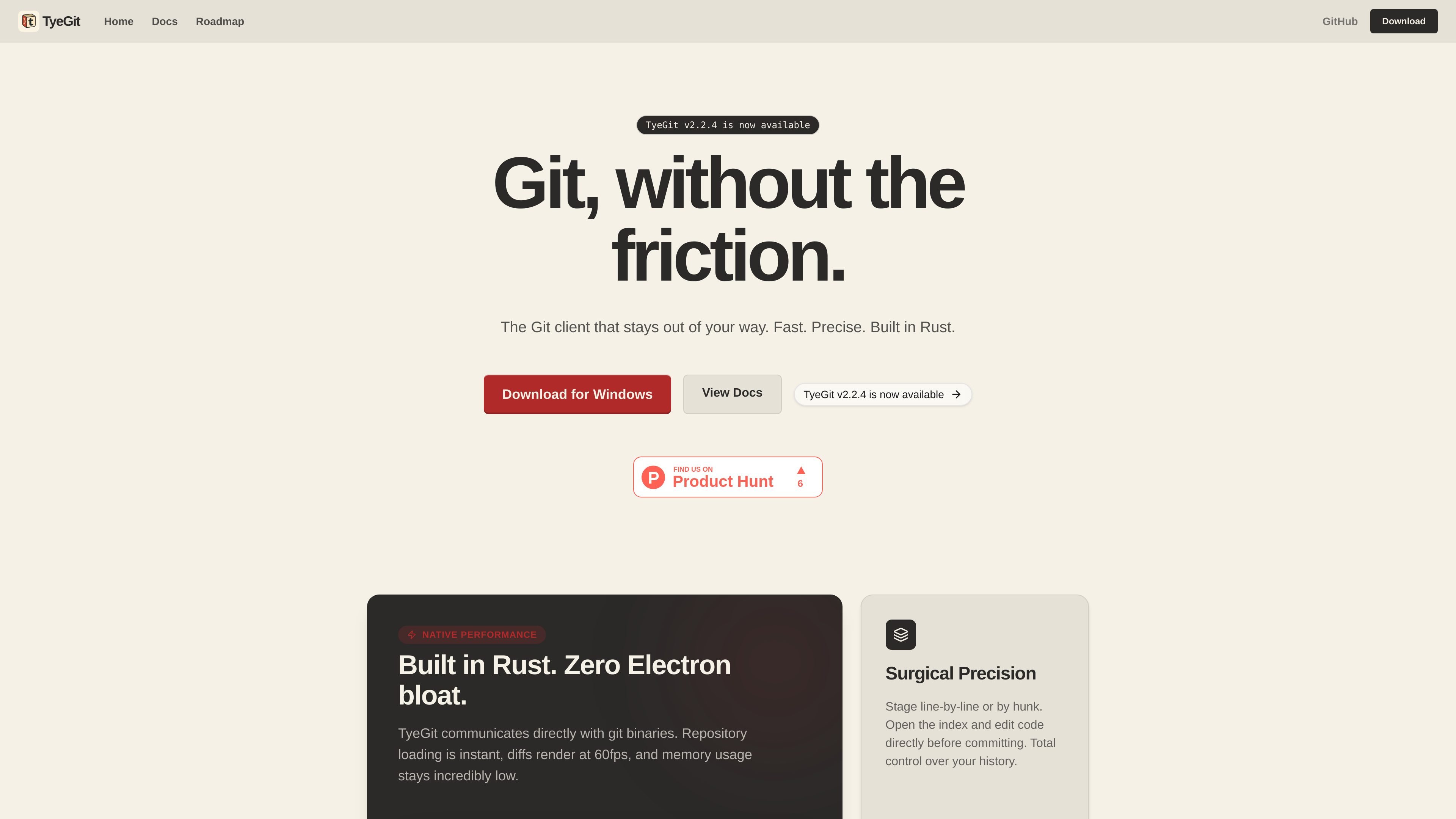
TyeGit is a native Git client for developers who want direct control over staging, committing, branching, and remote sync without the overhead of an Electron-based app. The site presents it as a fast Rust and Tauri desktop client that works with Git binaries rather than wrapping a browser runtime.
Its core workflow centers on precise commit creation: you can open a diff, stage or revert individual hunks, and even edit the staging area directly before saving to the index. The same interface also supports safer pulls, branch management, stash workflows, and multi-remote operations from one desktop app.
The product page positions TyeGit as a practical daily Git client for keeping commits small, isolating experiments, and managing repositories without leaving the UI. Its current release information is shown on the site, and the download page provides installers for Windows, macOS, and Linux.
TyeGit communicates directly with Git binaries and is described as a native Rust and Tauri app, which the site presents as the reason for fast repository loading and low memory usage.
The embedded Monaco-based diff editor lets you stage or revert individual hunks and edit the staging area directly before saving changes to the index.
The client enforces fast-forward pulls by default and includes safeguards to help avoid accidental merges into protected branches.
The UI supports upstream and origin workflows, including syncing forks, pushing to multiple remotes, and tracking upstream branches.
The download page describes separate builds for Windows, macOS, and Linux, including a portable Windows executable, a universal macOS DMG, and a Linux AppImage.
The staging guide notes GitHub Device Flow for authentication when pushing or pulling, with the token stored locally on the machine.
Open a modified file, stage only the relevant hunk, and leave unfinished edits in the working directory so the resulting commit stays focused.
Use the diff viewer to edit the staging area directly, fix typos, or remove lines before saving to the index when hunk-level selection is not enough.
Create a branch, work in isolation, and use the merge tools to combine changes when the feature is ready.
Stash work, switch branches, and restore the stash later when you need to interrupt a task without creating a temporary WIP commit.
Sync forks, track upstream branches, and push to multiple remotes from one interface when a repository needs more than a single origin connection.
TyeGit is a native Git client that emphasizes fast repository loading, interactive staging, and remote management. It is built with Rust and Tauri rather than Electron.
The source documents a Windows download, macOS download, and Linux AppImage, and notes support for Windows 10/11, macOS 11+, and common Linux distributions.
The getting started guide says TyeGit uses GitHub Device Flow when you first push or pull, then stores the token locally.
The staging guide says the diff view is editable, so you can stage a hunk, revert a hunk, or manually edit the staging area before saving to the index.
The comparison section says interactive rebasing and deep graph analysis are planned for future updates, so those workflows are not described as current features.

MacSpoof is a macOS MAC address changer that lets you change or randomize your Wi‑Fi MAC to reconnect and limit device logging on public Wi‑Fi.

NomNak is a free iPhone app for discovering restaurants through friends’ recommendations, with saved spots, a food passport and city search.

Ctrl+Shift+3 is a calm, text-first community platform with chronological feeds, profiles, RSS, and private Clicks for smaller communities.

Hexel Editor is a macOS hex editor for opening, searching, inspecting, and editing binary files. Built for developers, reverse engineers, and security researchers.

Servey mirrors and controls a Mac from iPhone or iPad with a real terminal and automatic local or remote connectivity, no VPN or port forwarding.

Terminal Candy is a native macOS terminal app for a real shell in custom skins, with community skins, image-based custom skins, and a free trial plus one-time license.