

uselink
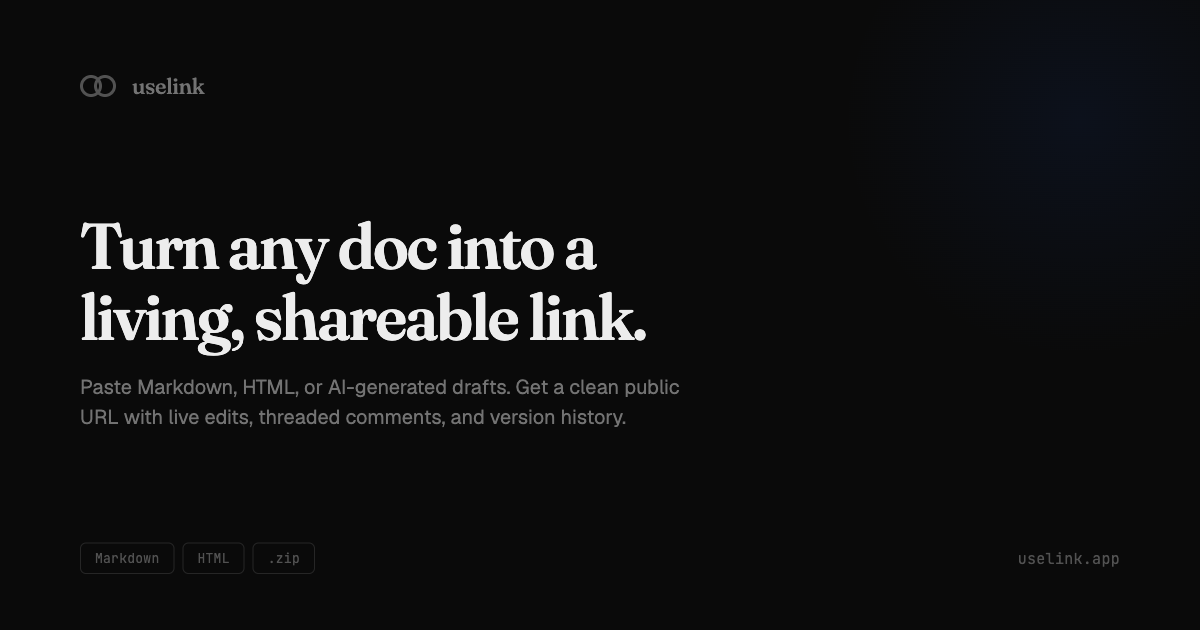
uselink turns Markdown, HTML, or AI drafts into a clean public URL for sharing, live edits, threaded comments, and version history.
What is uselink?
uselink is a web app for turning a document into a public, shareable link. It accepts content pasted in Markdown, HTML, or AI-generated draft form, then presents it as a clean page that can be edited live and shared with others.
The product is aimed at people who want to publish or review written content without moving it through a heavier document workflow. Based on the source content, it focuses on making a document easier to share, comment on, and revise over time.
Key Features
- Paste Markdown, HTML, or AI-generated drafts: users can start from common text formats without first converting them into another file type.
- Public shareable URL: the output is a clean link that can be sent to others for viewing or review.
- Live edits: updates can be made after publishing, so the shared page can stay current.
- Threaded comments: readers can discuss specific parts of the document in conversation-style comment threads.
- Version history: earlier revisions are preserved, which helps track changes and compare iterations over time.
How to Use uselink
A typical workflow is to paste your content into uselink, choose the format you already have, and generate a public link. After sharing the link, you can continue editing the document, collect threaded feedback, and use version history to review changes.
Use Cases
- Sharing a draft article or blog post with editors before publication, while keeping feedback attached to the same page.
- Publishing a working document from Markdown or HTML without exporting it to a separate file format first.
- Sending an AI-generated draft to teammates for review in a cleaner, more readable public link.
- Keeping a document updated after it has been shared, so recipients always see the latest version.
- Reviewing changes across iterations when a document goes through several rounds of edits.
FAQ
- What content formats does uselink accept? The source says Markdown, HTML, and AI-generated drafts.
- Does uselink support collaboration? Yes. The source mentions threaded comments and live edits, which indicate review and revision workflows.
- Can a document be updated after sharing? Yes. The product description says it supports live edits.
- Does uselink keep earlier versions? Yes. Version history is listed in the source content.
- Is pricing mentioned? No pricing information is provided in the source.
Alternatives
- Traditional document editors with sharing links: these are better when you need full office-style editing, file management, or established team document workflows.
- Static publishing tools or markdown-to-web converters: these are closer if you only need to turn text into a public page, but they may not include threaded comments or live updates.
- Collaborative note or knowledge-base tools: these suit ongoing team documentation, though their publishing and review flow may be broader or more structured than a simple shareable document link.
- Simple file-sharing services: these work for sending files quickly, but they do not usually provide an in-browser public page with comments and version history.
Alternatives

Biji
Biji is a versatile platform designed to enhance productivity through innovative tools and features.

Carbon Voice
Carbon Voice is an asynchronous voice messaging app for teams with people and AI agents, plus transcribed updates, voice or text replies, and desktop, mobile, watch, and widget access.

SignalLEMO
SignalLEMO helps teams and solo users organize, track, and share work in one place. It manages five data types, including signals.

Decision Jar
Create virtual jars of options with Decision Jar—shake your phone to pick instantly, use AI suggestions, and view decision logs over time.

Planndu: Daily Task Planner
Planndu is an intuitive productivity application designed to help users organize tasks, manage projects, build routines, and enhance focus using tools like AI generation and a built-in Pomodoro timer.

Nolain OCR
Nolain OCR is an advanced Optical Character Recognition solution designed to accurately extract text and data from various document formats, streamlining document processing workflows.