

Telea
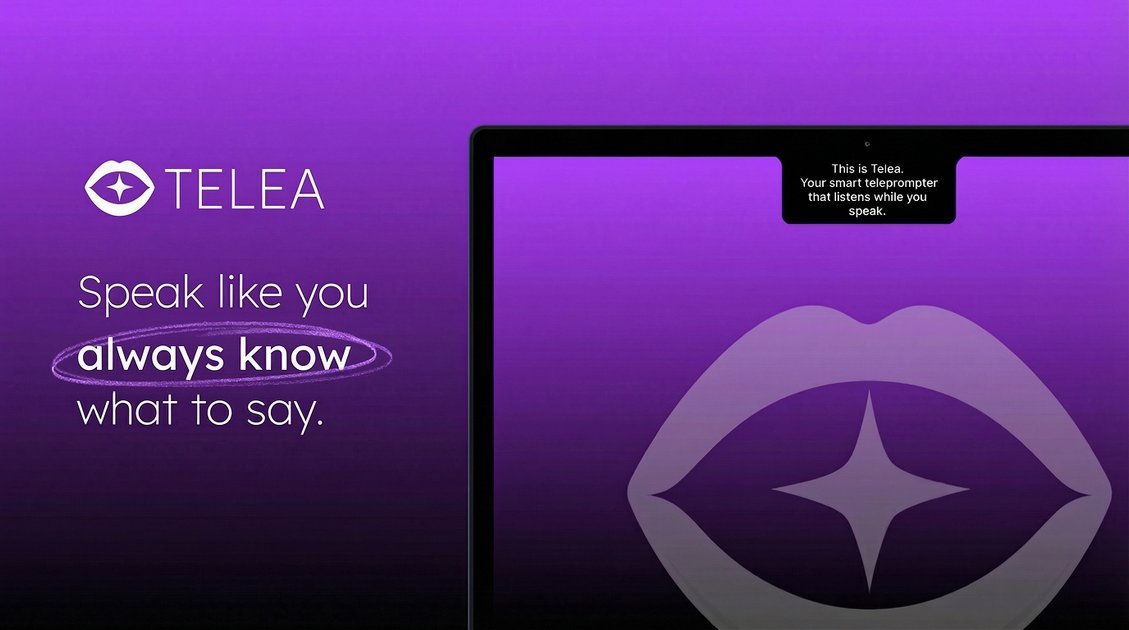
Telea is an intelligent on-camera prompter placed next to the camera to help you maintain natural, effortless eye contact while you speak.
What is Telea?
Telea is an intelligent on-camera prompter designed to help you “speak like you always know what to say.” Placed next to the camera, it supports more natural eye contact while you deliver your lines.
Its core purpose is to reduce the need to look away from the lens, so you can stay focused on the camera during recording, presentations, or other on-screen communication.
Key Features
- On-camera placement next to the lens: Helps keep prompts within view so you can maintain natural eye contact.
- Intelligent prompting for what to say: Provides guidance while you speak, reducing reliance on memorization.
- Designed to keep delivery effortless: Supports smoother speaking by keeping references close to the camera line of sight.
How to Use Telea
- Set Telea up next to your camera so its prompts are visible while you look toward the lens.
- Begin your recording or speaking session, using Telea’s prompts as you deliver your script or talking points.
- Speak while referencing the on-screen guidance to keep your gaze on the camera as much as possible.
Use Cases
- Video calls and client updates: Use Telea while delivering prepared notes without breaking eye contact.
- Content creation (talking-head videos): Follow prompts while recording so your attention stays on the lens.
- Presentations and announcements: Use it during rehearsals or live-style recordings to keep delivery consistent.
- Job interviews or practice sessions: Reference talking points while speaking naturally to the camera.
- Training or instructional recordings: Stay aligned with key steps while avoiding frequent screen or document switching.
FAQ
-
Where is Telea placed? Telea is described as being placed right next to the camera.
-
What does Telea help with while speaking? It provides intelligent prompting for what to say and is intended to help you keep natural eye contact.
-
Is Telea meant for recording or live delivery? The content describes on-camera use; it can be used during recording and camera-facing speaking sessions.
-
Does Telea require you to look away to read? The stated design goal is to keep prompts close to the camera, so your eye contact can remain natural.
Alternatives
- Teleprompter apps on a phone/tablet placed near the camera: Similar concept of nearby text prompting; typically relies on manual placement and reading.
- Hardware teleprompters for cameras: A dedicated device for scrolling text; often designed specifically for cueing and eye-line maintenance.
- Script cards or printed notes off to the side: Keeps you from reading from the main screen, but may still cause gaze shifts depending on where the notes are placed.
- Autocue features in video/streaming software: Prompts generated or displayed within the workflow of recording or streaming tools, with different setup and UI constraints.
Alternatives

Tavus
Tavus builds AI systems for real-time, face-to-face interactions that can see, hear, and respond, with APIs for video agents, twins & companions.

Scriptmine
Scriptmine turns real audience conversations into camera-ready scripts with community questions and trending angles—helping you write, edit, and record faster.

Bezel
Mirror iPhone to your Mac with wireless AirPlay or USB, plus recording and screenshot tools with bezel and background.

Capso
Capso is a free, open-source macOS app to capture, annotate, record MP4/GIF, and extract text with OCR—built with Swift 6 and SwiftUI.

Lumox
Lumox is a macOS app for wireless iPhone screen mirroring with built-in screenshot/video recording and a Media Library for exporting results.

Ailytics
Ailytics is AI-powered video analytics that improves safety and operational efficiency for construction, manufacturing, and heavy industries.