

UStack
UStack is an all-in-one AI tools directory that curates and updates listings to help you discover and compare AI software across categories.
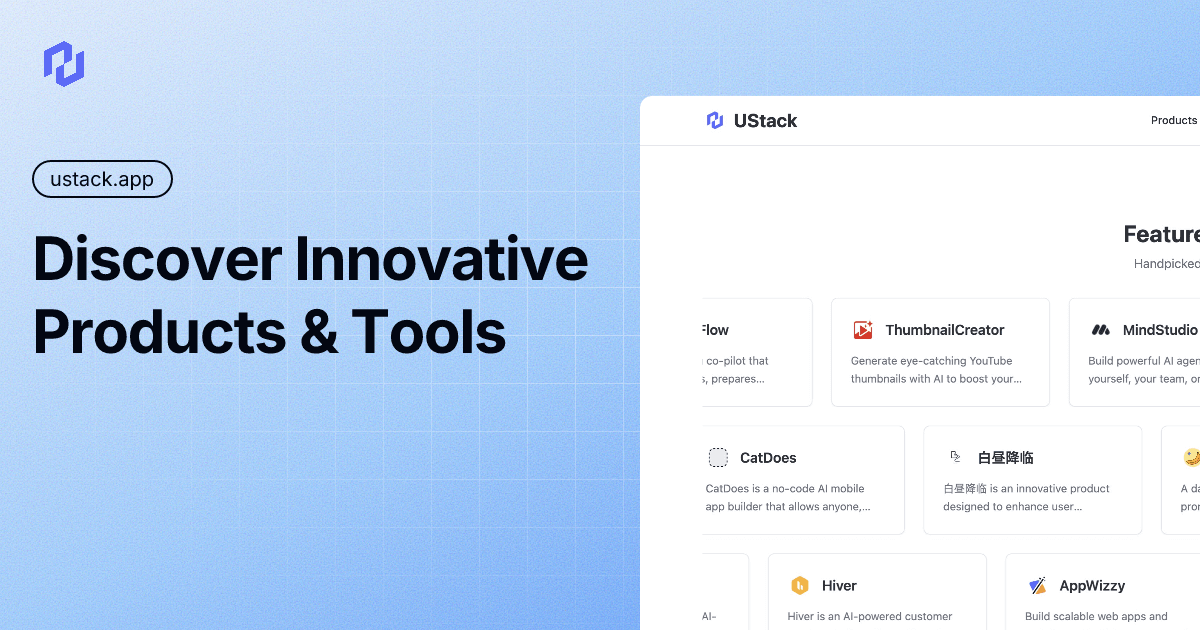
What is UStack?
UStack is an all-in-one AI tools directory that curates and lists AI tools and software. It’s designed to help people discover, compare, and explore a broad range of AI products across many categories.
According to the site, UStack features a continually updated catalog (including “trending” listings) and highlights featured products. The directory includes tool listings spanning areas such as agent development, speech and audio, marketing, analytics, legal assistance, 3D/image generation, and app development support.
Key Features
- Curated directory of AI tools across many categories: Explore listings across a wide set of topics rather than searching one vendor’s ecosystem.
- Large catalog with daily updates: The site states it updates the directory daily, which supports ongoing discovery of new or changed tools.
- Featured product spotlights: Prominent examples are shown directly on the page (e.g., to-do apps, agent tooling, Chrome extensions, and frameworks).
- Coverage of multiple workflow needs: Listings include tools for project management, agent registries, advertising control, legal document review, and media generation.
How to Use UStack
- Open ustack.app and browse the directory listings and categories.
- Use the category focus to narrow to a domain (for example: AI agents, speech/audio tools, or developer tools).
- Review featured entries and selected listings to understand what each tool does before choosing one for your workflow.
Use Cases
- Finding an AI agent tool for development workflows: If you’re building with AI agents, you can look for listings related to agent registries, agent frameworks, or coding/debugging agents.
- Using speech and audio tools from the browser: If you want hands-free updates or listening experiences, the directory includes examples like Chrome extensions that read social feeds aloud.
- Planning marketing or analytics assistance with AI: For advertising or campaign workflows, you can browse listings that describe AI-assisted campaign control, reporting, or marketing agents.
- Reviewing legal or policy documents with AI assistance: The directory includes tools positioned around analyzing terms and privacy policies to identify risks before accepting them.
- Generating images, 3D content, or presentation materials: When you need creative or presentation outputs, you can search for listings covering image enhancement, 3D generation, or AI-assisted decks.
FAQ
How often is the directory updated?
The site states that the directory is updated daily.
Does UStack include tools from many different categories?
Yes. The page describes coverage of 150+ categories and provides examples across productivity, developer tools, speech/audio, marketing, and media generation.
Can I use UStack to compare tools?
The directory is intended to help you discover and compare AI tools and software by browsing categorized listings and featured products.
Is UStack itself an AI product or a directory?
Based on the page content, UStack is a directory of AI tools and software listings rather than a single end-user AI application.
Alternatives
- General software directories and marketplaces: Instead of a directory specialized in AI, general app/software listings may require more manual filtering to find AI-specific tools.
- AI developer platforms and marketplaces: Developer-focused platforms can provide stronger integration paths for building with AI, but may be narrower than a broad cross-category directory.
- Category-specific AI tool aggregators: If you only need one domain (e.g., speech-to-text, image generation, or project management), a domain-focused aggregator can be faster to browse than a wide directory.
- Search-based discovery (web search or app store search): Useful for finding exact tool names, but less structured for cross-category browsing and comparison.
Alternatives

Deskboard
Deskboard turns folders into visual workspaces, letting you arrange files freely, add widgets, annotate content, and stay synced with actual files.

ReactVision Studio
ReactVision Studio is a browser-based AR and VR editor for building scenes visually and shipping natively to iOS, Android, and Meta Quest via React Native and ViroReact.

Shadow
Shadow is a Mac app that captures what you see, hear, and say, then runs custom Skills on that context for notes, replies, and summaries.

Montage
Montage is an agentic UI rendering platform for rich, interactive AI interface components, with a single SDK and support for any underlying model.

SearchAd AI
SearchAd AI is a chat-based tool for planning Apple Search Ads campaigns with country-specific keywords and budgets, requiring approval before launch.

Origio
Origio is a country and city comparison tool for moving or working abroad, personalized by your job and passport. Compare salaries, visas, cost of living, and quality of life.