
Connected agent workspace
Vi3ecode keeps project context, workspace tools, terminal, Git, memory, flows, and review connected around the agent session so work can move between planning, execution, and review without rebuilding the environment.

Vi3ecode is a maintained development environment for AI coding agents, keeping project context, terminal, Git, memory, flows and review connected.
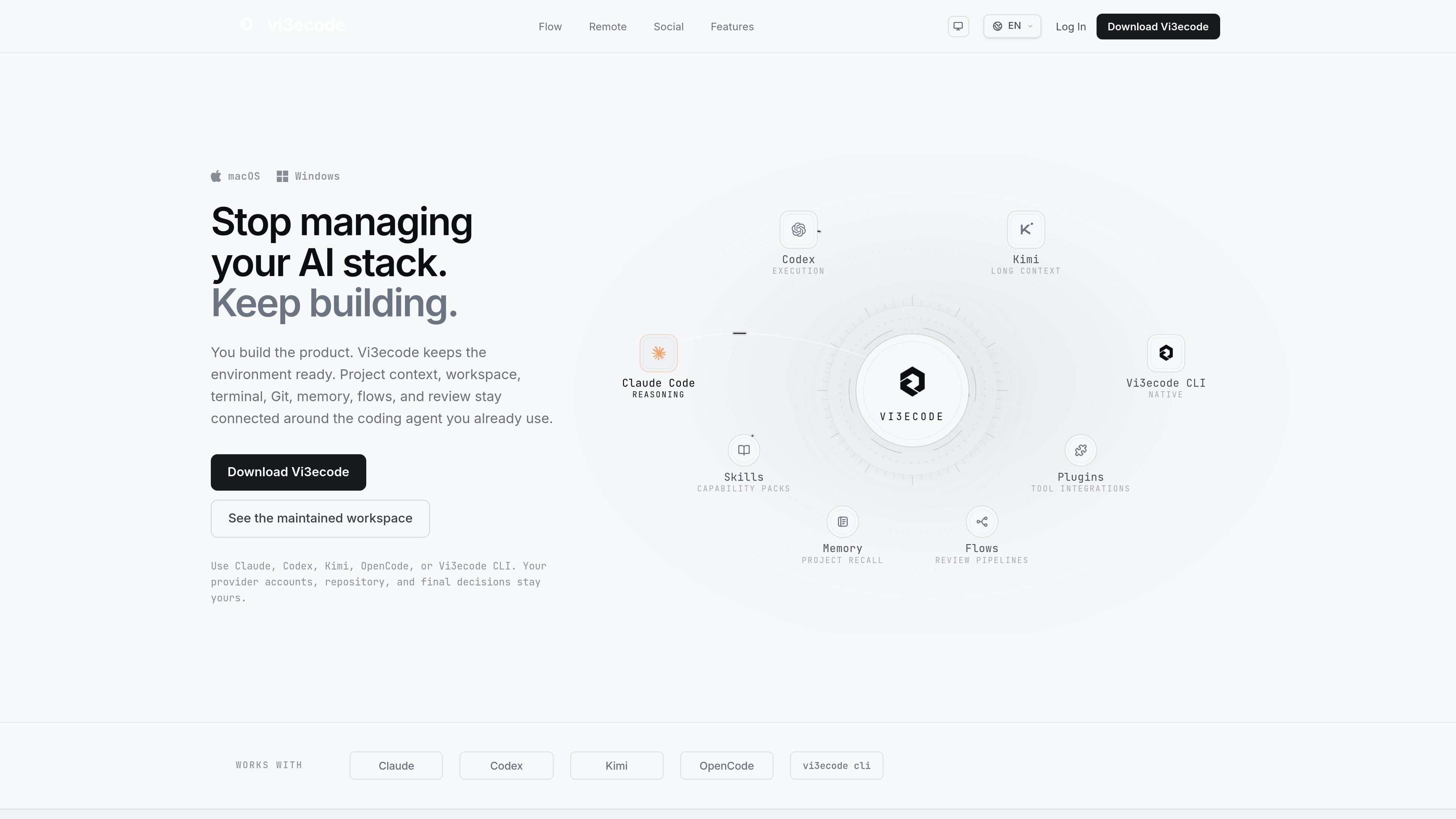
Vi3ecode is a maintained development environment for people using AI coding agents. Rather than acting as a single model or chatbot, it provides the surrounding workspace: project context, terminal, Git, memory, flows, review, chat, and remote access stay connected while you build.
The homepage frames the product as “stop managing your AI stack” software for developers who already use agents such as Claude, Codex, Kimi, OpenCode, or Vi3ecode CLI. The aim is to keep the environment ready so you can switch agents or models without rebuilding your workflow from scratch.
The pricing page shows a product ladder from Free to Ultra, with paid plans adding AI credits, more projects, swarm runs, dictation time, and higher-tier workspace tools. The download page confirms desktop app support for Windows and macOS, plus a standalone CLI for macOS/Linux and Windows.
Taken together, the source content positions Vi3ecode as a workspace layer for AI-assisted development: a place to plan tasks, run terminal work, review changes, and keep team communication nearby while the agent does the execution.
Vi3ecode keeps project context, workspace tools, terminal, Git, memory, flows, and review connected around the agent session so work can move between planning, execution, and review without rebuilding the environment.
Flow Studio lets you turn a goal into a multi-step flow by defining steps, linking dependencies, assigning agents and models, and adding review gates before running the workflow in one workspace.
The browser access workflow lets you watch live terminal panels from the web, send commands remotely, and keep encryption keys on paired devices with host approval for critical actions.
The product includes chat, direct messages, group chat, and one-to-one voice calls or audio calls so discussions can sit next to the development surface instead of in separate tools.
Pricing and changelog pages show project memory, reusable profiles, a memory vault, a memory panel, and a Gardener tool, which are positioned as ways to keep work and preferences available across changing agents.
The download and changelog pages show a desktop app, browser-based access, CLI support, in-app updates, and evolving workflow modules such as Kanban, Notepad, Lab Mode, Deploy Mode, and Marketing Mode.
A developer can keep Claude, Codex, Kimi, or another supported agent on the task while the surrounding workspace stays intact, which is useful when the team wants to change models without reworking the project setup.
When a task needs several steps, a user can define the goal, connect dependencies, assign agents and models to each step, and add review gates before running the flow. This suits repeatable implementation or release work.
A remote developer can monitor a live terminal from the web, send commands, and rely on paired-device encryption with host approval for sensitive actions. This is aimed at situations where someone needs to keep a build moving while away from the desk.
A team can keep project chat, direct messages, group chat, and voice calls next to the build surface, which reduces the need to move decisions into separate communication tools.
A developer handling ongoing projects can use project memory, reusable profiles, and review tools to pick up where they left off after switching agents or returning later.
Vi3ecode is a desktop workspace for working with coding agents while keeping project context, terminal access, Git, memory, flows, and review in one place. The site also describes browser access, chat, voice, and remote terminal features.
The download page lists a desktop application for Windows and macOS, plus a standalone Vi3ecode CLI for macOS/Linux and Windows. The Windows installer and system requirements are also shown on the download page.
The pricing page shows a Free plan and paid Basic, Pro, and Ultra plans. Paid plans add more AI credits, projects, swarm runs, dictation minutes, and higher-tier workspace features such as Kanban, memory tools, remote terminal, and MCP server list.
Vi3ecode is built around the coding agent you already use, and the homepage says you can use Claude, Codex, Kimi, OpenCode, or Vi3ecode CLI while keeping your repository and decisions yours. The product is presented as an environment around the agent rather than a replacement for your existing workflow.
The source does not spell out every integration or setup detail. It does show tool integrations, a plugin system, and specific entries such as the Graphify plugin and MCP server list, but the full supported set is not fully documented in the collected pages.

ByteAsk is a terminal-first AI coding agent for C and C++ that edits repos and verifies changes with compilers, debuggers, sanitizers, and tests.

Ghost is a terminal-based AI assistant for chatting, code generation, and CLI tasks. Includes free models, supports Linux, macOS, Windows, and is open source.

Lucid Train is a local-first AI coding harness that turns repo code into architecture diagrams for coding agents. Desktop app and Rust CLI, local models or API keys.

CreateOS Sandbox is an isolated compute environment for running code and agent workloads in Firecracker micro-VMs with private networking and SDK, CLI, or MCP control.

hob is an independent workspace for coding agents, with local control over sessions, terminals, history, routing, and follow-up work.

Grok 4.7 is an xAI model for coding and knowledge work, available via Grok Build, Cursor, the Grok API and more, from $2 per million input tokens.