
Spotit
Spotit is a macOS app that reads your screen and highlights exactly where to click, using voice questions and on-screen guidance.
What is Spotit?
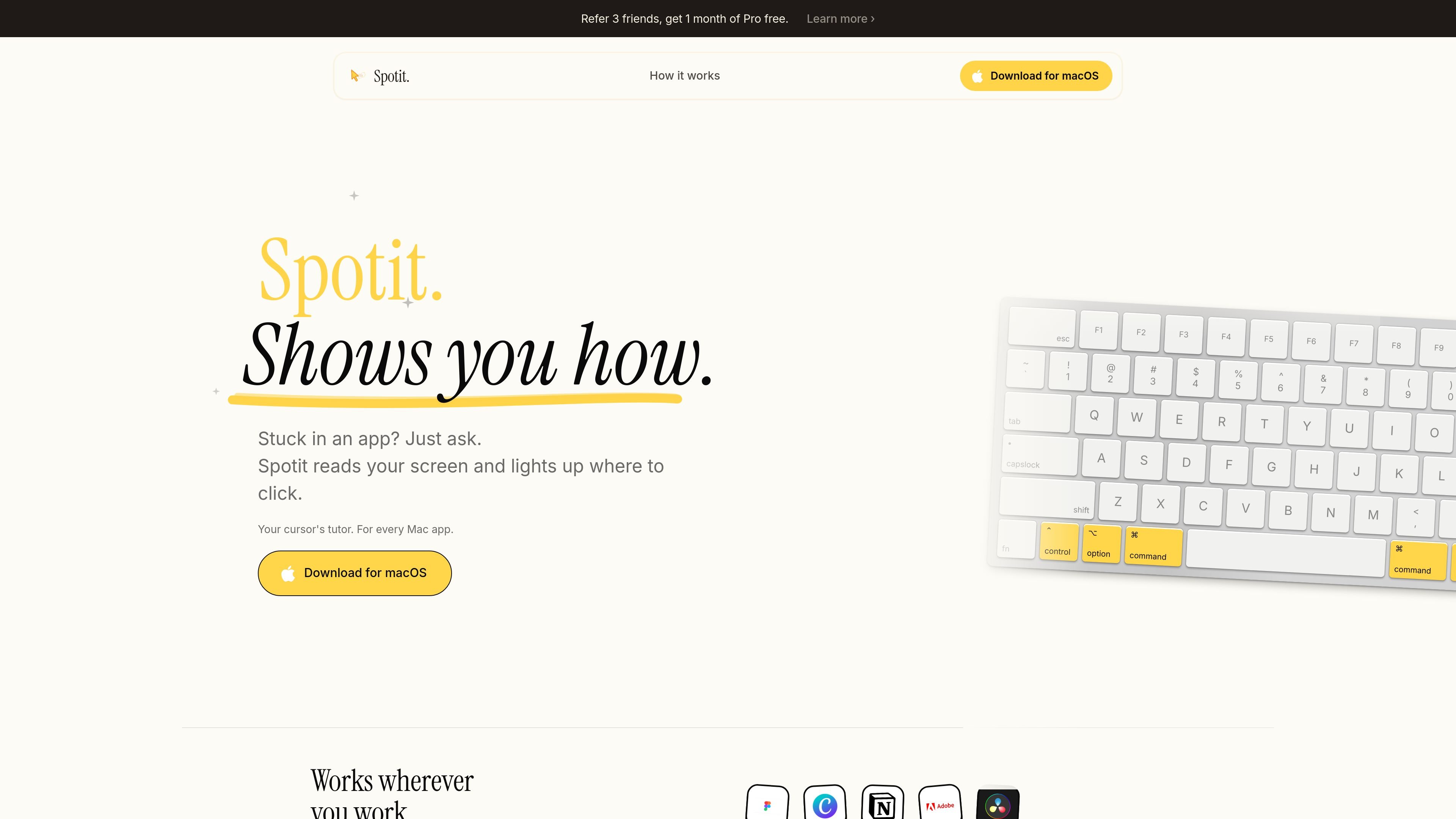
Spotit is a macOS app that helps you figure out what to do inside another application. When you’re stuck in an app, Spotit reads your screen, works out the steps, and highlights exactly where to click.
Spotit is designed to be used in the moment—without tabs or multi-step tutorials—so you can learn by doing as you interact with your workflow.
Key Features
- On-screen guidance from the current view: Spotit reads your screen and points to the exact place to click, reducing the need to search for instructions.
- Question-and-answer interaction: Hold a shortcut to record, release to ask, and then Spotit displays the answer on screen.
- Voice-first input: The product emphasizes voice as the main way to communicate what you need help with.
- Privacy-first voice handling: Spotit states that your words never leave your machine.
- Works across apps: It is described as working in “any app,” with examples including Photoshop, Figma, Excel, Logic, and Xcode.
- User control option: The interface can click when asked, while still keeping you in control of what happens.
How to Use Spotit
- Download and install for macOS (Spotit is described as macOS only for now).
- Open the app you’re working in (Spotit is intended to guide you inside other applications).
- When you’re stuck, hold the shortcut to record and then release to ask your question.
- Follow the on-screen pointer and instructions: Spotit points to where to click and shows the answer on screen.
Use Cases
- Design tool instructions (Figma): If you can’t find the next step while working in Figma, ask Spotit and follow the highlighted click location.
- Image editing workflow (Photoshop): When a task in Photoshop is unclear, Spotit can guide you by pointing to the UI element to use.
- Spreadsheet navigation (Excel): If you’re trying to perform a step and don’t know where to click, ask Spotit and use its on-screen guidance.
- Music production help (Logic): While working in Logic, you can request help for the next action and see guidance overlaid on screen.
- Developer tooling guidance (Xcode): When you get stuck inside Xcode, Spotit can highlight where to click and show the answer on screen.
FAQ
-
Is Spotit available on macOS only? Yes. The site states “Join waitlist” and “macOS only for now,” and it says you’ll be notified when it expands.
-
Do I need to use tabs or tutorials? No. The page explicitly says “No tabs” and “No tutorials,” describing a learn-by-doing flow.
-
How does Spotit capture my question? You hold a shortcut to record your voice and then release to ask.
-
Is my voice recorded on the server? Spotit states “Voice privacy first” and that your words never leave your machine.
-
Can Spotit guide me inside other apps? Yes. It’s described as working in “any app,” with examples provided for Photoshop, Figma, Excel, Logic, and Xcode.
Alternatives
- Search-based help (web search / in-app help): Instead of asking Spotit and seeing guidance where to click, you look up instructions externally; this can be slower when you need the answer in the exact UI context.
- Screen recording + manual coaching (human or community support): You share your screen and wait for guidance; this may involve latency and coordination compared with on-screen prompts.
- Tutorial-heavy learning resources: Interactive courses or built-in tutorials teach concepts up front, whereas Spotit focuses on answering questions in the moment while you work.
- Other voice-guided assistant apps: General assistants can answer questions, but Spotit’s positioning is specifically about reading what’s on your screen and pointing to where to click.
Alternatives
Gemma AI
Gemma AI is a smart application that calls you directly with personalized, intelligent voice reminders to ensure you never miss important tasks, appointments, or deadlines.
PXZ AI
An All-In-One AI Platform that combines tools for image, video, voice, writing, and chat to enhance creativity and collaboration.
MealTime
MealTime is your personal, offline-first recipe companion designed to help you save, organize, plan meals, and generate smart grocery lists, all while keeping your data private.
TubeKit by Productize Your Mind
TubeKit by Productize Your Mind turns a YouTube video or playlist into AI-powered tools—paste a public link, pick a suggestion, customize and share. Free.
Lemon
Lemon AI agent converts voice to tasks: manage messages, research, delegate work without app switching. Boost productivity.
OpenAI Realtime API
Build low-latency, multimodal voice and realtime audio experiences with OpenAI Realtime API—browser voice agents and realtime transcription.

