
One-key activation
Hold the Right Option key, speak, and release. The app is designed around a single gesture so you can start dictating without opening a window or switching modes.

Wave is a native macOS dictation app with hold-to-talk, local Whisper support, and optional Groq transcription. Free, open source, no account needed.
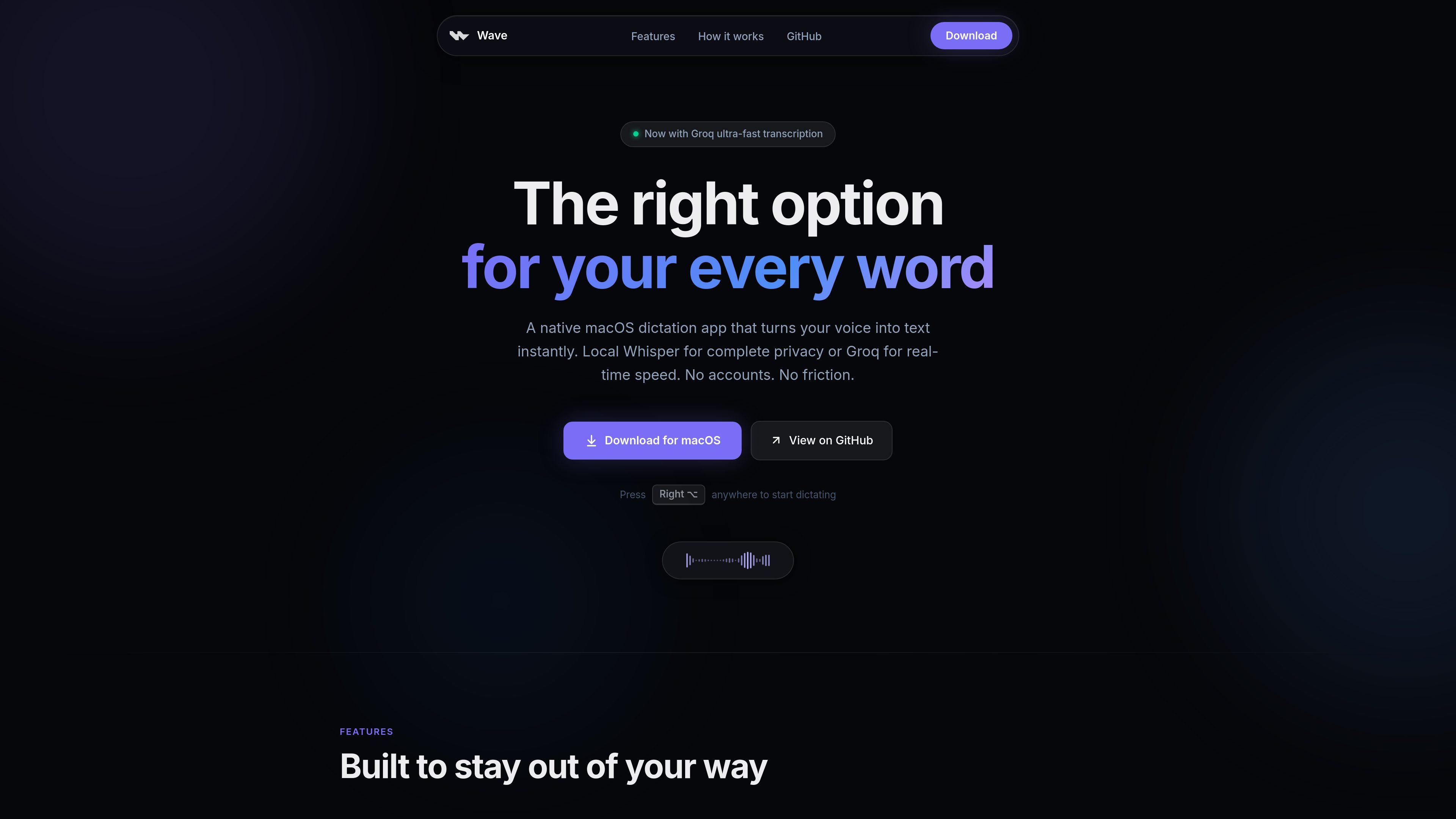
Wave is a native macOS dictation app that turns speech into text from anywhere you can type. It is built around a simple hold-and-speak interaction using the Right Option key, then inserts the result at the cursor in the active app.
The product offers two transcription paths: local Whisper processing for offline, privacy-focused dictation, or Groq-backed transcription for faster results. It also includes an AI mode for turning spoken intent into polished text and a selection mode for rewriting highlighted text in place.
Hold the Right Option key, speak, and release. The app is designed around a single gesture so you can start dictating without opening a window or switching modes.
Wave can run Whisper locally on your Mac, keeping audio processing on-device for private dictation that does not depend on a cloud service.
If lower latency matters more than local processing, Wave can use Groq for near-instant transcription with your own API key.
Wave inserts text directly at the cursor, so dictated text appears in the app you are already using instead of a separate editor or clipboard step.
The app supports dictating the intent of a message or request, then turning that into polished text rather than a literal transcript.
You can highlight existing text, hold the shortcut, and speak an instruction to rewrite the selection in place.
Use the Right Option shortcut to dictate emails, notes, or messages directly into the app you are already working in, without opening a separate window.
Choose local Whisper when you need dictation that continues to work without Wi-Fi or cloud processing.
Switch to Groq when you want lower-latency transcription and are comfortable supplying your own API key.
Use AI Mode to speak a request or rough idea and have Wave turn it into polished text, such as a drafted email or request.
Select existing text and issue a spoken edit command to fix grammar, shorten copy, or change tone in place.
Yes. The site says Wave is 100% free and open source, and the app itself does not require an account.
Wave’s local Whisper mode works offline. Internet is only needed if you switch to Groq-hosted speech or AI rewrite features.
Wave is a native macOS app and the site says it works on macOS 14 Sonoma or later, on Apple Silicon and Intel Macs.
For Groq-hosted transcription or AI rewrite features, you use your own Groq API key. The site says no account is required for the app itself.

SpeakoFlow is a free, open-source desktop voice-to-text app for Windows, macOS, and Linux. Dictate into any app, use Flow, cleanup, translation, and a screen-aware assistant.

QuickQuill is a local-first macOS dictation and transcription app to record meetings, summarize audio, and export notes without the cloud.

Zen Whisper is a local-first dictation and transcription app for Apple Silicon Macs on macOS 14+. Dictate into most Mac text fields and transcribe media or supported public links across 110 languages.

Speech to Text Converter is a browser-based transcription tool for live dictation and uploaded audio or video files. Free for short tasks, Pro offers unlimited transcription, AI summaries, translation, speaker ID, and advanced exports.

Sanota turns spoken memories and interviews into clear written stories for personal storytelling, family history and shared memories, with guided prompts and subscriptions.

Carbon Voice is an async voice messaging app for teams and individuals, with transcripts, AI catch-up, and cross-device access.