
Visual builder with CMS
Design websites visually while managing content through a built-in CMS for dynamic pages, collections, and other structured content.

Ycode is an open source website builder and CMS for designing, hosting, and updating custom websites. Self-host or use Ycode Cloud.
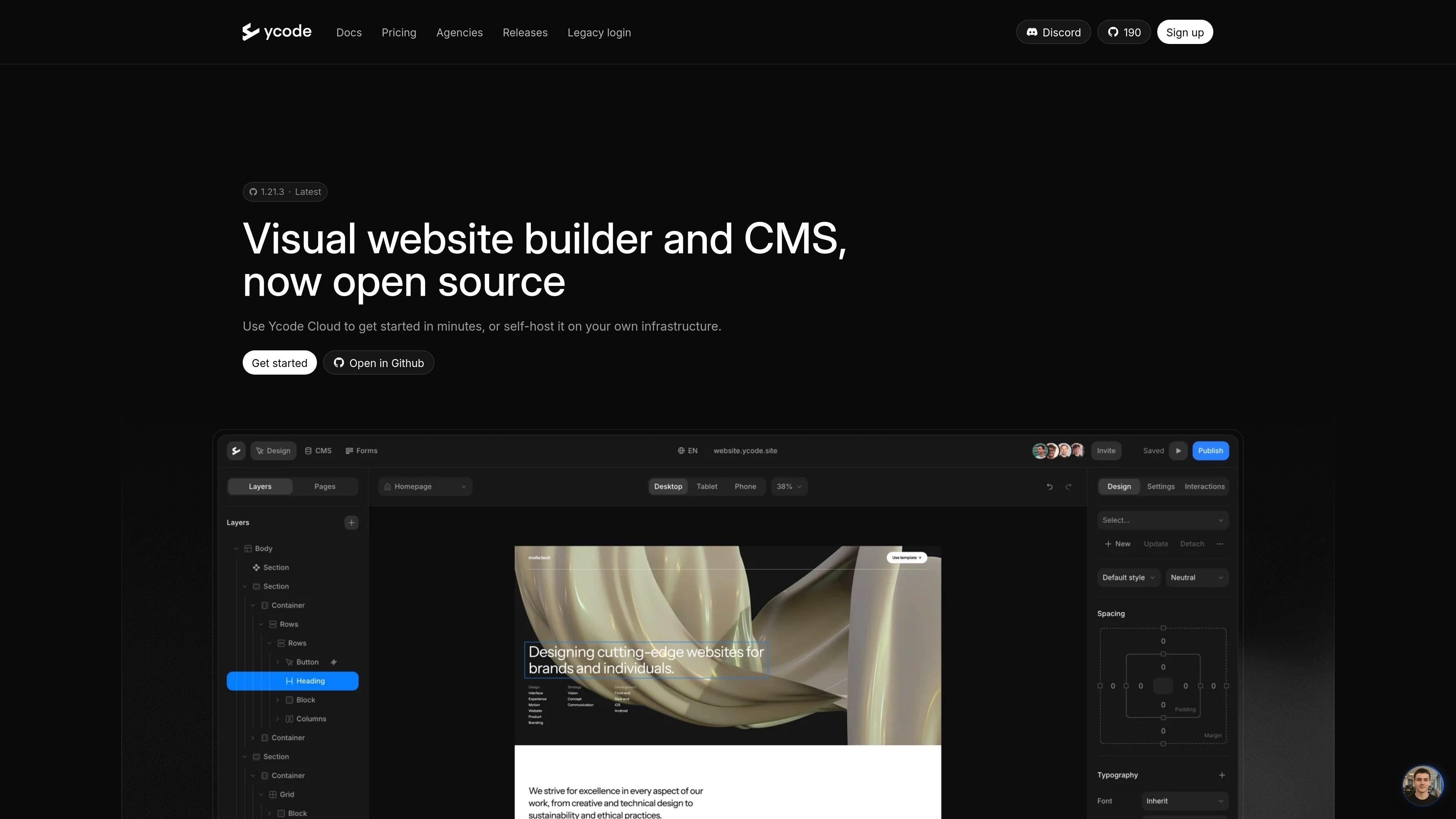
Ycode is an open source website builder and CMS that combines visual site design with content management and hosting options. The product is positioned for people who want to build a custom website without giving up control of the code or infrastructure.
The site says you can run Ycode on your own infrastructure or use Ycode Cloud if you prefer a managed setup. For self-hosting, the documented workflow is to fork the repository, deploy to Vercel, and connect Supabase before building.
Ycode also offers a separate agency workspace with white-label controls and unlimited projects, aimed at teams managing multiple client sites. The product pages frame it as an option for website building, CMS-driven content, and controlled deployment rather than a closed hosted platform.
Design websites visually while managing content through a built-in CMS for dynamic pages, collections, and other structured content.
Choose between Ycode Cloud for a managed setup or self-host the platform on your own infrastructure.
Follow the documented self-host flow: fork the repository, deploy to Vercel, and connect Supabase.
Use the agency workspace for unlimited projects and collaborators under one monthly price, with a white-label dashboard and builder.
Move existing work from design and website tools, including Figma and Webflow, according to the agency and alternative pages.
Build websites directly from AI tools through Ycode MCP, which the agency page says works with Claude, OpenAI, and other models.
Build a custom website visually while keeping content in a CMS, so pages and collections can be updated without changing the underlying code every time.
Deploy the product on your own infrastructure when you want control over hosting, code, and deployment rather than a closed platform.
Run multiple client websites in one white-label workspace with unlimited users and projects under a fixed agency plan.
Rebuild or migrate from Webflow when you want an open source setup with more control over ownership and platform dependence.
Use Ycode MCP with AI tools to accelerate page creation and content management tasks inside a website workflow.
Yes. The site describes Ycode as an open source website builder and CMS, and says you can either use Ycode Cloud or self-host it on your own infrastructure.
Ycode includes a built-in CMS for managing dynamic content such as blog posts, pages, and collections.
The agency page says Ycode supports unlimited projects and users for agencies, with a white-label dashboard and builder.
The public site says you can start by forking the repository, deploying it to Vercel, and connecting Supabase.
The source pages do not provide a dedicated migration guide, but the Webflow alternative page says you can move from Webflow and migrate CMS content, pages, and designs.

Wowable is an AI website builder that turns Google Maps listings, social profiles and screenshots into an editable site you can preview and publish.

Repaint is an AI website builder that rebuilds existing sites or creates new ones from a description, then lets you refine the result by chat. It supports publishing on Repaint or a connected custom domain, with a free tier and paid plans for expanded usage.

Prompty Town is a web product that turns a link into a building in a small internet city. It appears to let users buy a tile, add a prompt, and publish the result alongside other buildings.

Make Real is a Next.js app that turns hand-drawn wireframes into working HTML prototypes using the tldraw SDK and AI models. It helps users sketch on a canvas, generate code, and review the result in an embedded preview.

beehiiv is a newsletter platform for creators, publishers, and brands that want to build, grow, and monetize email newsletters and websites from one place. It offers a free Launch plan, plus paid tiers for more advanced growth, monetization, and support features.

findloc.ai publishes public AI reports for local markets and checks individual business websites for AI visibility signals. It helps owners, marketers, and agencies see which businesses AI assistants recommend and what their own site may be missing.