
Text, voice, and workflow entry
NeuralAgent can take instructions by text or voice, or run a saved workflow from chat. That makes it usable for both new tasks and repeatable routines.

NeuralAgent is an AI computer-use platform that sees your screen and controls desktop and browser apps by text, voice, or saved workflows. It offers free and paid plans for individuals, plus enterprise deployment and supervision for team workflows.
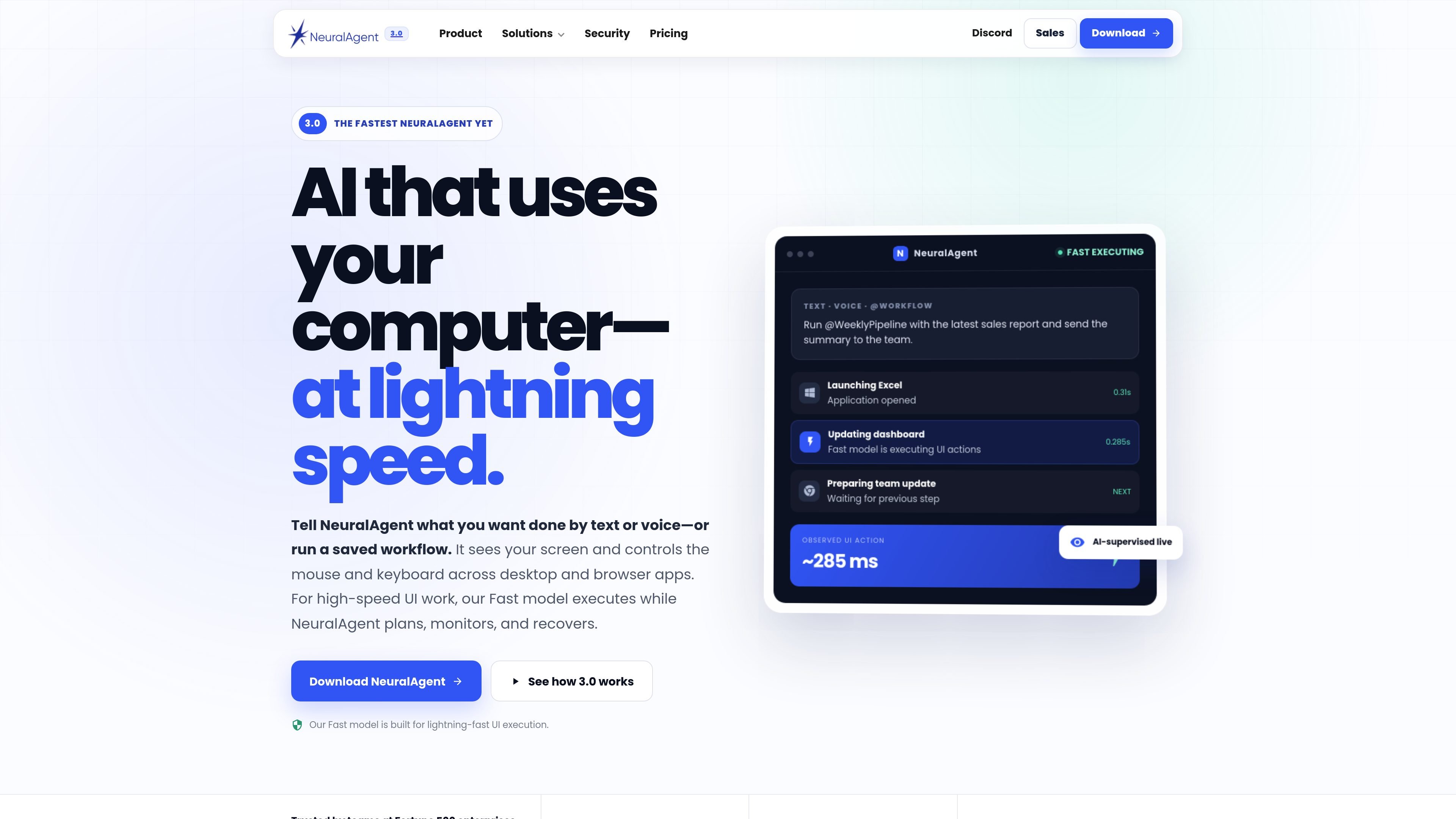
NeuralAgent is an AI computer-use product that sees your screen and operates the mouse and keyboard across desktop and browser applications. It is built to run tasks by text, voice, or saved workflows, with a Fast model that handles rapid UI execution while NeuralAgent plans, monitors, and recovers.
The product is positioned for individual workflows as well as team and enterprise use. On the pricing page, NeuralAgent offers a Free plan, paid individual plans, and Enterprise options for deploying workflows across work computers and enterprise-managed cloud computers with centralized supervision.
NeuralAgent can take instructions by text or voice, or run a saved workflow from chat. That makes it usable for both new tasks and repeatable routines.
It sees the screen and controls the mouse and keyboard across desktop and browser apps, so it can work through the same interfaces people already use.
The Fast model is designed for rapid UI execution, handling clicks, typing, scrolling, and navigation while NeuralAgent plans and supervises the task.
Watch & Learn lets you demonstrate a task once and save it as a reusable workflow or Fast Replay for later runs.
NeuralAgent can route steps between Balanced, Advanced, Fast, and Supervised modes depending on task complexity and recovery needs.
Enterprise users can deploy workflows across work computers and cloud computers, with centralized monitoring, permissions, and recovery controls.
Ask NeuralAgent to update a report, move through applications, or complete repetitive interface work while you keep working on other tasks.
Turn a manual process into a saved replay after demonstrating it once, then run that same sequence again with new variables or updated inputs.
Use the enterprise dashboard to distribute workflows across employee computers or dedicated cloud computers, with centralized monitoring and scheduling.
Rely on the Fast model for rapid clicks, typing, scrolling, and navigation when the task is routine but still needs supervision.
Use Voice Mode or text chat to launch work hands-free, including mention of saved workflows such as @Workflow-style runs.
Yes. The pricing page says you can start free on the Free plan and then add more capacity if needed.
Paid plans are offered on monthly and annual billing. Annual billing is shown as a 10% discount on the monthly equivalent price.
All plans include NeuralAgent models, the Fast model, Fast Replays, and scheduled workflows, with paid plans providing higher usage and capacity.
Enterprise plans add the Enterprise Dashboard, enterprise-managed cloud computers, fleet deployment, and centralized operational controls.
The site says enterprise deployment and data-handling needs vary, and the NeuralAgent team will review controls, environments, identity, and operational boundaries with your organization.

Gemma AI is a phone call reminder app that calls you with scheduled reminders instead of push notifications. It helps people who want a more direct way to stay on schedule, with Google Calendar sync and conversational call interactions.

Redline is a budgeting tool for Claude Code that paces sessions to stay within time, token, cost, or plan-percentage limits. It uses Claude Code’s native hooks and statusline to help sessions finish with a usable result instead of stopping abruptly.

Claude Overlay is a Windows desktop overlay for Claude Code that reads your screen so you can ask questions, inspect content, and request edits without leaving the current app. It runs on your existing Claude subscription through the Claude CLI, so no separate API key is required.

Spotit — macOS‑приложение: читает ваш экран в другой программе и подсвечивает, куда кликать. Попросите голосом и следуйте подсказкам.

Macuse is a macOS app that lets AI assistants control native Mac apps through MCP and use Computer Use for any app. It works with clients like Claude Desktop, Cursor, and Raycast, and keeps automation on-device.

ByteAsk is a terminal-first AI coding agent for C and C++ that edits repositories and verifies changes with the real compiler, debugger, sanitizers, and tests before showing a diff. It offers a free tier plus paid plans, with editor connectors and zero-retention handling described in the source.