
One-command setup
Copy the install prompt into your agent and start from a guided workflow without creating an account.

Open Vibe is a free, open-source tool that turns Claude Code or another compatible agent into a guided SaaS-building assistant. It helps beginners and experienced builders learn how production web apps work while building their own app.
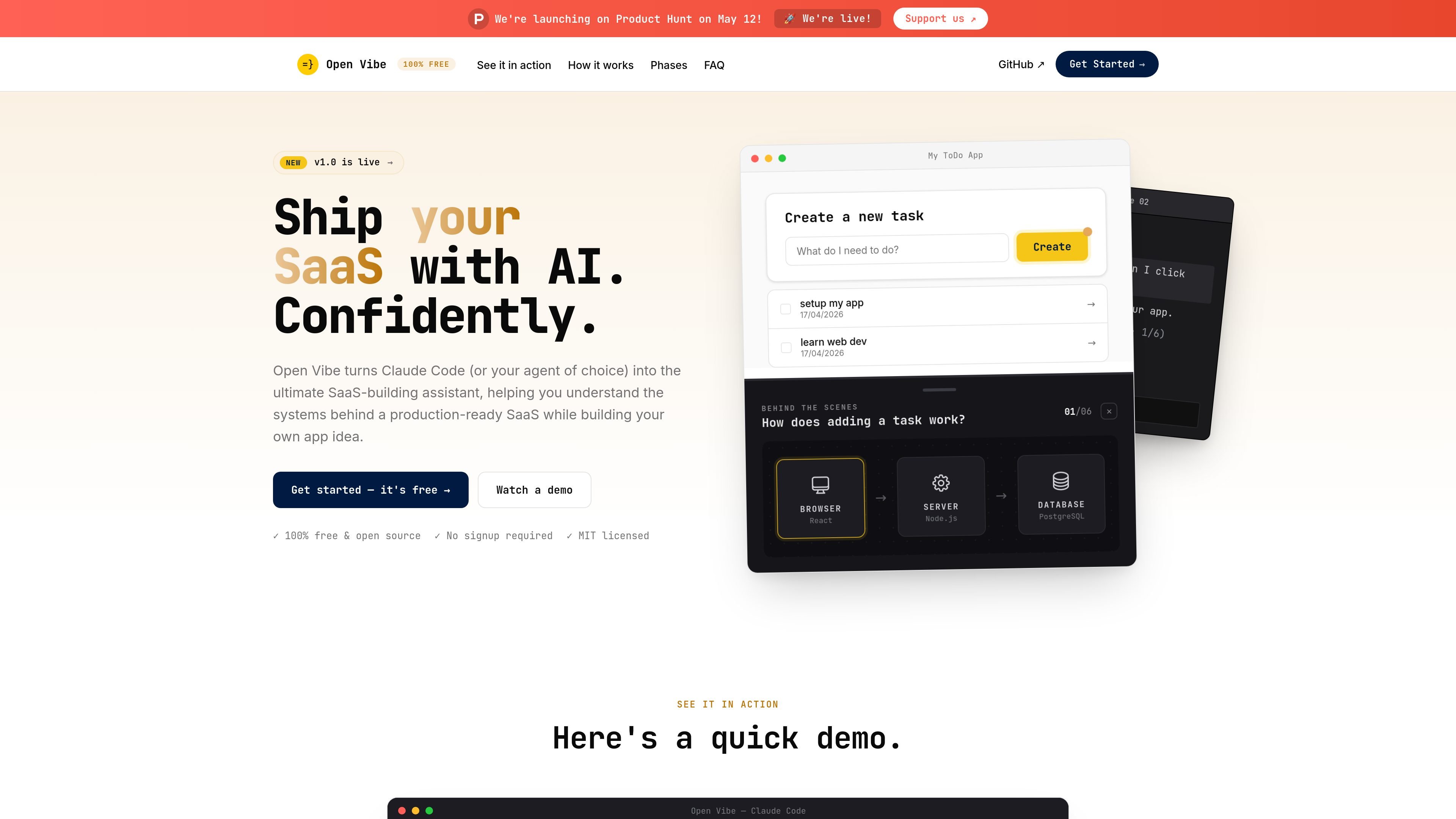
Open Vibe is a free, open-source learning tool for people building SaaS apps with AI coding agents. It turns Claude Code, or another capable agent, into a guided assistant that teaches the systems behind a production-ready app while you work on your own idea.
The site presents Open Vibe as a terminal-based workflow with no signup required. You paste an install prompt into your agent, then build alongside step-by-step instructions, live diagrams, and explanations that help you understand how the app is wired together.
Copy the install prompt into your agent and start from a guided workflow without creating an account.
The course pack is plain Markdown, so the instructions can run in agents that can read files and execute tools.
Open Vibe teaches by embedding guidance, skills, and diagrams directly in the agent session while you build.
Live diagrams show how requests move through browser, server, and database layers on your running app.
The product organizes learning into phases and modules, including basics of web apps and building on the Open SaaS template.
Open Vibe positions itself as a local workflow, so your code stays on your machine while you work.
Use it when you want to build a SaaS app with an AI agent while also learning how the browser, server, and database pieces fit together.
Use it if you are new to web apps and want a guided path from setup through basic full-stack concepts.
Use it if you already know the basics and want to build on the Open SaaS starter template, which includes auth, payments, admin, email, and AI.
Use it when you want explanations that appear inside your agent session instead of switching to videos or static course material.
Use it if you prefer a local, no-signup workflow and want to keep working in your own terminal environment.
Yes. The site describes Open Vibe as 100% free and open source, with the agent instructions, skills, and diagrams under MIT.
No prior coding experience is required. The site says Open Vibe can be used by beginners or pros, and that you only need to type, follow instructions, and stay curious.
It is designed and tested in Claude Code, but the course pack is plain Markdown and is intended to run in any agent that can read files and execute tools.
The site says Open Vibe is built for ten weeks at about 6 hours per week, though some people may move faster or slower.
No. The site says it is a tool for building a production-ready SaaS and understanding what you built, not a bootcamp with a certificate.

ByteAsk is a terminal-first AI coding agent for C and C++ that edits repositories and verifies changes with the real compiler, debugger, sanitizers, and tests before showing a diff. It offers a free tier plus paid plans, with editor connectors and zero-retention handling described in the source.

ClawTick is an AI agent automation platform for scheduling jobs from the CLI, dashboard, or REST API. It is aimed at developers and teams running LangChain, CrewAI, webhook, or custom agent workflows that need monitoring, alerts, and logs.

Falconer is an AI-powered company brain that keeps internal documentation accurate, searchable, and up to date by syncing with tools like GitHub, Slack, and Linear. It helps engineering and cross-functional teams centralize knowledge and answer questions from a shared source of truth.

Ghost — терминальный AI-ассистент для чата, генерации кода и запуска задач в командной строке. Бесплатные модели, Linux, macOS, Windows, open source.

OpenFlags is an open-source, self-hosted feature flag platform for modern JavaScript teams. It supports local evaluation, targeted rollouts, and controlled launches while keeping flag data in your own infrastructure.

Speculos is a deployment tool for Claude Code that publishes what you built to a shareable URL. It supports private, org-wide, or public apps and adds team controls for company domains, data connections, and customer-cloud deployments.