
Ask in Slack
Type a question directly in a Slack channel and get a response without moving to another tool or writing SQL.

Alkemi Slack agent lets teams ask data questions in Slack and get governed answers, charts, and reports in-thread without switching tools.
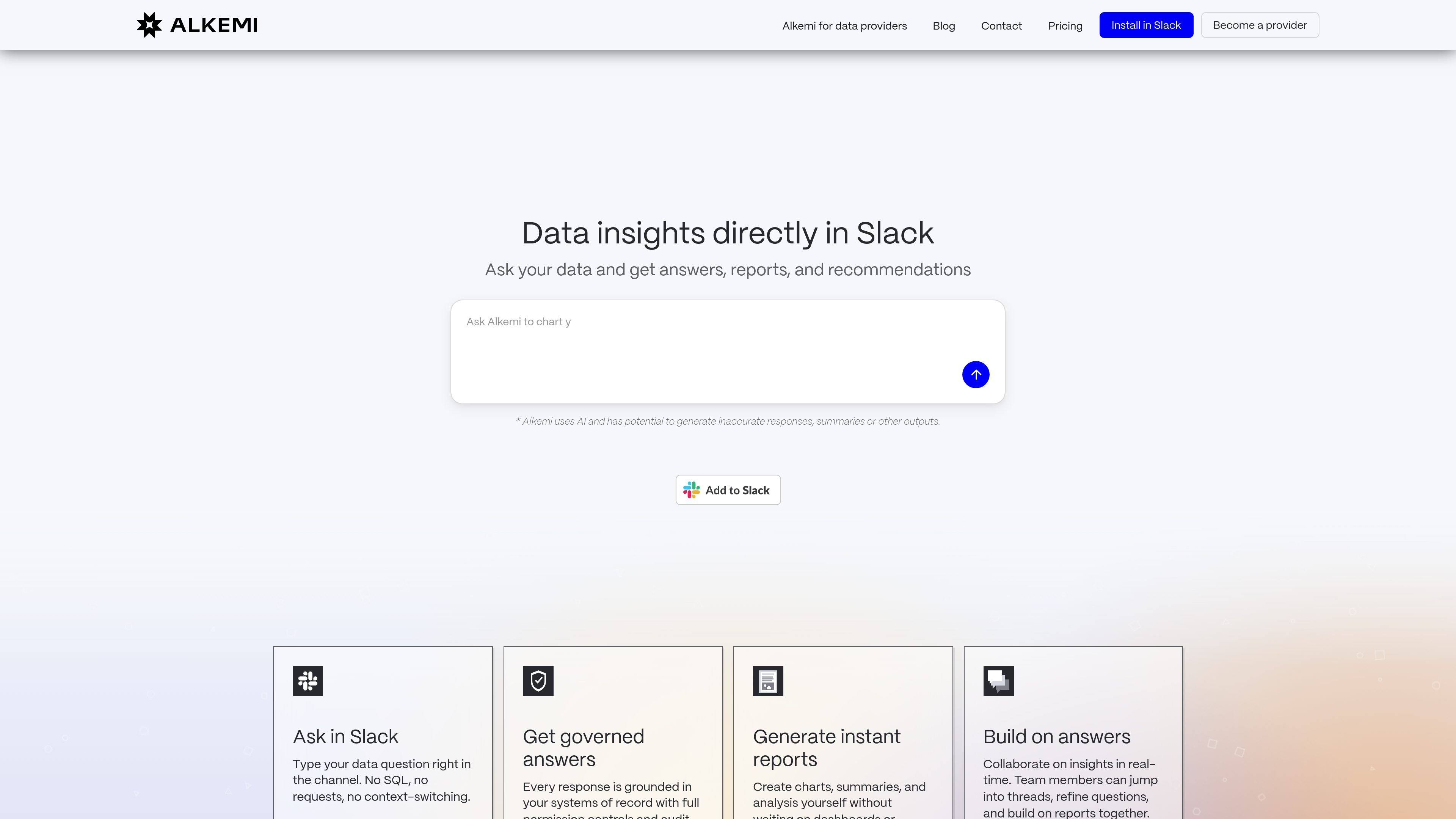
Alkemi’s Slack agent brings data Q&A and reporting into Slack so teams can ask questions in plain English and get answers where decisions are being made. The page positions it as a way to move from question to insight in seconds without switching to dashboards or waiting on analysts.
The product focuses on governed responses tied to systems of record, with permission controls and audit logs called out on the site. It is presented as part of Alkemi’s broader DataLab platform, which is also offered in Starter, Team, and Enterprise plans.
Type a question directly in a Slack channel and get a response without moving to another tool or writing SQL.
Responses are grounded in systems of record and protected by permission controls and audit logs.
Generate charts, summaries, and analysis as reports in the conversation where the question was asked.
Team members can respond in threads, refine the question, and work from the same answer in real time.
Connect Alkemi to a Slack workspace and link data sources with enterprise-grade permissions.
Sales, finance, or operations teams can ask for current numbers in Slack and use the response to move a discussion forward without opening another analytics tool.
Leaders can ask for charts, summaries, and analysis when they need a quick report in the same conversation where the question came up.
Teams can iterate on a question in Slack threads, refine the request, and build on the same answer collaboratively.
Organizations that care about governance can rely on permissioned access and audit logs while still giving broader teams a conversational way to get answers.
Alkemi’s Slack agent is designed for teams that want to ask data questions in Slack and receive answers, charts, and reports in the same thread. The source emphasizes plain-English questions, governed answers, and collaborative follow-up in Slack.
The page describes a simple flow: install Alkemi in Slack, connect data sources with enterprise-grade permissions, ask questions in Slack channels, and receive insights in the thread. The product also supports building on answers with team collaboration.
The source says responses are grounded in systems of record with full permission controls and audit logs. A responsibility statement also notes secure access over raw downloads, detailed audit trails, and real-time monitoring.
The pricing page shows plan options for Starter, Team, and Enterprise. Starter is free and limited, Team adds shared workspaces and live data connections, and Enterprise adds advanced governance, permissions, and compliance-oriented controls.
The page is centered on Slack-based data Q&A and reporting. It does not provide a full, detailed list of all supported data integrations on the Slack-agent page itself, though the broader site mentions connecting data sources and working with tools such as Snowflake, Databricks, BigQuery, CSV, and more.

PromptScout tracks how ChatGPT, Gemini, Google AI Overviews, and Perplexity mention your brand or competitors, with source analysis and website audits.

SaveMRR is a Stripe retention tool for SaaS teams to scan churn and MRR leaks, then automate recovery with dunning, cancel-save offers, win-back emails, and onboarding nudges.

Hype is a web tool for finding trending YouTube topics by category, time range, and scoring mode. Spot emerging ideas and review source videos.

Sleek Analytics is a privacy-friendly web analytics tool with real-time visitor tracking, Core Web Vitals, and revenue attribution.

Struere turns spreadsheet data into structured operational software with dashboards, alerts, and automations for teams replacing manual spreadsheet workflows.

ClayHog is an AI search visibility platform for tracking brand presence in ChatGPT, Gemini, Perplexity, Claude, and Google AI Overviews from one dashboard.