
Browser-based template workflow
Choose a procedural motion template, adjust its controls, and render the result directly in the browser without a desktop install.

Animdock is a free browser-based motion design tool for creating and exporting procedural animation templates. Make short motion graphics without desktop software.
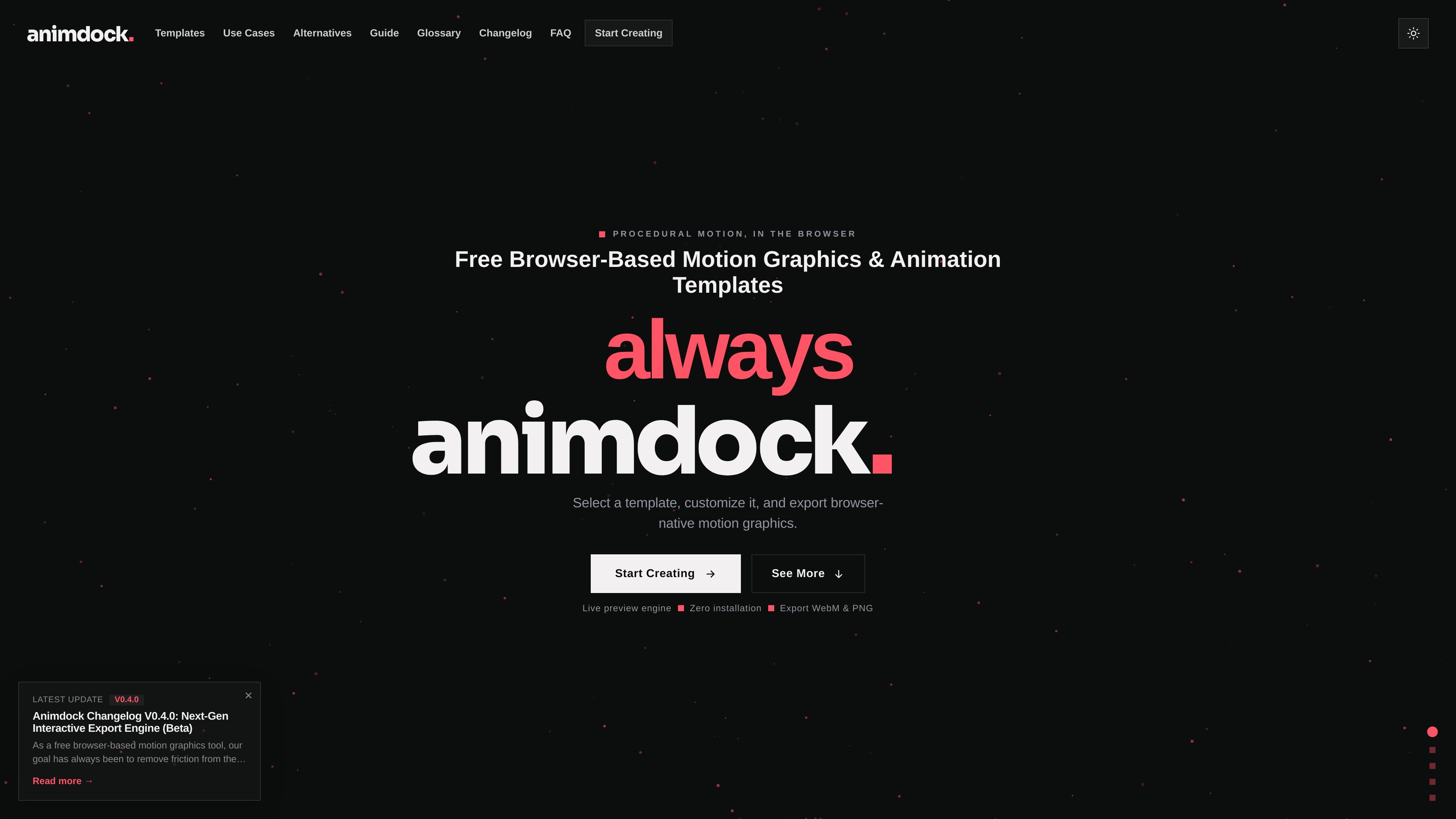
Animdock is a browser-based motion design template tool for creating short motion graphics without installing desktop software. The homepage describes it as a place to select a template, customize it, and export browser-native motion graphics.
The product is built around procedural animation templates that render live in the browser. According to the site, the workflow is intentionally simple: open a template, tune its controls, preview the result in real time, and export the finished animation as WebM or PNG.
Choose a procedural motion template, adjust its controls, and render the result directly in the browser without a desktop install.
Preview animations as you tune parameters, with rendering handled locally so changes show up immediately.
Export finished motion graphics as WebM video or PNG stills, covering both animated and static output needs.
Use the editor without creating an account; the about page says login is optional and the core experience can work locally and offline when you do not log in.
Work from text-focused templates such as Kinetic Typography, Text Gravity, and Type Morph, which let you enter your own words and choose fonts.
Build short motion pieces for a post, intro, stream screen, product shot, or quick client draft without moving into a full production pipeline.
Create browser-based motion graphics for websites and web apps, with the site positioning the tool as a way to avoid heavy video files and keep performance smoother.
Make text-driven animations for headlines, titles, and typography experiments using templates that accept custom words and fonts.
Generate quick motion concepts when you want a reusable starting point instead of building every animation from scratch.
Yes. The FAQ states that Animdock is 100% free, with no subscription fees, no registration requirements, and no hidden costs.
No. The product is designed to run entirely in the browser and does not require installation or account creation to start rendering.
Animdock currently supports WebM video export and PNG still image export.
Yes. The FAQ says the animations and procedural graphics you create can be used in personal web projects, social media content, and commercial client work.
Yes. The FAQ explains that Animdock renders locally in the browser using the HTML5 Canvas API, which enables live preview as you adjust template controls.

PixelDrive is a bulk image generation API for on-brand images from one template via browser editor, REST API, CSV batch, or MCP.

Napkin AI turns text into editable visuals for presentations, documents, and shareable content. Text-first generation, collaboration, and export to PPT, PNG, SVG, or PDF.

Refero MCP for AI agents connects an MCP-compatible agent to Refero’s curated library of web and iOS product interfaces and user flows. It helps agents research real design patterns before generating UI, with access included in the Refero Pro plan.

Frames helps you create launch posters and social media marketing graphics fast with premium device frames and templates for Instagram, Twitter, and Product Hunt. Free to start.

GPTIMG2 AI is a web-based image generator built on OpenAI’s GPT Image 2 model, with prompt-driven creation, reference edits, readable text, and higher-res outputs.

TapNow is a web-based AI visual creation platform for businesses, creators, and teams with image and video generation, editing, planning, and collaboration tools.