

AskYourPDF
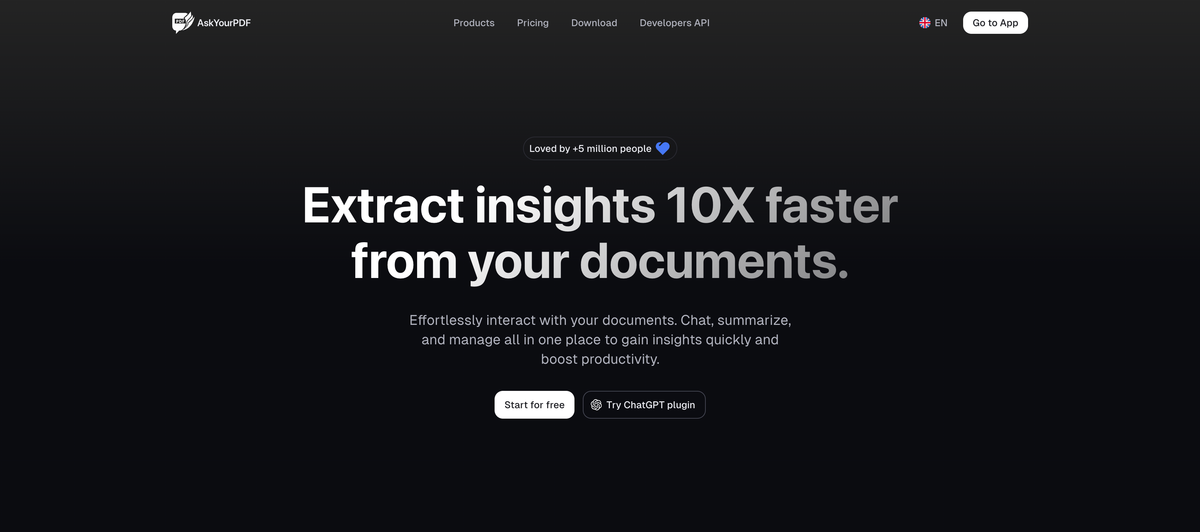
AskYourPDF is a PDF AI chat app to upload one or more PDFs and chat for insights, answers, and concise summaries from your documents.
What is AskYourPDF?
AskYourPDF is a PDF AI chat app to upload one or more PDFs and chat for insights, answers, and concise summaries from your documents.
The page also highlights support for working with multiple documents at once and using a knowledge base approach, so you can ask questions and extract insights across the content you provide.
Key Features
- Chat with uploaded PDFs: Ask questions about your documents and get answers directly from the content you provide.
- Multi-document conversations: Start a single chat that can draw from more than one document, rather than limiting you to one file at a time.
- Instant key insights and answers: Retrieve key information quickly without manually reviewing long sections of text.
- Generate clear, concise summaries: Produce summaries for lengthy documents to reduce information overload.
- Document library management: Maintain an organized library of your documents to reduce clutter and keep your work accessible.
How to Use AskYourPDF
- Upload your PDF(s) to AskYourPDF.
- Open the chat for your document set (single file or multiple files).
- Ask questions to extract answers and key insights from the documents.
- Request summaries when you need an overview of a longer PDF.
- Use the document library to keep your uploaded files organized for future questions.
Use Cases
- Study and research support: Ask questions about a scholarly paper or reading material and request a summary to understand complex topics faster.
- Contract review: Query a service contract to find what is covered and when payments are due.
- Cross-chapter concept extraction: Ask an eBook or multi-chapter document to summarize a concept that appears across different sections.
- Quote and specific information retrieval: Get help finding specific details (e.g., key points or quotes) from within a PDF rather than scanning pages.
- Organizing domain knowledge for recurring questions: Maintain a document library (e.g., books or reference PDFs) so you can ask follow-up questions later without re-searching.
FAQ
-
Can I chat with multiple PDFs at once? Yes. The page explicitly states you can “chat with multiple documents at once.”
-
What kinds of outputs can I get from my PDFs? According to the page, you can chat for answers/insights and generate summaries.
-
Is there a way to keep my PDFs organized? Yes. The page mentions a “well-organized library” for managing and organizing documents.
-
Does AskYourPDF have a developer offering? The page navigation includes a Developers API link, indicating that developer access is available.
-
Where can I try it first? The page includes a Start for free prompt.
Alternatives
- General-purpose document Q&A tools (chat over files): Similar workflow—upload documents and ask questions—but may not be specialized for PDFs or may differ in how multi-document context is handled.
- PDF summarization tools: Focus on generating summaries from PDFs without a chat-style Q&A loop; useful when you primarily need condensed overviews.
- Knowledge base / note management with import + search: Organize documents and retrieve information via search or embedded text indexing; typically less conversational than a dedicated PDF chat app.
- AI assistant plugins for reading/retrieval: Offer ways to query content from within an AI assistant environment; may differ in how reliably they extract specific passages or manage multiple documents.
Alternatives

Nolain OCR
Nolain OCR is an advanced Optical Character Recognition solution designed to accurately extract text and data from various document formats, streamlining document processing workflows.

Jenni
Jenni is an AI workspace to read PDFs, draft essays and papers, and generate in-text citations in 2.6k+ styles.

DataSieve: Text to Data
DataSieve: Text to Data extracts emails, dates, URLs, and structured info from text and many file types—offline on iPhone, iPad, and Mac.
司马阅
司马阅 is a leading domestic enterprise-level AI document intelligence platform, focused on activating dormant data in enterprises and helping them create serious scenario-based AI employees.

Mooon
Mooon helps extract and read Japanese text from PDF, images, EPUB and more—rotate to landscape, add furigana, translate, and read aloud.

PDF Guru
PDF Guru is an online PDF editor that allows users to edit, convert, and manage PDF documents easily from any device.