
Unified social data API
Use one normalized REST API for social profile lookups, posts, engagement metrics, and related public data instead of maintaining platform-specific scraping code.

Social Fetch is a social media scraping API for public profiles, posts, comments, transcripts, and metrics across major platforms. Pay as you go, with 100 free credits and a TypeScript SDK.
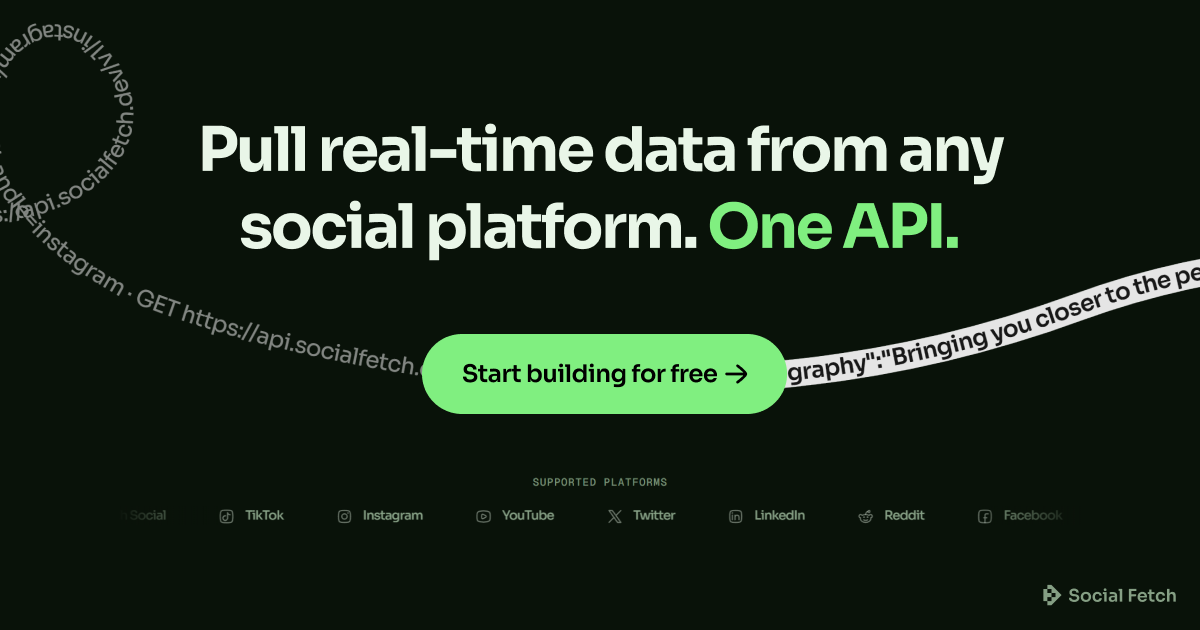
Social Fetch is a social media scraping API that exposes public profiles, posts, comments, transcripts, and metrics through a single REST interface. The home page positions it as a way to query major platforms without maintaining your own scraping infrastructure.
The documentation describes a normalized JSON workflow built around a consistent `{ data, meta }` response envelope, a single `x-api-key` authentication header, and a base URL at `https://api.socialfetch.dev`. The service supports platforms including Instagram, TikTok, X/Twitter, YouTube, Facebook, LinkedIn, Reddit, Threads, Telegram, Spotify, and web page fetches, with a TypeScript SDK available for typed integrations.
Pricing is pay as you go rather than subscription-based. The pricing page shows 100 free credits on signup, one-time credit packs, optional auto top-up, and a custom Business tier for volume use.
Use one normalized REST API for social profile lookups, posts, engagement metrics, and related public data instead of maintaining platform-specific scraping code.
The docs describe a consistent `{ data, meta }` response envelope across platforms, which makes it easier to swap sources without rewriting client logic.
Coverage shown in the docs includes Instagram, TikTok, X/Twitter, YouTube, Facebook, LinkedIn, Reddit, Threads, Telegram, Spotify, and web page fetching.
The quickstart explains the auth flow: create an API key, send it as `x-api-key`, and make requests against `https://api.socialfetch.dev/v1`.
The site offers a TypeScript SDK published as `@socialfetch/sdk` with typed methods, `Result` handling, and `unwrap()` support for exception-style flows.
Docs include machine-friendly assets such as `/llms.txt`, `/llms.json`, and `/openapi.json`, plus a prompt for Cursor, Claude Code, and other AI tools.
Build internal tools or customer-facing features that need public social profile data, posts, comments, or metrics from multiple networks without stitching together separate scrapers.
Create a TypeScript application with typed client methods and predictable error handling, rather than calling raw HTTP endpoints directly.
Use the documented AI-oriented resources and prompt flow to help coding agents or IDE assistants wire the API into a project.
Start on the free tier, validate the output format, then move to one-time packs or auto top-up as request volume grows.
Fetch content and metadata from a web page when the workflow extends beyond social platforms and needs page-level extraction.
Social Fetch provides a normalized REST API for public social data. The docs show profile lookups and coverage for posts, engagement metrics, transcripts, and platform-specific lookups across supported networks.
The docs say the base URL is `https://api.socialfetch.dev`, authentication uses the `x-api-key` header, and the first step is to make an authenticated request from the Quickstart guide. The TypeScript SDK is available as `@socialfetch/sdk`.
Supported coverage on the docs page includes Instagram, TikTok, X/Twitter, YouTube, Facebook, LinkedIn, Reddit, Threads, Telegram, Spotify, and web page fetching. The homepage also highlights profiles, posts, comments, transcripts, and metrics.
The pricing page shows a free tier with 100 credits on signup, one-time credit packs, optional auto top-up, and a custom Business tier for volume pricing.
The docs recommend keeping the API key server-side only and not shipping it in browsers or mobile apps. For AI tools, Social Fetch also provides docs-friendly endpoints such as `/llms.txt`, `/llms.json`, and `/openapi.json`.

Happenstance is an AI-powered network search tool to find people, mutual connections, and warm introductions across connected accounts, with API, MCP, Slack, and team integrations.

Geekflare Web Scraping API extracts dynamic web content in Markdown, HTML, JSON, or plain text with browser rendering, CAPTCHA handling, and proxy support.

Claro Research Agent automates table-based research for list enrichment, company research, document extraction, and pricing monitoring, standalone or connected.

Spidra is an AI web scraping API and playground for extracting structured data from hard-to-scrape websites with dynamic pages, CAPTCHAs, proxies, and login-protected content.

Octen is a search infrastructure for AI apps needing live web context, structured answers, and retrieval tools via API, SDKs, Skills, MCP, and CLI.

Skayle researches topics, publishes structured CMS content, and tracks AI search citations for teams needing one system for visibility.