
Local-first deployment
Run vector search where your application runs, including edge devices, on-premises systems, and disconnected environments. The product is designed to avoid cloud round-trips for latency-sensitive AI workloads.

VectorAI DB is Actian’s enterprise vector database for local-first AI search and retrieval. It supports RAG, semantic search, and AI deployments across edge, on-premises, hybrid, and cloud environments.
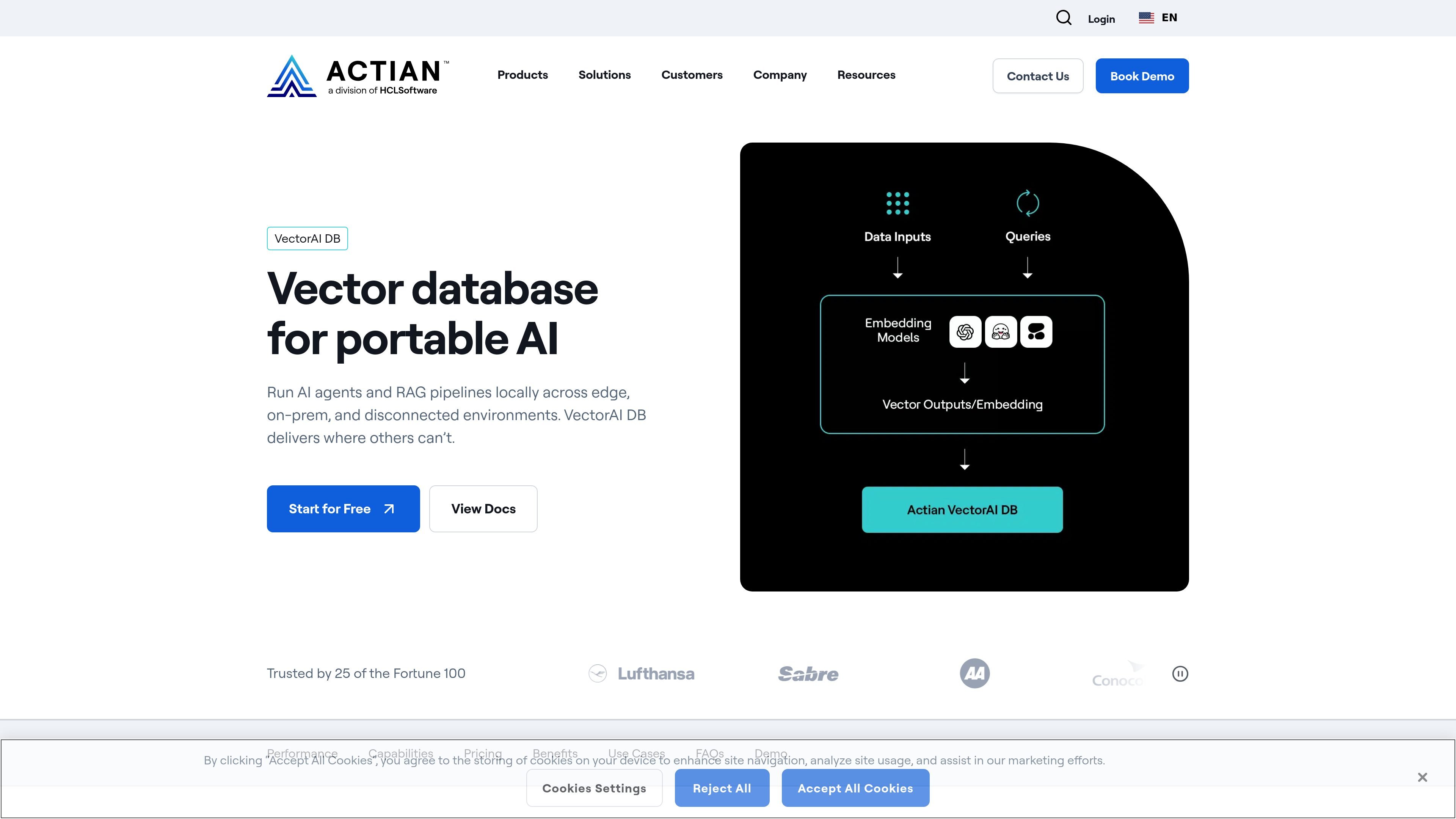
VectorAI DB is Actian’s enterprise vector database for AI applications that need to run locally rather than depend on a cloud service. It is positioned for semantic search, hybrid search, RAG pipelines, and AI agents that need low-latency retrieval across edge, on-premises, hybrid, and cloud environments.
The product page emphasizes portable deployment, predictable performance, and data control. Actian says VectorAI DB can run offline and sync when connected, supports local-first retrieval, and is intended for workloads where cloud latency, third-party processing, or connectivity assumptions are a problem.
Run vector search where your application runs, including edge devices, on-premises systems, and disconnected environments. The product is designed to avoid cloud round-trips for latency-sensitive AI workloads.
The homepage cites 1k QPS at 10M vectors, 99% recall at scale, and 13 ms p99 latency. These figures are presented as production performance characteristics for real-time retrieval.
Actian describes support for semantic and hybrid search close to the data, which fits RAG pipelines and AI agents that need low-latency retrieval from local data sources.
The pricing and FAQ content state that VectorAI DB is model-agnostic and can work with embeddings from OpenAI, Anthropic, Cohere, Hugging Face, and custom models.
The pricing page lists HNSW under ANN indexing methods, and the product page says the database supports modern ANN indexing for low-latency, high-accuracy search at scale.
Pricing information shows support for Community, Starter, Growth, Enterprise, and Edge editions, with deployment paths that include local dev machines, servers, VMs, enterprise infrastructure, and devices or embedded systems.
Build retrieval systems that need fast, predictable access to local data without sending queries to a cloud service. This fits chat, search, and agent workflows that depend on low-latency vector retrieval.
Run AI applications on edge devices or embedded hardware where connectivity is unreliable or unavailable. The product page specifically references devices such as NVIDIA Jetson and Raspberry Pi.
Keep patient or regulated data on-premises while enabling AI-assisted search and decision support. Actian highlights healthcare deployments in hospital data centers, clinic servers, and research facilities.
Support factory, plant-floor, or other disconnected industrial systems that need vector search without assuming internet access. The site cites predictive maintenance, quality inspection, and production optimization.
Manage vector search across distributed sites such as retail branches or multi-region infrastructure. The pricing page positions the product for hybrid environments and multi-site deployments.
VectorAI DB is a portable, local-first vector database for AI systems that run outside a cloud-only architecture. It is designed for semantic and hybrid search close to the data, including edge, on-premises, hybrid, and cloud deployments.
VectorAI DB is positioned for edge AI engineers, manufacturing teams, healthcare organizations, and platform engineers that need vector search in local, on-premises, disconnected, or distributed environments.
The pricing page says VectorAI DB offers a free Community Edition, a 30-day full-featured trial that starts when you sign up, and paid tiers for production use, higher capacity, and commercial redistribution. It also states that enterprise and edge options are available through sales.
Yes. The product FAQ says VectorAI DB supports modern ANN indexing methods, including HNSW, and is model-agnostic, so it can work with embeddings from providers such as OpenAI, Anthropic, Cohere, Hugging Face, and custom or fine-tuned models.
The pricing page says VectorAI DB supports local development machines, smaller and larger servers or VMs, enterprise infrastructure, and embedded or edge deployments. It also notes support for self-managed cloud, bare metal, on-prem infrastructure, and devices or embedded systems.

BookAI allows you to chat with your books using AI by simply providing the title and author.

Skills Janitor is a GitHub-hosted set of slash commands for auditing, tracking, and managing Claude Code and OpenAI Codex skills. It helps users find duplicates, broken links, and unused skills, then clean them up with self-contained commands.

Goldfish is an AI memory app for macOS that helps you reply, write, summarize, and continue with context already on your Mac. It stores memory locally and writes in your tone.

Lasso is an ecommerce product data platform for enriching catalog records, processing supplier files, generating product content, and monitoring competitors. It combines a web app with a REST API, SDK, and MCP server for teams and developers.

Struere is an AI-native platform for turning spreadsheet data into structured operational software with dashboards, alerts, and automations. It is aimed at teams that want to replace manual spreadsheet workflows without building custom tools from scratch.

garden-md is an open-source Node.js CLI that turns meeting transcripts into a local company wiki, linking entities and preserving the original text.