
Broad component library
The library is organized into many component categories, including buttons, forms, navigation, overlays, tables, layout, feedback, and data display, with copy-ready examples for each variant, state, and pattern.

Astryx Design System is an open source design system for reusable UI components, themes, templates, docs, and CLI, built to be customizable and agent-ready.
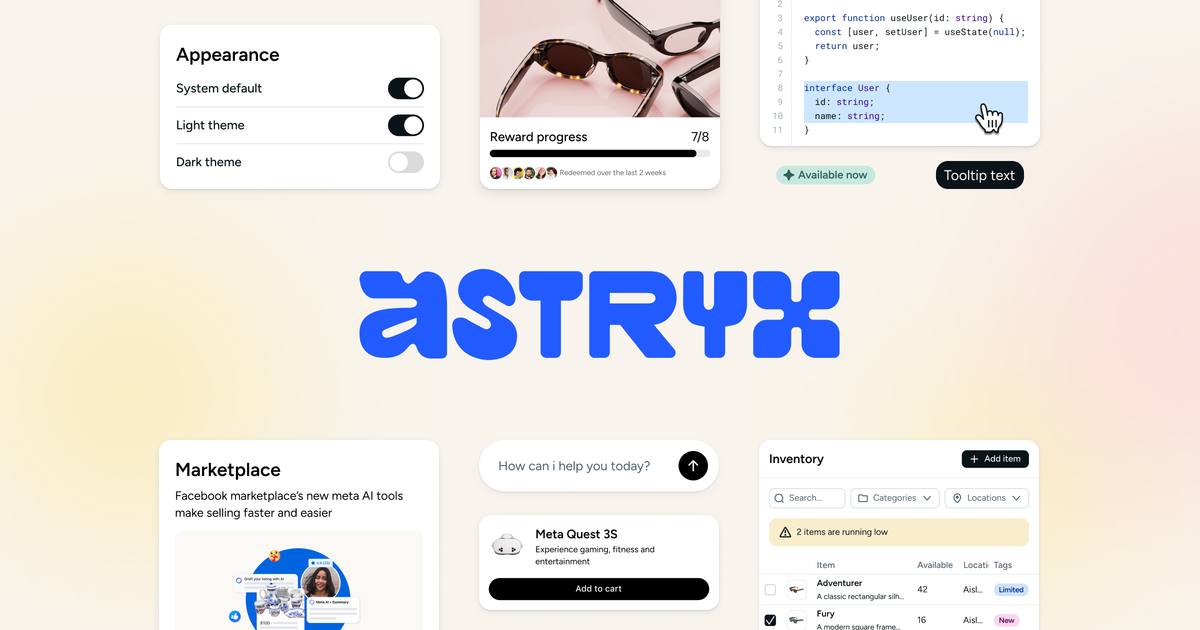
Astryx is an open source design system for building user interfaces with a shared component library, themes, and supporting developer tools. The site presents it as fully customizable and agent ready, with setup guidance aimed at both human developers and AI coding tools.
The getting started flow shows a practical path: install the core package, a theme, and the CLI; run `npx astryx init`; then import components from specific entrypoints and apply a theme through global CSS. The system also includes example apps and a CLI for discovering components, templates, and docs.
The library is organized into many component categories, including buttons, forms, navigation, overlays, tables, layout, feedback, and data display, with copy-ready examples for each variant, state, and pattern.
Components are installed from the `@astryxdesign/core` package and imported through per-component subpaths, which keeps imports explicit and bundles smaller.
The getting started guide shows theme packages and global CSS imports, with themes supplying design tokens such as colors, spacing, radius, and typography as CSS custom properties.
Astryx supports several styling approaches, from plain CSS and className to Tailwind and CSS-in-JS, and documents a StyleX path for applying style overrides through `xstyle`.
The CLI exposes commands for listing components, viewing docs topics, and inspecting templates and token references, making the system easier to explore and standardize in a project.
Example applications are available for Next.js and Vite, including setups that combine theme CSS, StyleX, Tailwind, or source imports.
Use the core library when you want a ready-made set of UI primitives and patterns for product interfaces, with explicit imports for each component you add.
Use the theme packages and global CSS imports when you need to apply a consistent visual language across an app and control token values like color, spacing, radius, and typography.
Use the CLI and generated docs when you need to onboard a team, inspect available components, or discover templates and token references from the command line.
Use the example apps as a starting point when you want a working reference for Next.js, Vite, or style-specific setups such as StyleX or Tailwind.
Use the browser-accessible component catalog when you need copy-ready examples for specific variants, states, and patterns before wiring them into a project.
Astryx is presented as an open source design system with components, themes, templates, docs, and a CLI. The getting started flow shows npm installation plus a setup command for agent docs and starter templates.
The source shows installation of @astryxdesign/core, a theme package such as @astryxdesign/theme-neutral, and @astryxdesign/cli, followed by `npx astryx init` to set up agent docs and choose a starter template.
Components are imported from per-category subpath entrypoints, for example `@astryxdesign/core/Button` or `@astryxdesign/core/Layout`, which is intended to keep bundles small and make usage explicit.
Astryx supports multiple styling approaches, including plain CSS, className, Tailwind, CSS-in-JS, and a deeper integration with StyleX using `xstyle`.
The site highlights a CLI for components, tokens, templates, and docs, and the getting started guide points to example apps for Next.js and Vite. Those are the clearest implementation paths shown in the source.

图像大厨imgcook 是一款设计转代码工具,可将设计稿转换为前端代码,支持 Sketch、Photoshop、VS Code 和 CLI 工作流。

ByteAsk is a terminal-first AI coding agent for C and C++ that edits repos and verifies changes with compilers, debuggers, sanitizers, and tests.

CreateOS Sandbox is an isolated compute environment for running code and agent workloads in Firecracker micro-VMs with private networking and SDK, CLI, or MCP control.

hob is an independent workspace for coding agents, with local control over sessions, terminals, history, routing, and follow-up work.

Ably Chat is a chat API platform for custom realtime chat apps, with rooms, typing indicators, presence, reactions, message updates and usage-based pricing.

Manta AI is an autonomous web app testing tool that maps app behavior, catches regressions, and generates tests from a URL, no scripts or selectors needed.