
Slack-based live chat
Visitors can start a conversation from a chat bubble on your site, and your team receives it in Slack immediately.

Foxchat is a website live chat widget that sends visitor messages to Slack, so teams can handle support without leaving their workflow.
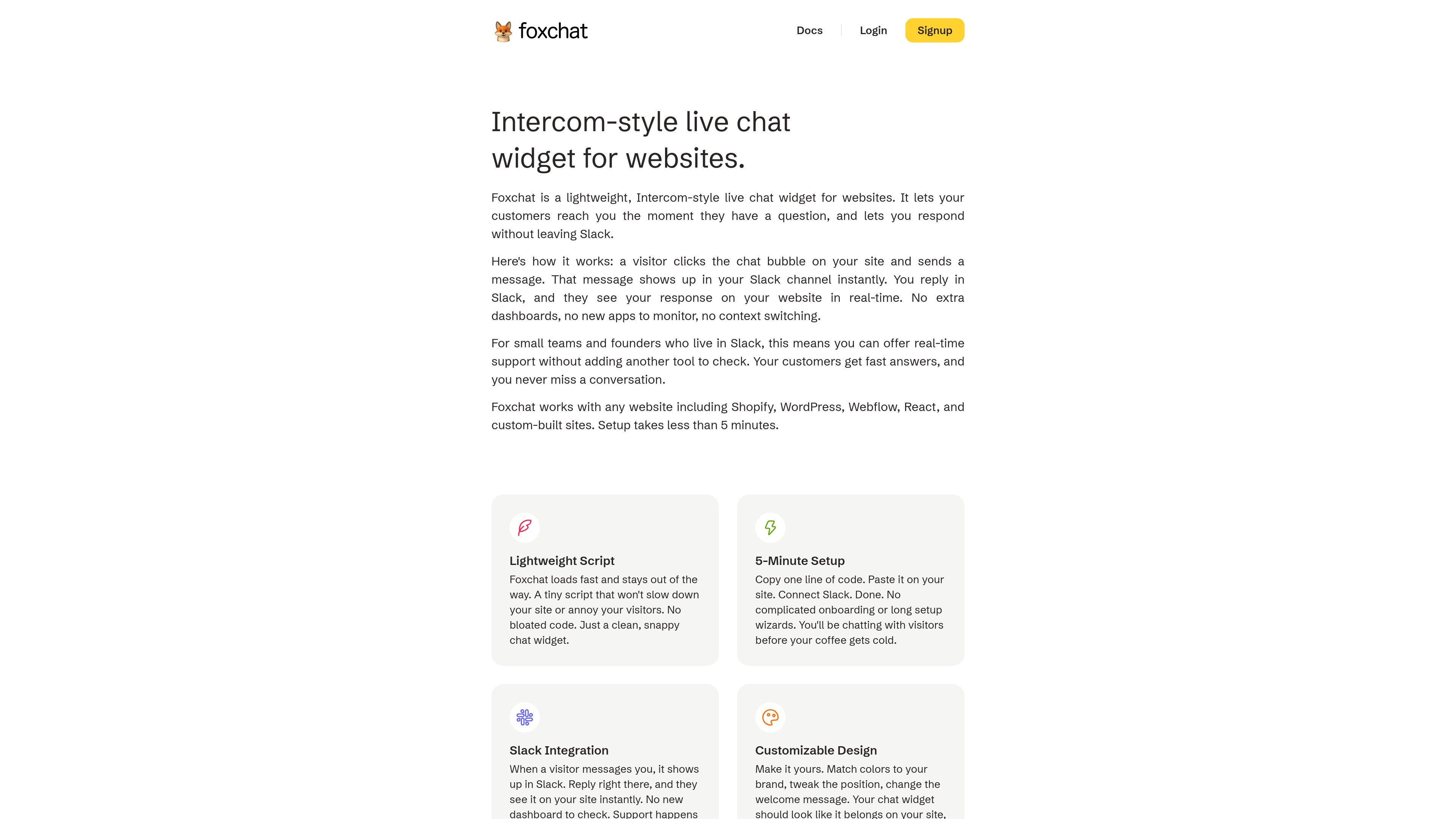
Foxchat is an Intercom-style live chat widget for websites that routes visitor messages into Slack. It is aimed at startups, indie hackers, small teams, and founders who want to handle support from the tools they already use.
The product works by letting a site visitor open a chat bubble, send a message, and receive replies in real time while your team responds from Slack. Foxchat is described as supporting websites such as Shopify, WordPress, Webflow, React, and custom-built sites, with setup taking less than five minutes.
Visitors can start a conversation from a chat bubble on your site, and your team receives it in Slack immediately.
The widget is positioned as a lightweight script that loads quickly and is meant to stay unobtrusive on the page.
You can adjust colors, position, and the welcome message so the widget fits your site’s design.
The installation flow is presented as a simple script paste plus Slack connection, with setup taking less than 5 minutes.
The docs include a Visitor Identity API for identifying logged-in users with name, email, and metadata.
The docs include a Custom Launcher option for opening the widget from your own button or link.
Teams that already work in Slack can answer customer questions without switching to a separate support inbox or CRM.
Founders and small teams can add a fast chat option to a marketing or product site without a long onboarding process.
Stores and content sites on platforms like Shopify, WordPress, or Webflow can add a consistent support channel to the site itself.
Products with logged-in users can pass identity data into the widget using the Visitor Identity API for more contextual conversations.
Teams that want a branded entry point can open the widget from a custom button or link instead of the default bubble.
Foxchat is installed by adding a script to your website and connecting your Slack workspace. The docs list setup guides for adding the widget, using the Visitor Identity API, and opening the widget from a custom launcher.
Foxchat is built for websites and is described as working with Shopify, WordPress, Webflow, React, and custom-built sites.
When a visitor sends a message through the widget, it appears in your configured Slack channel, and your team replies in Slack. The visitor sees the response on the website in real time.
The pricing page shows a single Pro plan with a 14-day free trial and no card required to start. The plan is offered monthly or yearly.
The docs list a Visitor Identity API for passing a logged-in user's name, email, and metadata, and a Custom Launcher API for opening the widget from your own button or link.

Ably Chat is a chat API platform for custom realtime chat apps, with rooms, typing indicators, presence, reactions, message updates and usage-based pricing.

Claude Overlay is a Windows desktop overlay for Claude Code that reads your screen, so you can ask questions, inspect content, and request edits without leaving the app. Uses your existing Claude subscription via Claude CLI.

Grok is a free AI assistant developed by xAI, engineered to prioritize truth and objectivity while offering advanced capabilities like real-time information access and image generation.

Trigger.dev chat agent is a durable AI chat backend for stateful conversations that survive refreshes, crashes, and long-running turns with AI SDK useChat.

BookAI allows you to chat with your books using AI by simply providing the title and author.

Talkpal is an AI language learning app for web and mobile with speaking, listening, writing, pronunciation practice, guided courses, roleplays, and 130+ languages.