

Byoky
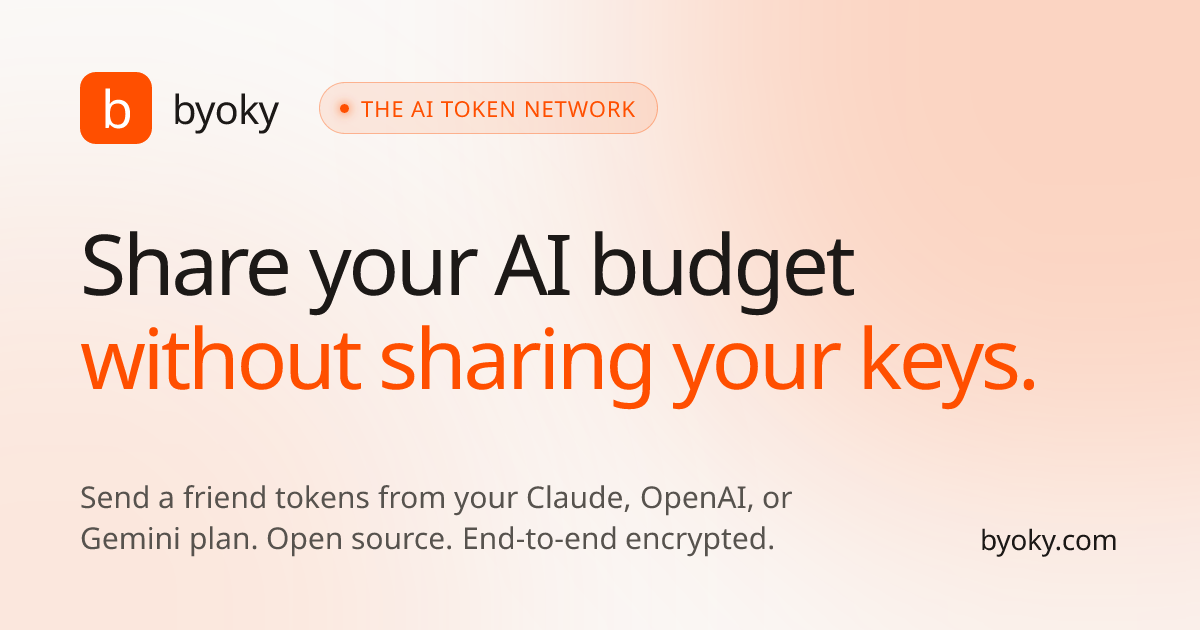
Byoky shares capped AI token budgets for Claude, OpenAI, and Gemini without exposing API keys using an encrypted wallet and proxy relay.
What is Byoky?
Byoky is an “AI token network” that lets you share or receive token budgets for major AI providers (such as Claude, OpenAI, and Gemini) without exposing your API keys. Instead of giving someone your credentials, Byoky relays requests through an extension/app so the other person can redeem access in their own wallet.
The core purpose is to enable collaboration and gifting around LLM usage while keeping key material on the user’s device. Byoky also supports a bring-your-own-key workflow for connecting existing apps to providers using the user’s own keys.
Key Features
- Token gifting with a budget cap: Create a token gift by choosing a provider and setting a budget cap, so recipients can redeem tokens without receiving API keys.
- Instant revocation: Disable a gift with a single action if you need to stop access.
- Encrypted communication for key handling: The site describes end-to-end encrypted design using AES-256-GCM.
- Bring-your-own-key wallet for AI apps: Connect a Byoky wallet to apps you already use so you can authenticate with your own keys; the app does not receive your credentials.
- Provider-agnostic integration via SDK/bridge: Use an npm SDK to route calls while swapping in Byoky’s fetch (keys stay with the wallet). The page also mentions a “bridge” for CLI/local apps.
- Streaming support: The site states full SSE streaming support through the extension proxy.
- Proxy-based request flow: Requests are relayed through you/your wallet so prompts reach your wallet, which forwards them to the provider using your key.
- Audit logging: The page mentions an audit log for requests including origin, provider, and status.
How to Use Byoky
- Install the wallet: Add the Byoky extension to Chrome or Firefox, or install the iOS/Android app.
- Add your provider keys: In the wallet, connect your API keys for providers you intend to use (the page lists Anthropic, OpenAI, and Gemini among others).
- Connect to a Byoky-enabled app: On a compatible web app, approve the connection from within the wallet. The page indicates keys never leave your device.
- Send a token gift (optional): Pick a provider, set a budget cap, and share a link. The recipient redeems it in their wallet; you can revoke it later.
- (For developers) integrate via SDK: Install
@byoky/sdkor scaffold a project with the provided CLI command, then connect and use the native provider SDK with Byoky’s session fetch.
Use Cases
- A friend is out of tokens: Share a capped token budget for the friend’s relevant provider so they can continue using an LLM without asking for your API key.
- Team collaboration on provider usage: Give teammates access to a controlled quota for experimentation or short-term tasks, with automatic enforcement via the budget cap.
- Apps that need user-authored credentials: Integrate Byoky so your app can run against LLM providers using the user’s own keys, without storing or receiving those credentials.
- CLI or desktop workflows: Route CLI tools and desktop applications through the Byoky Bridge so key material stays in the extension while requests are proxied.
- Multi-provider switching: Use the same wallet session to connect to different providers through the Byoky-enabled fetch/proxy approach, rather than rebuilding authentication flows.
FAQ
-
Does Byoky share my API keys with recipients or apps? The site states that keys never leave your device, and that the app does not see your credentials. Token gifting is designed to avoid sharing API keys.
-
How does token gifting work? You choose a provider, set a budget cap, and share a link. The recipient redeems it in their wallet, and your wallet forwards their prompts to the provider using your key.
-
Can I stop a gifted token budget? Yes. The page states you can revoke a gift at any time, including “one click” to kill the gift.
-
Which providers are supported? The page mentions 13 providers and lists examples including Anthropic, OpenAI, Gemini, Mistral, Groq, DeepSeek, Cohere, Perplexity, Together AI, OpenRouter, Hugging Face, Replicate, Azure OpenAI, Ollama, Bedrock, LM Studio, and Vertex AI.
-
Is streaming supported for chat/app responses? The site says it supports full SSE streaming through the extension proxy.
Alternatives
- Direct API key sharing (manual): People can share API keys and manage limits themselves, but this exposes credentials and typically lacks the gift/revoke workflow.
- Backend proxy with per-user auth: An app can proxy requests server-side using user-managed credentials; compared with Byoky, key custody and the “no keys to the app” workflow depend on your specific architecture.
- Token management/usage gateways: Tools that manage rate limits or quotas for LLM calls can help control spend, but may not provide a wallet-based, key-preserving gifting flow as described by Byoky.
- Provider-specific account-based sharing: Some platforms offer sharing within their own ecosystems; this can limit flexibility when users want to share usage across different AI providers.
Alternatives

AakarDev AI
AakarDev AI is a powerful platform that simplifies the development of AI applications with seamless vector database integration, enabling rapid deployment and scalability.

BookAI.chat
BookAI allows you to chat with your books using AI by simply providing the title and author.

skills-janitor
Audit, track usage, and compare your Claude Code skills with skills-janitor—nine focused slash commands and zero dependencies.

FeelFish
FeelFish AI Novel Writing Agent PC client helps novel creators plan characters and settings, generate and edit chapters, and continue plots with context consistency.

BenchSpan
BenchSpan runs AI agent benchmarks in parallel, captures scores and failures in run history, and uses commit-tagged executions to improve reproducibility.

ChatBA
ChatBA is generative AI for slides: create slide deck content fast with a chat-style workflow, turning your input into a draft.