

CalendarPipe
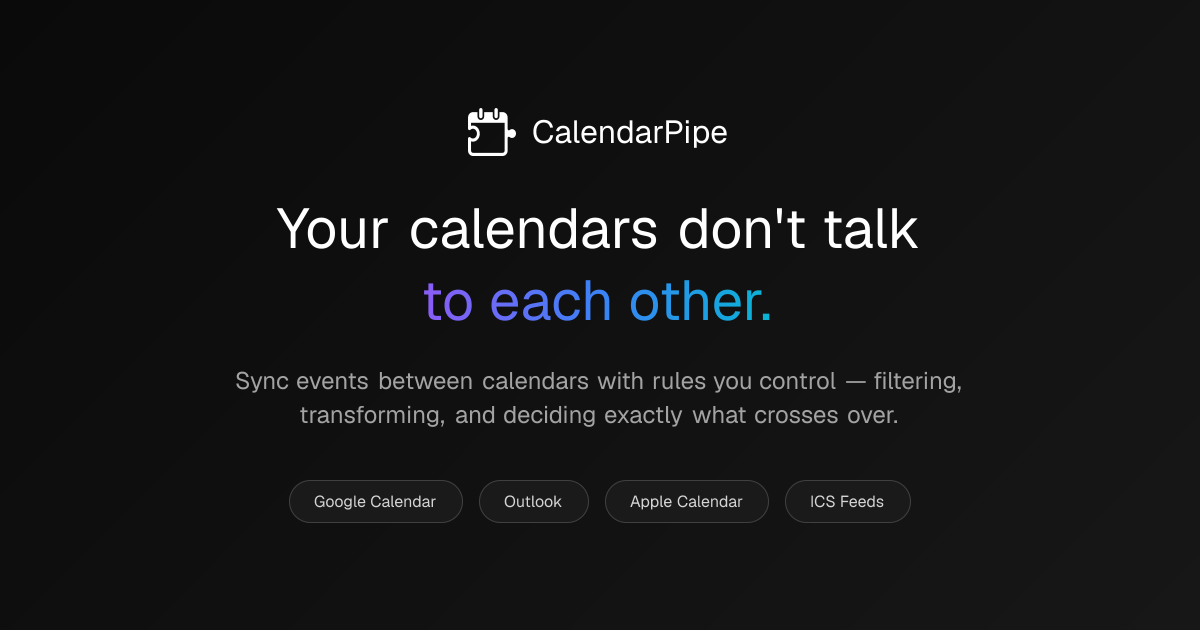
CalendarPipe lets you create rule-based pipes to filter, transform, and sync events between Google Calendar, Outlook, and Apple Calendar via API or ICS.
What is CalendarPipe?
CalendarPipe is a calendar sync tool that lets you create “pipes” to filter, transform, and sync events between Google Calendar, Outlook, and Apple Calendar (and via ICS feeds). Its core purpose is to help users avoid double-booking and keep calendars aligned by automatically moving relevant events to the right destination.
You can build sync rules visually, describe them in plain English, or write code. CalendarPipe also supports integration-style delivery via email invitations, and provides an API for developers and “agentic” use cases where AI systems need to schedule without direct access to user calendar credentials.
Key Features
- Visual builder for sync rules: Create pipes and preview results immediately, without writing code.
- Code editor + rule generation: Use a code editor when needed, or generate rules via AI.
- Event filtering and transformation: Examples include hiding personal event details, syncing only weekday events, and blocking meetings below a duration.
- Calendar-to-calendar synchronization: Sync events among Google Calendar, Outlook, and Apple Calendar, plus ICS feed connections.
- Invitation-based delivery without recipient sign-up: Events arrive as standard calendar invitations; recipients don’t need an account, install, or special permissions.
- Hosted calendars for agents/developers: Spin up a hosted calendar with its own email address and schedule meetings via API without an OAuth flow for end users.
- API-driven workflow: The documented flow covers creating a hosted calendar, creating/book events (sending invitations), and deleting events (triggering cancellation notifications).
- Security-oriented design choices (as described): CalendarPipe states it never sees passwords, authenticates via scoped tokens, does not store event data (it fetches, applies rules, and syncs), and runs user code in an isolated sandbox with zero network access.
How to Use CalendarPipe
- Sign up and open the builder.
- Create a pipe by connecting a source calendar and a target calendar (or configuring ICS feed connections where applicable).
- Define the rule using the visual builder, by describing the rule in plain English, or by writing code (or using AI-generated rule suggestions).
- Test with the demo/preview to confirm the expected behavior (e.g., what types of events are synced and how they should be transformed).
- Run the sync so matching events are delivered to the target calendar as invitations; if an event is deleted, cancellation notifications are sent as well.
For developers/agent use, the site also provides an API workflow: create a hosted calendar (get a calendar email), create events with attendees (invitations are sent), and cancel/delete events (cancellation emails go out automatically).
Use Cases
- Family-to-work calendar protection: Sync “family calendar” events to a work calendar while filtering or transforming sensitive details to prevent scheduling conflicts (e.g., avoiding overlap with school pickups or medical appointments).
- Team availability boundaries: Block or exclude shorter meetings (such as those under 30 minutes) from being synced, helping preserve focus time on a work calendar.
- Transform event titles for context: Convert an event to an “Away for work” style representation when syncing a multi-day team event, so the destination calendar reflects the right status.
- Corporate/IT-restricted environments: Use invitation-based delivery for scenarios where OAuth authorization may be blocked; the event is delivered via email invitations.
- AI agents scheduling without calendar credential access: Give an AI agent a hosted calendar with its own email address so it can schedule meetings using an API key, sending real email invitations that attendees accept like normal calendar invites.
FAQ
-
Which calendars does CalendarPipe support? CalendarPipe lists support for Google Calendar, Outlook, Apple Calendar, and also mentions ICS feed connections.
-
Do people receiving invitations need to sign up? No. The site states that recipients receive standard calendar invitations and don’t need to sign up or install anything.
-
How does CalendarPipe deliver changes like cancellations? The site describes deletion triggering cancellation notifications via email for hosted-calendar and API workflows.
-
Can developers use CalendarPipe without direct OAuth for users? For “Agentic Hosted Calendars,” CalendarPipe describes creating a hosted calendar with its own email address and scheduling via API key, framed as avoiding the OAuth credential exchange.
-
How often do events sync? The pricing section on the page mentions sync intervals (e.g., “15-minute sync interval” on Free and “5-minute sync interval” on Pro), but exact behavior beyond those plan descriptions isn’t detailed.
Alternatives
- Generic iCal/ICS feed sync tools: These can move calendar data using feeds, but may not offer the same rule-based filtering/transformation and may require more manual handling to map events cleanly.
- Automation platforms (workflow builders): Tools that connect calendars via triggers/actions can implement custom sync logic, but they typically require building and maintaining workflows rather than using a purpose-built “pipe” model.
- Calendar integration middleware for enterprises: Some solutions focus on syncing across multiple calendar systems for teams; they may differ in how rules are authored (often more configurable but less visual) and how delivery is handled.
- Direct calendar sharing with native federation: Native sharing can reduce setup overhead, but it won’t usually provide the same ability to filter and transform events before they land on the destination calendar.
Alternatives

Lasso
Lasso is an AI-first PIM for ecommerce teams that enriches product attributes and descriptions, processes supplier data, and monitors competitors via app or API.

LIAM
LIAM is an AI copilot that drafts email replies, organizes your inbox with auto-labels and prioritization, and schedules meetings from your calendar.

Gemma AI
Gemma AI is a smart application that calls you directly with personalized, intelligent voice reminders to ensure you never miss important tasks, appointments, or deadlines.

Tavus
Tavus builds AI systems for real-time, face-to-face interactions that can see, hear, and respond, with APIs for video agents, twins & companions.

ClawTick
ClawTick is a CLI-first AI agent automation platform for scheduling webhook tasks on cron with monitoring, alerts, retries, and execution logs.

HiringPartner.ai
HiringPartner.ai is an autonomous recruiting platform with AI agents that source, screen, call, and interview candidates 24/7, reducing time-to-hire from weeks to as little as 48 hours.