
Browse a large cask catalog
Browse Homebrew casks through curated shelves, a rotating hero pick, a Featured top 100, and category-based navigation.

CaskHub is a native macOS app to browse and manage Homebrew casks. Search, install, update, and uninstall Mac apps in a SwiftUI interface.
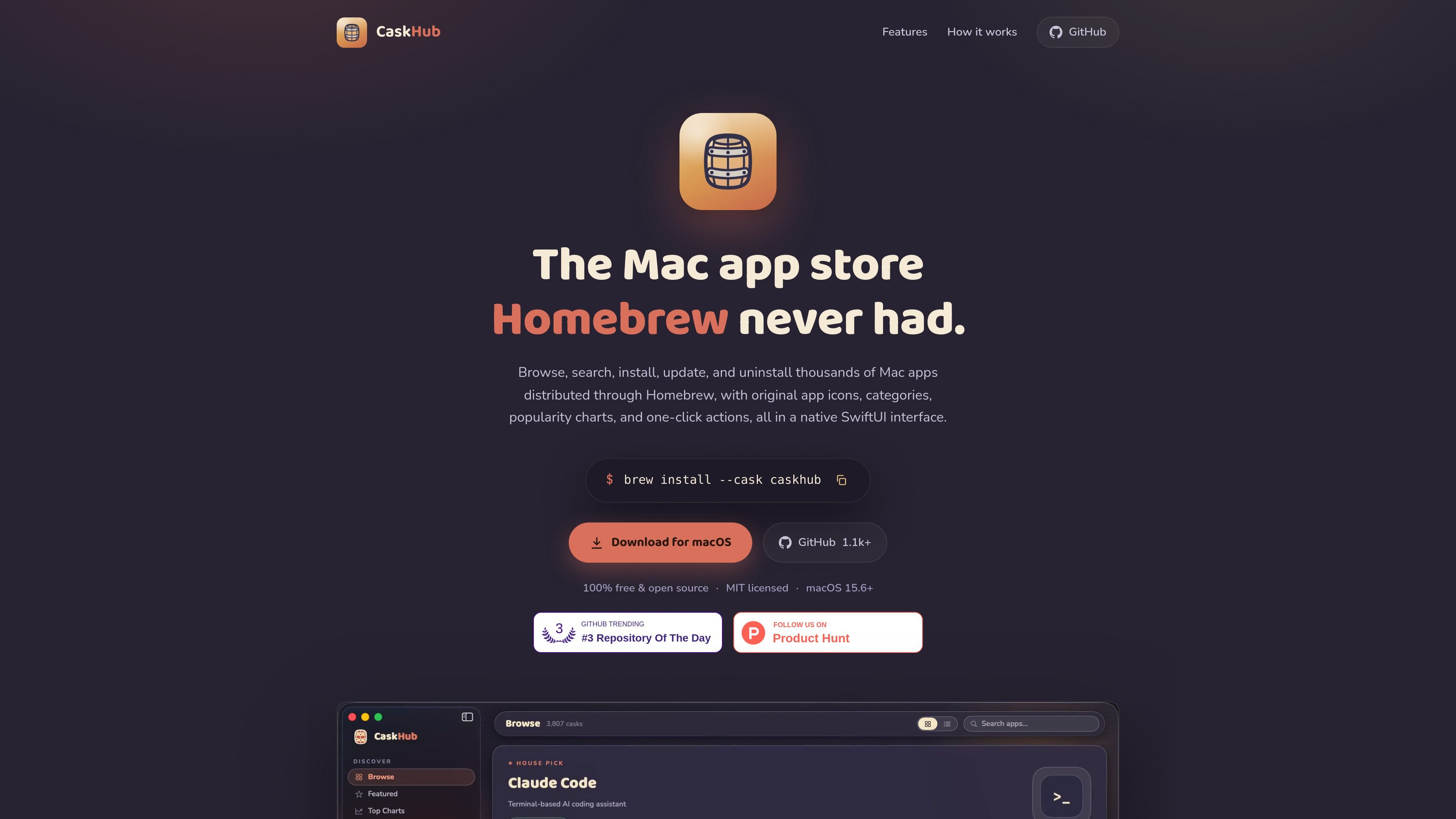
CaskHub is a native macOS app for browsing and managing Homebrew casks. It presents Homebrew's software catalog in a SwiftUI interface so you can search, install, update, and uninstall Mac apps without working in the terminal.
The app uses your real brew binary for actions, which keeps it aligned with the command line workflow. It can also detect apps already installed through Homebrew, and it shows catalog data, install charts, and category browsing even before Homebrew is set up on the machine.
Browse Homebrew casks through curated shelves, a rotating hero pick, a Featured top 100, and category-based navigation.
See the most-installed casks using Homebrew's public analytics, with 30-, 90-, and 365-day ranking windows.
View new casks added in the last 30 to 90 days to find recent apps sooner.
Install, update, and uninstall casks with live progress states, cancellable downloads, and native password prompts for pkg installers.
Search by name, token, or description from within the app, with original icons and rich metadata for scanning results quickly.
Read and manage the same Homebrew casks you use in Terminal, because CaskHub runs through your real brew binary and reads your Caskroom directly.
Browse Homebrew's app catalog visually when you want categories, featured picks, and install charts instead of terminal commands.
Install, update, or uninstall apps from a native interface while keeping the underlying changes synchronized with Homebrew on the command line.
Adopt apps you installed outside Homebrew so they can be managed in one place without moving the files themselves.
Check which apps have real updates available and avoid noise from self-updating software or packaging quirks.
Search by name, token, or description to find a cask quickly when you know the app but not the exact Homebrew name.
No. Browsing works without Homebrew. You only need Homebrew if you want to install apps, and the app will walk you through setup if it is missing.
CaskHub is free and MIT-licensed. The site says there is no subscription, no premium tier, and no ads.
CaskHub requires macOS 15.6 or later and supports both Apple Silicon and Intel Macs.
CaskHub uses your real brew binary and reads your actual Caskroom, so installs, updates, and uninstalls stay compatible with the command line.

ByteAsk is a terminal-first AI coding agent for C and C++ that edits repos and verifies changes with compilers, debuggers, sanitizers, and tests.

CreateOS Sandbox is an isolated compute environment for running code and agent workloads in Firecracker micro-VMs with private networking and SDK, CLI, or MCP control.

hob is an independent workspace for coding agents, with local control over sessions, terminals, history, routing, and follow-up work.

Ably Chat is a chat API platform for custom realtime chat apps, with rooms, typing indicators, presence, reactions, message updates and usage-based pricing.

MacSpoof is a macOS MAC address changer that lets you change or randomize your Wi‑Fi MAC to reconnect and limit device logging on public Wi‑Fi.

Manta AI is an autonomous web app testing tool that maps app behavior, catches regressions, and generates tests from a URL, no scripts or selectors needed.