
Joins Google Meet
Paste a Google Meet link and admit Jarvey as a participant; nothing needs to be installed before the call.

Jarvey is a Google Meet meeting assistant that answers questions aloud, recalls decisions, and creates task cards with owners and deadlines.
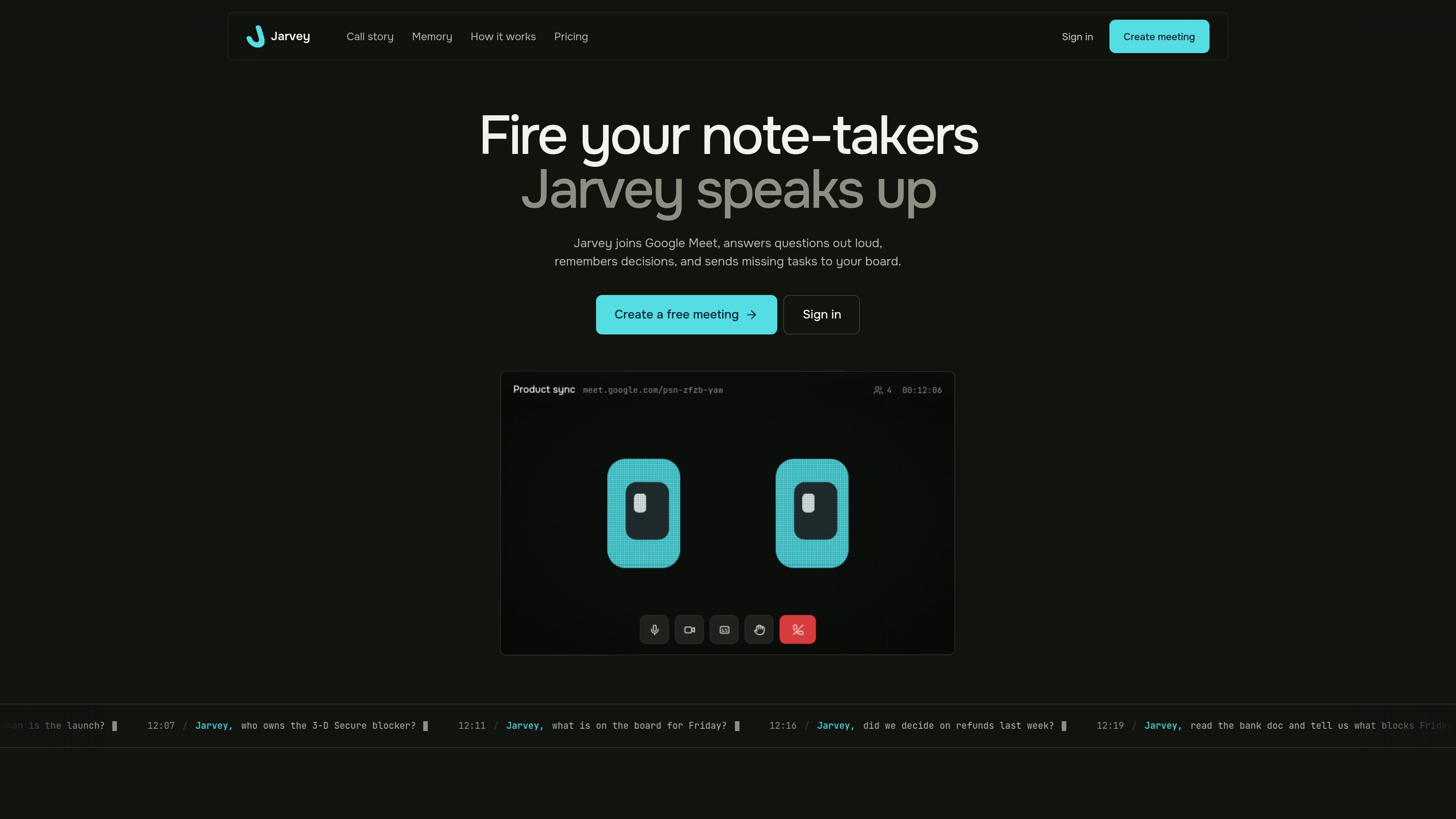
Jarvey is a meeting assistant for Google Meet that joins as a participant, listens to the conversation, and responds aloud when called by name. It can use connected documents and a task board to answer questions about current work, while retaining text transcripts and recaps for later reference.
The product is designed to keep meeting context and follow-up work connected. Its recaps record decisions, owners, and deadlines; when a task is discussed but missing from the board, Jarvey can add it. It can also identify an unassigned task or a conflicting date, wait for a pause, and ask the room to resolve the gap.
Paste a Google Meet link and admit Jarvey as a participant; nothing needs to be installed before the call.
Say Jarvey’s name to ask about connected documents, the task board, or decisions from earlier calls. It answers out loud so everyone hears the same context.
Jarvey keeps the text and recap from one call to the next, allowing teams to ask what was decided or who owns a task later.
It reads connected documents and the task board while handling a long question in the background, then raises a hand when the answer is ready.
After a meeting, the recap lists decisions, owners, and deadlines. Jarvey can also add a missing board card when a task’s owner and date are clear.
Jarvey waits for a pause and does not speak over the room. It speaks up on its own when a task has lost its owner or a date conflicts with an earlier call.
Ask for the launch date, release scope, or the latest blocker while the team is meeting. Jarvey can retrieve decisions from earlier calls instead of making someone search through notes.
When an owner agrees to call a bank or update pricing copy but nobody creates a card, Jarvey can capture the task with the agreed owner and deadline before the next standup.
Use Jarvey to check a connected document and task board during a project sync, then ask what is blocking a Friday release or which work remains on the board.
If someone states a date that conflicts with an earlier meeting, Jarvey can bring up the discrepancy after a pause and ask the team to confirm which date is correct.
Paste a Google Meet link and admit Jarvey as a participant. No installation is required before the call, and guests can join by link without an account after entering their name in the browser.
Jarvey answers aloud when someone says his name and waits for a pause before speaking. For longer questions, he works in the background and raises a hand when the answer is ready.
Jarvey can read connected documents and a task board, recall decisions from earlier calls, and answer questions about project context during a meeting.
Jarvey checks agreed tasks against the connected board. If a task has no owner or a clear deadline and is missing from the board, he can add it with the owner and due date when those details were established in the call.
Jarvey stores the transcript of what was said and the recap it writes, but does not store audio. The site lists Trello, Notion, Jira, Linear, Plane, and Asana as supported task boards.

garden-md is an open-source Node.js CLI that turns meeting transcripts into a local company wiki, linking entities and preserving the original text.

runevr is a connected workspace for creative teams, bringing boards, media review, chat, recordings, drive, calls, and AI agents into one room-based environment.

Goldfish is an AI memory app for macOS that helps you reply, write, summarize, and continue with context already on your Mac. It stores memory locally and writes in your tone.

Lasso is an ecommerce product data platform for enriching catalog records, processing supplier files, generating product content, and tracking competitors. It includes a web app, REST API, SDK, and MCP server.

MeetStream is a meeting bot API for Zoom, Google Meet, Microsoft Teams, and Webex. Record, stream, and analyze meetings with usage-based pricing and $5 free credit.

ArtDeck is a visual reference board app for iPhone, iPad, and Mac. Collect mixed references on one canvas and study them with ToolBox lenses. Offline, optional iCloud sync, one-time purchase.