

CodeGuide
CodeGuide: AI coding tool context generator. Creates spec-driven docs & PRDs, reducing AI hallucinations for better code.
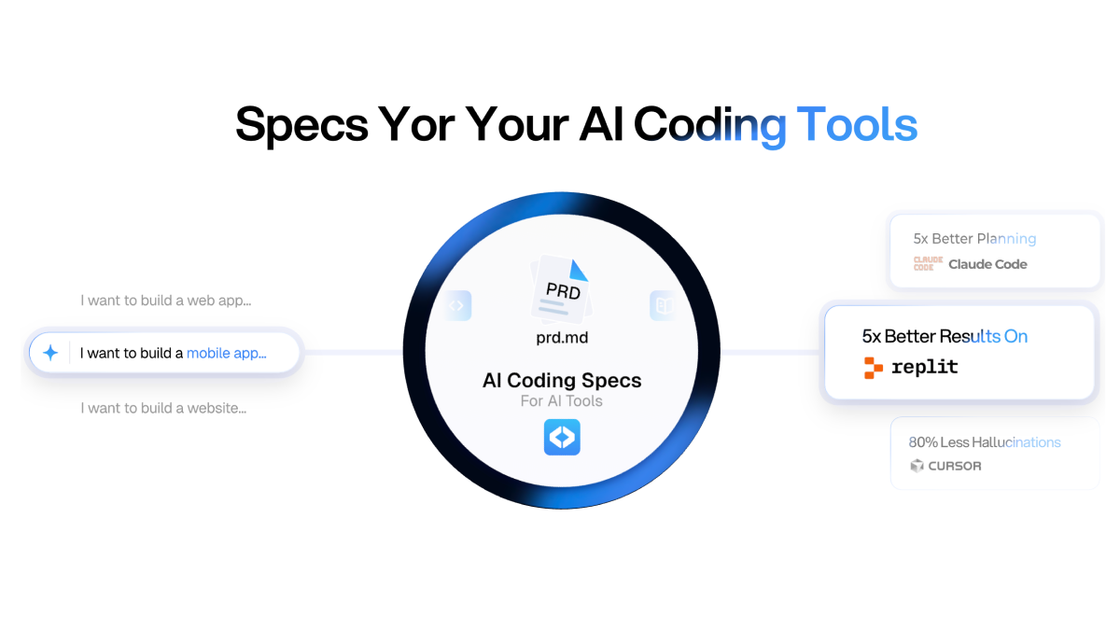
What is CodeGuide?
CodeGuide is an innovative platform designed to bridge the gap between human ideas and artificial intelligence-driven coding. It empowers developers and product teams by transforming raw concepts into detailed, spec-driven context that AI coding tools can effectively utilize. By generating comprehensive documentation such as Product Requirements Documents (PRDs), technical specifications, and wireframes, CodeGuide ensures that AI models have a clear understanding of the project, thereby significantly reducing the common issue of AI hallucinations and improving code quality.
Whether you're starting a new project from scratch or working with an existing codebase, CodeGuide provides the necessary foundation for AI to operate efficiently. It acts as a project knowledge base, allowing AI models to reference accurate and detailed information, leading to more predictable and production-ready software. The platform aims to streamline the entire AI coding workflow, from initial ideation to autonomous code execution, making it an indispensable tool for modern software development.
Key Features
- AI Coding Documentation Generation: Describe your idea in plain English and receive a complete documentation kit, including PRDs, tech stack definitions, and wireframes.
- Existing Github Codebase Analysis: Maps your existing codebase to provide AI tools with the context they need to understand and build upon your legacy code.
- Autonomous Coding Agent (Software v2): An advanced AI agent capable of analyzing codebases, planning documentation, and executing code autonomously for extended periods.
- Unified Interface for CLI Tools: Integrates multiple AI models working in sync to achieve a single project goal.
- Multi-Model Synchronization: Utilizes a model router to select the best AI model for different tasks, ensuring optimal performance.
- Powerful UI Editor: An on-screen editor for making edits, leaving comments, and running agents in parallel to fix UI issues or add features.
- Chrome Extension: Generate PRDs, tech specs, and documentation directly from your browser.
- Open-Source Boilerplates (Starter Kits): Pre-configured starter kits for AI coding models (e.g., Next.js, React Native) to save tokens and accelerate project setup.
- Token Savings: Reduces the need to burn tokens on starting new projects from scratch with ready-to-use boilerplates.
How to Use CodeGuide
- Describe Your Idea: Start by inputting your project idea in plain English into CodeGuide.
- Answer Clarifying Questions: The platform may ask follow-up questions to refine the project scope and requirements.
- Generate Documentation: CodeGuide will then generate a comprehensive documentation kit, including PRDs, tech specs, and wireframes.
- Integrate with AI Tools: Use the generated documentation as context for your preferred AI coding tools like Cursor or Windsurf.
- Analyze Existing Code (Optional): For existing projects, feed your GitHub repository to CodeGuide to generate documentation that maps your codebase.
- Utilize Starter Kits (Optional): Leverage CodeGuide's open-source boilerplates to quickly set up new projects with pre-configured essentials.
Use Cases
- Rapid Prototyping: Quickly generate detailed specifications and documentation for new app or website ideas, enabling AI to build functional prototypes rapidly.
- Legacy Code Modernization: Provide AI with a clear understanding of existing, complex codebases to facilitate smoother refactoring and modernization efforts.
- Product Requirement Definition: Streamline the creation of PRDs and technical specifications, ensuring all stakeholders and AI tools are aligned on project goals.
- AI-Assisted Feature Development: Use CodeGuide's context to guide AI agents in adding new features or fixing bugs in existing software.
- Onboarding New Developers: Generate comprehensive documentation that helps new team members quickly understand a project's architecture and requirements.
FAQ
-
What AI coding tools is CodeGuide compatible with? CodeGuide is designed to work with a wide range of AI coding tools, including popular options like Cursor and Windsurf, as well as other LLM-based development assistants.
-
Can CodeGuide generate documentation for any programming language? Yes, CodeGuide can generate documentation and analyze codebases regardless of the programming language used. Its strength lies in understanding the structure and intent of the code and requirements.
-
How does CodeGuide prevent AI hallucinations? By providing detailed, spec-driven context and a comprehensive knowledge base derived from your ideas and code, CodeGuide significantly reduces the ambiguity that leads to AI hallucinations. The AI has clear instructions and background information to work with.
-
Is there a free trial or a free tier available? Information regarding pricing and trial periods is typically available on the CodeGuide website. Users are encouraged to visit the site for the most up-to-date details on plans and offerings.
-
How does CodeGuide handle sensitive or proprietary codebases? CodeGuide offers solutions for analyzing existing codebases, and users should refer to their privacy policy and security documentation for specific details on how data, including code, is handled and protected.
Alternatives

Jenni
Jenni is an AI workspace to read PDFs, draft essays and papers, and generate in-text citations in 2.6k+ styles.

Ably Chat
Ably Chat is a chat API and SDKs for building custom realtime chat apps, with reactions, presence, and message edit/delete.

ProWritingAid
ProWritingAid is a comprehensive writing assistant that helps writers improve their craft through grammar checking, style editing, and personalized feedback.

Paperpal
Paperpal is an academic writing AI tool for research workflows—smart literature reading, English editing, rewriting, writing components, and pre-submission checks.

AakarDev AI
AakarDev AI is a powerful platform that simplifies the development of AI applications with seamless vector database integration, enabling rapid deployment and scalability.

Sanota
Sanota turns your voice into clear, beautiful text—capture memories and ideas easily, then start for free.