
CogniFocus
CogniFocus is an Android focus timer and app blocker that blocks distractions, helps you recover fast, and tracks streaks and XP.
What is CogniFocus?
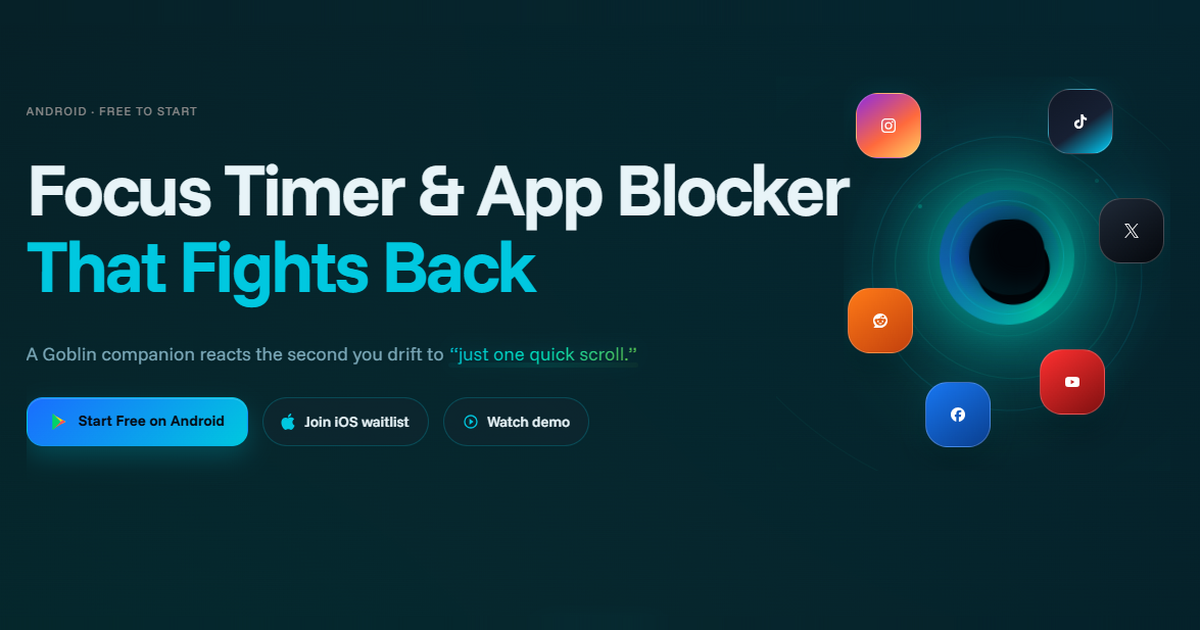
CogniFocus is a focus timer and app blocker designed to help people stay on task when they tend to drift into social apps and other distractions. It combines session timing with blocking and interruption handling, using a Goblin companion that reacts when a user opens a blocked app or slips out of a focus session.
The product is positioned around recovery rather than punishment: if someone drifts, CogniFocus nudges them back, tracks the session, and keeps progress visible through streaks, XP, Focus Shards, and companion affinity. It is currently available on Android, with iOS listed as coming soon.
Key Features
- Focus sessions with app blocking: users can select apps to block during a session so distractions are intercepted before they turn into longer breaks.
- Goblin behavior reactions: the companion reacts to distraction events, giving users immediate feedback when they open apps like TikTok, Instagram, or YouTube.
- Recovery nudges: if a user slips once, the app prompts recovery instead of treating the session as failed, which helps keep momentum intact.
- Progress tracking: sessions build streaks, XP, Focus Shards, and companion affinity, giving users a record of consistent focus over time.
- Session protection roadmap: upcoming features mentioned on the site include uninstall protection, Ghost Mode, DND support, and stricter focus modes.
- Companion roadmap: the product also plans additional companions such as Monk, Buddy, and Wizard, suggesting different behavior styles in future releases.
How to Use CogniFocus
Start by installing CogniFocus on Android and launching a focus session. Select the apps you want blocked, then begin your timer and work as usual.
If you try to open a blocked app or drift away from the session, the app reacts and offers a recovery path so you can return to work without restarting from scratch. Over time, you can track your streaks and other progress markers to see how many sessions you keep clean.
Use Cases
- Studying without social media detours: students can block apps like Instagram or TikTok during reading or review sessions and use the recovery prompts to return quickly if they slip.
- Deep work on a phone: people who use their phone for work but get pulled into short, repeated checks can keep a focus session running and reduce app-switching.
- Breaking the “just one minute” habit: users who routinely open a social app for a quick check can use the blocker and reactions to interrupt that autopilot behavior.
- Maintaining accountability over time: users who respond well to visible progress can follow streaks, XP, and companion feedback as motivation to keep sessions clean.
- Managing repeated distractions during solo work: anyone working alone without external accountability can use the Goblin reactions as a lightweight reminder that the session is still active.
FAQ
-
Is CogniFocus available on iPhone? Not yet. The site says iOS is coming and offers an iOS waitlist.
-
What platforms does it support now? CogniFocus is currently available on Android.
-
Does it only block social apps? No. The source highlights TikTok, Instagram, and YouTube as examples, but the product is described as blocking selected apps during focus sessions.
-
What happens if I break focus once? The app is designed to nudge recovery rather than end the session immediately, so a single slip does not have to become a full reset.
-
Does the app track progress? Yes. The site mentions streaks, XP, Focus Shards, and companion affinity as part of the progression system.
Alternatives
- Built-in Digital Wellbeing or Screen Time tools: these can limit app use or show usage patterns, but they are usually system-level controls rather than a session-based focus timer with a character reaction system.
- General focus timer apps: these support timed work sessions but may not include app blocking or reaction-based feedback when a user opens distracting apps.
- Dedicated app blockers: these are closer to CogniFocus in function, but many focus mainly on access control rather than on streaks, companion feedback, and recovery-oriented session flow.
- Pomodoro timer apps: these can help structure work in intervals, but they typically do not combine interval timing with distraction blocking and behavioral reactions.
Alternatives
MealTime
MealTime is your personal, offline-first recipe companion designed to help you save, organize, plan meals, and generate smart grocery lists, all while keeping your data private.

Biji
Biji is a versatile platform designed to enhance productivity through innovative tools and features.

Gemma AI
Gemma AI is a smart application that calls you directly with personalized, intelligent voice reminders to ensure you never miss important tasks, appointments, or deadlines.

Spotit
Spotit is a macOS app that reads your screen and highlights exactly where to click, using voice questions and on-screen guidance.

Decision Jar
Create virtual jars of options with Decision Jar—shake your phone to pick instantly, use AI suggestions, and view decision logs over time.

Planndu: Daily Task Planner
Planndu is an intuitive productivity application designed to help users organize tasks, manage projects, build routines, and enhance focus using tools like AI generation and a built-in Pomodoro timer.