
AI video creation from source content
Create presenter-led videos with AI avatars and voiceovers from scripts and source material. The site says Colossyan can work from PDFs, URLs, presentations, briefs, or a blank canvas.

Colossyan Creator is an AI video platform for training teams, turning scripts, documents, PDFs, URLs, and presentations into presenter-led videos and localized learning content.
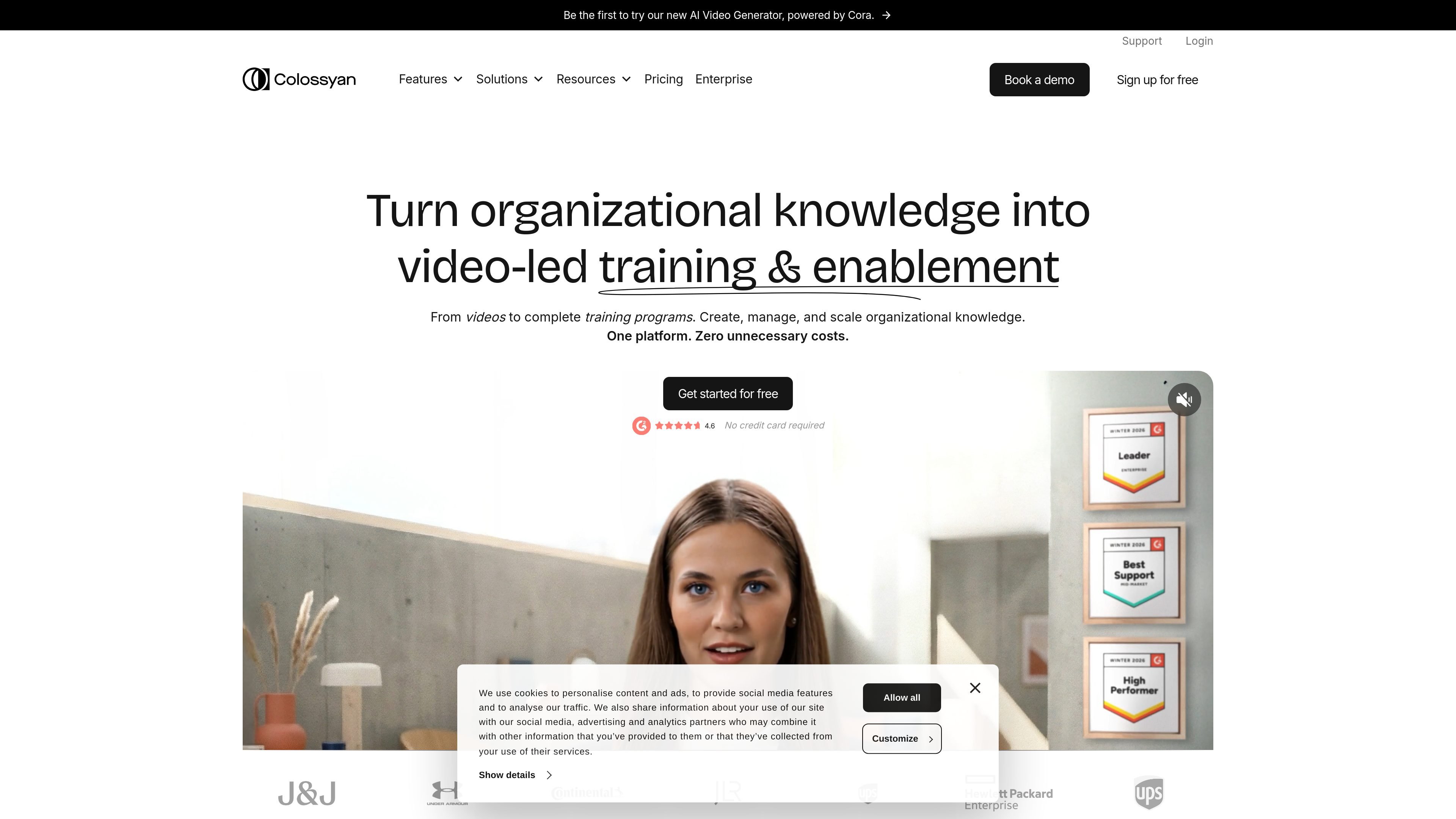
Colossyan Creator is an AI video generation platform focused on training and enablement content. The site positions it as a way to turn existing knowledge into videos, interactive courses, and localized learning material in one workflow.
Across the source pages, Colossyan emphasizes presenter-led video creation with AI avatars, scene planning, translation, and delivery features. It supports starting from a script, document, URL, PDF, or presentation, then refining the plan before rendering and applying branding across the output.
Create presenter-led videos with AI avatars and voiceovers from scripts and source material. The site says Colossyan can work from PDFs, URLs, presentations, briefs, or a blank canvas.
Let Cora draft a scene-by-scene video plan before anything renders, so you can review and edit the structure first. The feature page describes source-backed scene drafting and brand-kit application as part of the workflow.
Use AI avatars as on-screen presenters, including stock avatars, custom avatars, and instant avatars created from a short phone recording or a photo/video reference.
Build interactive training with quizzes and branching scenarios. The pricing page lists interactive videos as part of the platform, with higher-tier access and monthly limits on lower plans.
Translate and adapt videos into many languages. The site highlights auto-translation, multilingual voice support, and localization as part of the product workflow.
Apply brand kits, collaborate in shared workspaces, and export SCORM packages for learning management systems on supported plans.
Create onboarding modules that explain company policies, benefits, and culture in a format that can be updated and localized when the content changes.
Produce compliance and security training that stays consistent across teams and can include quizzes or branching scenarios for knowledge checks.
Turn product scripts, briefs, or launch notes into explainer videos that help teams share product updates and talk tracks without starting from scratch each time.
Build sales enablement content for reps, including short videos that keep product messaging current and easy to share across a team.
Localize training content across languages and accents, then deliver it through workflows that support translation and LMS export on supported plans.
Colossyan is an AI platform for creating training and enablement videos and courses. The source pages describe it as a tool that can turn documents, briefs, PDFs, URLs, slides, or scripts into presenter-led video content, with localization and delivery in the same workflow.
The pricing page shows a Free plan, paid Starter and Business plans, and an Enterprise option with custom pricing and contact sales. The site also offers free trial calls to action on the pricing page.
The source says Colossyan supports videos with AI avatars, interactive videos with quizzes and branching scenarios, localization into 80+ or 100+ languages depending on the page, and SCORM export for LMS delivery on the Enterprise plan.
The homepage says teams use Colossyan for onboarding, compliance, sales enablement, product explainers, internal upskilling, and HR training. The pricing and homepage copy also mention collaboration and multi-editor workspaces on higher plans.
The source does not provide a full public list of integrations. It does mention SCORM export for LMS delivery, API access on the pricing comparison, and SAML/SSO on the Enterprise plan.

Wallie is an open-source AI streamer that watches your screen, hears chat, and delivers live commentary in a configurable persona. Runs locally with your own keys.

VIDEOAI.ME is an AI video generator for spokesperson videos, ads, explainers, and social content from a script without filming.

Official HeyGen API docs for AI avatar videos, video translation, lipsync, and interactive video-agent sessions via API, MCP, and CLI workflows.

TubeKit turns public YouTube videos and playlists into AI-powered tools creators can customize and share. Free to try, no signup needed.

BeFreed is a personalized audio learning app that turns books and knowledge sources into narrated listening experiences with interactive audio and learning tools.

ChessWoodie is a chess tactics training app based on the Woodpecker Method. Build pattern recognition, track speed and accuracy, and review missed tactics from your own games.