
General and job-specific ATS scanning
Upload a resume and choose between a general industry benchmark or a job-specific match to evaluate how well the document aligns with the target role.

CVComp is an ATS resume scanner and resume builder that checks keyword fit, fixes formatting issues, and exports updated resumes as PDF or DOCX.
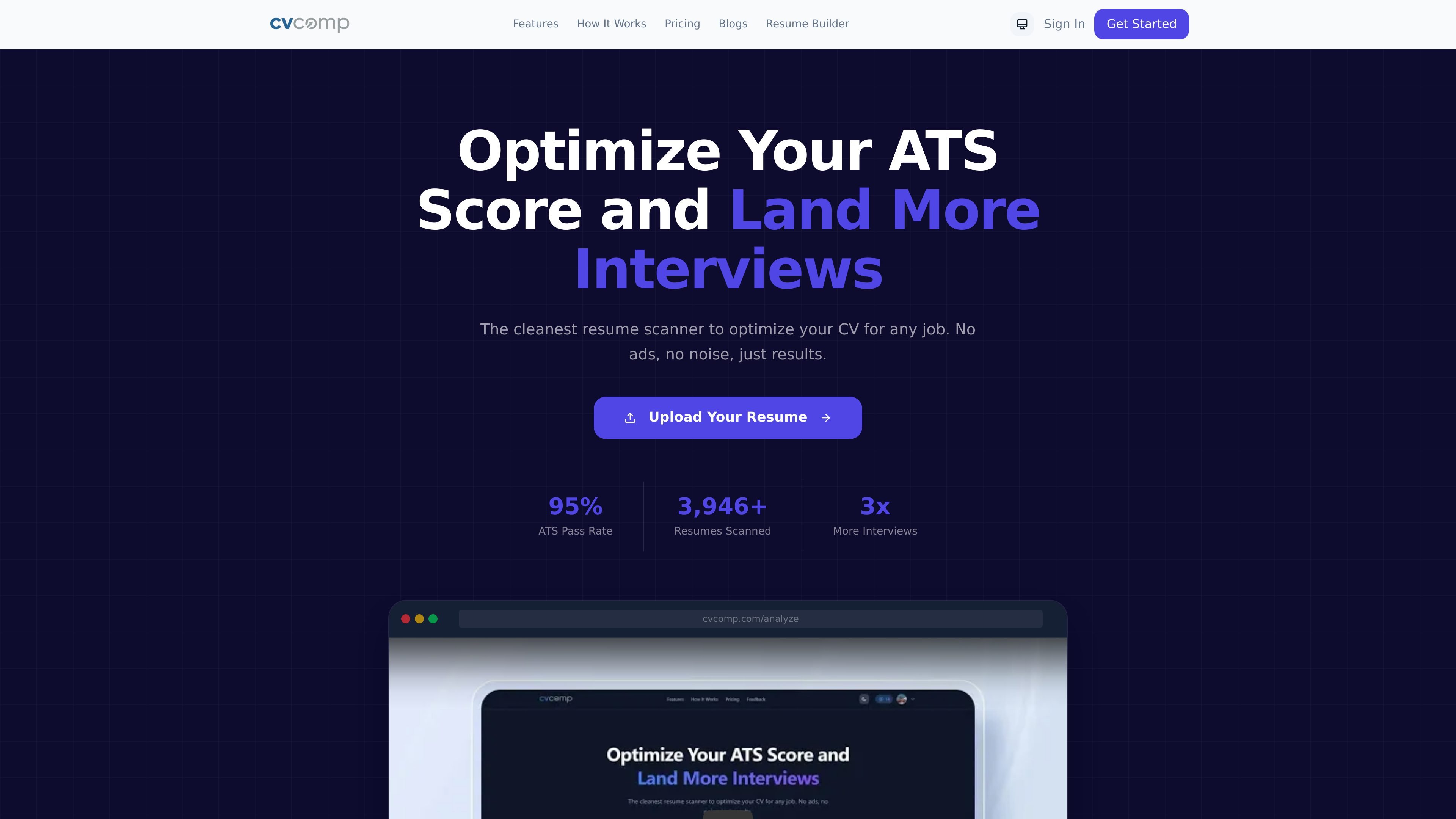
CVComp is an ATS resume scanner and resume builder focused on helping job seekers tailor a resume to a specific job description or benchmark it against general ATS expectations. The product combines scoring, keyword-gap analysis, and document cleanup in one workflow.
The site positions the tool around practical resume fixes: identifying missing keywords, formatting problems that can confuse parsers, weak or vague wording, and low-impact bullet points. Users can then apply suggestions in the editor and export an updated resume as a PDF or DOCX, depending on the plan and workflow.
Upload a resume and choose between a general industry benchmark or a job-specific match to evaluate how well the document aligns with the target role.
The analysis checks keyword gaps, formatting issues that can break ATS parsing, impact and quantification, and action-verb strength.
Review suggested changes in the interface and accept them without opening a separate document; the score updates as edits are applied.
Build a resume from scratch or import an existing PDF or DOCX to prefill your details in the builder.
Choose from ATS-ready templates and formats for different experience levels and layouts, including entry-level, growth, executive, timeline, minimalist, bold, classic, and modern styles.
Export a polished resume as PDF or DOCX; paid plans include clean PDF output, while the free plan includes watermarked PDF export.
Upload a resume to check whether it is broadly ATS-friendly before sending it to multiple roles.
Paste or target a specific job description to identify missing keywords, weak phrases, and alignment gaps for a single application.
Start from a blank slate or import an existing PDF/DOCX when you need to build a resume and not just review one.
Review suggested fixes in the same workspace, accept the changes, and download the updated file without moving to a separate editor.
Compare resume structure and layout choices across ATS-ready templates when you want a different format for entry-level, mid-career, or senior roles.
It scans a resume against a job description or a general ATS benchmark, then lets you review suggested edits and export the updated file.
The site presents a free start and paid options. The pricing page shows a free plan with lifetime generic scans, a one-time credit pack, and a 30-day unlimited plan.
The builder page says you can start from scratch or import an existing PDF or DOCX, then customize the resume in a real-time editor and download it in PDF or DOCX format.
The source supports PDF and DOCX exports. The pricing page also distinguishes between watermarked PDF export on the free plan and clean PDF export on paid plans.
The source does not list third-party integrations or connectors. It emphasizes in-app scanning, editing, and export rather than external integrations.

ResumizeAI helps you tailor resumes, check ATS quality, write cover letters, build portfolios and practice interviews via web app and browser extension.

HiringPartner.ai is an autonomous AI recruiting platform for sourcing, screening, and interviewing candidates 24/7 with ATS-connected workflows and bulk resume uploads.

Elvixs is an AI job outreach tool for freshers and students that finds hiring contacts, writes personalized cold emails, sends from Gmail, and tracks opens and replies.

Badge turns anonymous peer reviews into a Trust Score, helping job seekers, freelancers and candidates show proof of work to recruiters.

AIApply helps jobseekers generate tailored resumes and cover letters, auto-apply to matched roles, and get interview help, plus resume scanning and a job board.

TalentAid is an AI job matching platform that filters job board listings and recommends roles aligned to your skills, experience, and goals.