

Dadroit V Web
Open and explore large JSON files in your browser with interactive tree view, text/RegEx search, authenticated URL loading, and export.
What is Dadroit V Web?
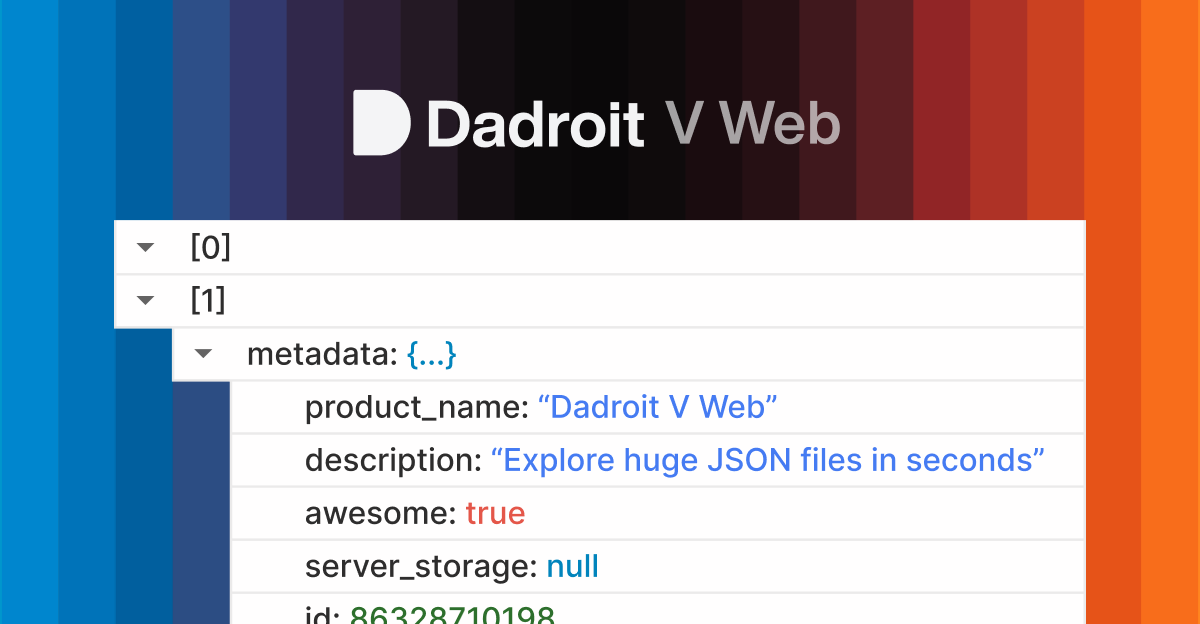
Dadroit V Web is an online JSON viewer that lets you open and explore JSON directly in your browser. It’s designed for inspecting large JSON files by showing their structure in an interactive tree view, searching within the data, and exporting results.
Core processing runs locally in the browser: you can open JSON from a local file, paste JSON data, or load JSON from a URL (including authenticated endpoints). Because the content is handled in-browser without server-side processing, it’s suited for situations where you want to avoid sending JSON data to remote services.
Key Features
- Open local JSON files (.json) in your browser: Loads JSON without installing software or running a separate desktop app.
- Interactive JSON tree view: Expands and collapses objects and arrays to navigate nested structures; highlights names and values separately.
- Search with text and RegEx: Find keys and values using plain text matching or regular expressions, with highlighted matches for quick navigation.
- Open JSON from a URL: Fetches JSON from a link directly in your browser.
- Authenticated URL loading (Basic or Bearer token): Supports endpoints that require authentication, using the provided credentials to retrieve JSON.
- Export formatted or minified JSON: Exports either the full JSON document or only a selected node/branch, in minified or formatted/pretty-printed form.
How to Use Dadroit V Web
- Open Dadroit V Web in a modern browser.
- Choose one of the supported inputs:
- Open a local
.jsonfile, or - Paste/Drop JSON content, or
- Open from URL by providing a JSON-returning endpoint (optionally adding Basic or Bearer token authentication details).
- Open a local
- Use the tree view to browse the structure and the Find tool to search by keyword or RegEx.
- When you need a copy, use Export to download either the selected branch or the entire JSON, in minified or formatted output.
Use Cases
- Inspecting API responses during development: Load JSON returned by an API endpoint (with Basic/Bearer auth if required) to quickly review structure and values.
- Debugging large JSON logs: Open multi-megabyte JSON files and navigate nested objects/arrays without relying on server uploads.
- Finding specific keys or patterns: Use text search or RegEx to locate fields or values across a document and jump to occurrences via highlighted matches.
- Extracting a relevant subtree for sharing or further processing: Select a node/branch in the tree and export it as minified or formatted JSON.
- Reviewing JSON content that may include sensitive data: Use browser-local processing so JSON files, API responses, tokens, and queries are not sent/stored on a server; closing the tab clears data.
FAQ
Does Dadroit V Web send my JSON to a server?
The page states that parsing and processing happen locally in the browser and that the tool does not need a server to process your JSON files. It also says data are not sent or stored on any server and are cleared when the tab is closed.
What input sources are supported?
You can open JSON from a local file, paste/drop JSON data, or load from a URL that returns JSON. The URL option supports None, Basic, or Bearer Token authentication.
Can it handle large JSON files?
Dadroit V Web is designed to work with large JSON files, and performance depends on the user’s browser and hardware. The source also notes an error state for files that are too large for web handling.
What formats can I export?
You can export either the full JSON or a selected node/branch. Exports can be minified or formatted/pretty-printed.
Is there a mobile version?
Yes. The tool runs in the browser and is described as working on Android and iOS using a preferred mobile browser.
Alternatives
- Desktop JSON viewers/parsers: These can also provide tree navigation and search, but typically require download/installation and updates; Dadroit V Web avoids that by running in-browser.
- Command-line JSON processors (e.g., tools that transform/print JSON): Useful for scripted extraction and transformation, but usually require a terminal workflow rather than an interactive browser tree view.
- API testing tools with JSON viewers: Useful when you’re already using an API client to make requests and inspect responses; Dadroit V Web focuses specifically on JSON viewing and exporting in-browser.
- Lightweight web-based JSON formatters: Some tools focus on formatting or validation, while Dadroit V Web emphasizes large-file browsing, RegEx/text search, and subtree export.
Alternatives

Codex Plugins
Use Codex Plugins to bundle skills, app integrations, and MCP servers into reusable workflows—extending Codex access to tools like Gmail, Drive, and Slack.

ClawTick
ClawTick is a CLI-first AI agent automation platform for scheduling webhook tasks on cron with monitoring, alerts, retries, and execution logs.

Falconer
Falconer is a self-updating knowledge platform for high-speed teams to write, share, and find reliable internal documentation and code context in one place.

OpenFlags
OpenFlags is an open source, self-hosted feature flag system with a control plane and typed SDKs for progressive delivery and safe rollouts.

Snapmark for VS Code
Snapmark for VS Code helps you annotate screenshots before pasting into AI chat tools—blur sensitive areas, add numbered steps, auto-compress large images.

skills-janitor
Audit, track usage, and compare your Claude Code skills with skills-janitor—nine focused slash commands and zero dependencies.