
One-week design sprint
A fixed-price sprint focused on product design for founders building with AI, with the work framed as a single week of senior attention rather than an open-ended project.

Dash is a fixed-price, one-week product design service for founders building with AI. It improves key surfaces and delivers a working prototype on a live URL in real code.
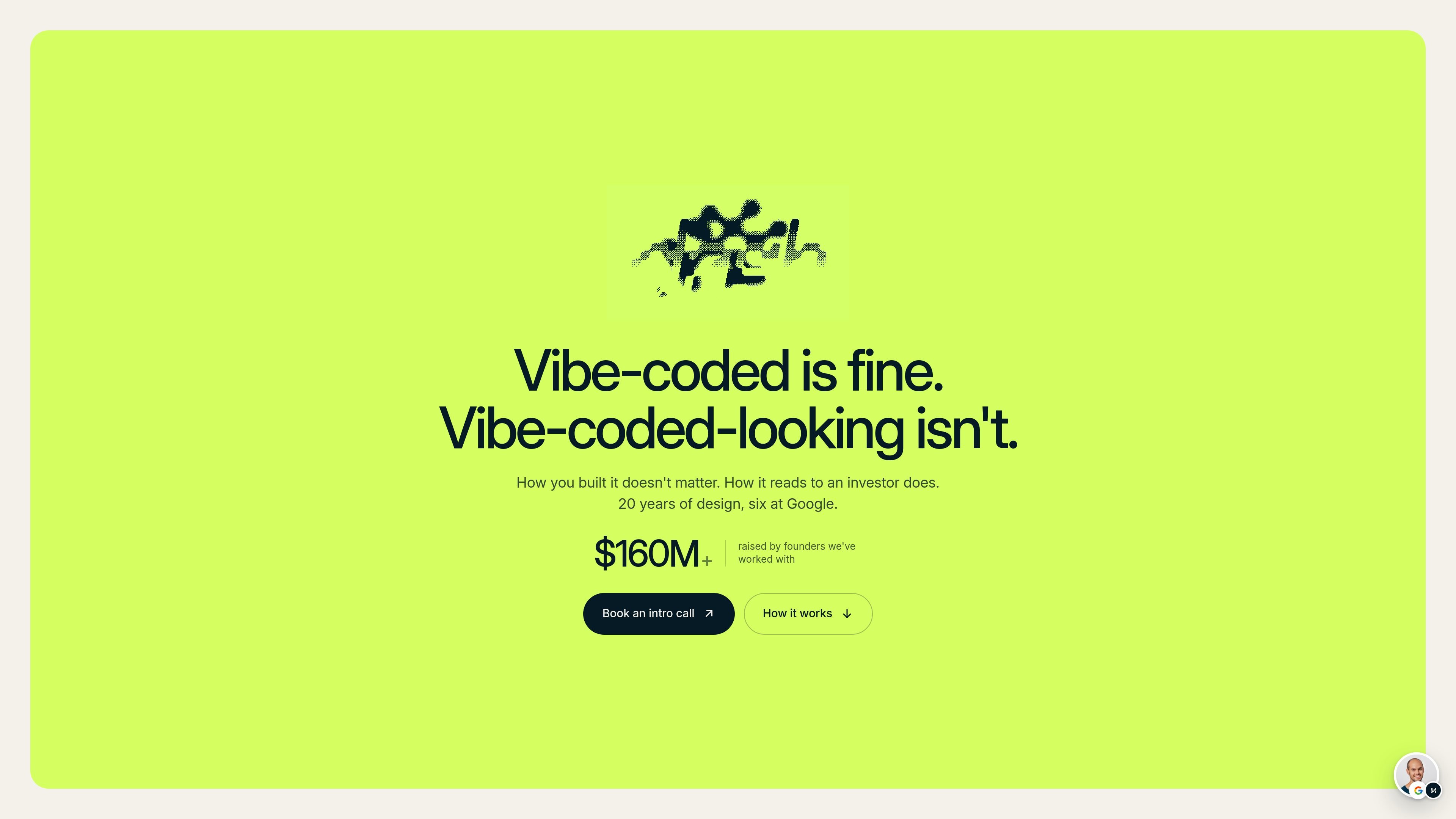
Dash is a fixed-price product design service for founders building with AI. It focuses on the parts of a product that shape first impressions: web apps, mobile apps, and product sites that need to look trustworthy before customers or investors see them.
The engagement is a one-week sprint led directly by Chris Halaska. The goal is not a ground-up rebuild or a long discovery process; it is a focused design pass that improves how the product reads and returns a working prototype on a live URL, ready to ship or hand to an engineer.
A fixed-price sprint focused on product design for founders building with AI, with the work framed as a single week of senior attention rather than an open-ended project.
A focused pass on the surfaces people judge first, including web apps, mobile apps, or a product site, with the scope agreed together up front.
A working prototype delivered on a live URL in real code, with HTML and CSS and, where needed, React, so the result can be reviewed, shared, or handed to an engineer.
An optional kickoff call, then a short brief covering the URL or repo, screenshots, references, and goals before work starts.
One consolidated revision round is included, which keeps the week time-boxed and avoids open-ended iteration.
Direct delivery from Chris, with no junior handoff and no offshore team, and a Loom walkthrough at handoff so the reasoning behind the work is clear.
For founders who already have a working product but feel the interface looks generic or obviously AI-generated, Dash focuses on the surfaces people judge first before they decide to trust it.
For teams preparing for investor meetings, the week is used to improve the product’s perceived quality so the demo and visual presentation do not undercut the numbers or the pitch.
For products already in market, Dash can tighten the presentation layer without requiring a full redesign or a months-long engagement.
For teams that already have a design system, Dash can work inside existing rails instead of starting from scratch, which makes the handoff easier for in-house designers and engineers.
For teams that want a second surface handled after the first release, the homepage notes that some clients book one Dash for the web app and a later Dash for mobile.
Yes. The homepage says Dash works for products that are already live with users, especially when the product works but still looks like it was built by AI.
Dash delivers a live URL with the redesigned product or site in real code. The page says the output can include HTML, CSS, and where needed React, and it is built in Claude Code so it can be handed to an engineer or dropped into an existing repo.
One round of revisions is included. The page defines a round as one consolidated list of changes shipped together, rather than unlimited back-and-forth.
No. Dash is a design service, not advisory. The page says Dash makes the artifacts and you run the meetings.
Yes, a standard mutual NDA is available before kickoff on request.

Refero MCP for AI agents connects an MCP-compatible agent to Refero’s curated library of web and iOS product interfaces and user flows. It helps agents research real design patterns before generating UI, with access included in the Refero Pro plan.

Pixso is a next-generation AI-native UI design tool that allows users to generate design drafts and code with a single click, serving as a domestic alternative to Figma.

PixelDrive is a bulk image generation API for on-brand images from one template via browser editor, REST API, CSV batch, or MCP.

图像大厨imgcook 是一款设计转代码工具,可将设计稿转换为前端代码,支持 Sketch、Photoshop、VS Code 和 CLI 工作流。

Napkin AI turns text into editable visuals for presentations, documents, and shareable content. Text-first generation, collaboration, and export to PPT, PNG, SVG, or PDF.

Beautiful.ai is an AI presentation platform for teams and enterprises. Create branded slide decks with Smart Slides, collaboration, and export options.