
Create with AI workflow
Generate presentations with AI, starting from a short prompt, detailed prompt, pasted outline, or source document. The workflow stays context-aware as you refine the deck slide by slide.

Beautiful.ai is an AI presentation platform for teams and enterprises. Create branded slide decks with Smart Slides, collaboration, and export options.
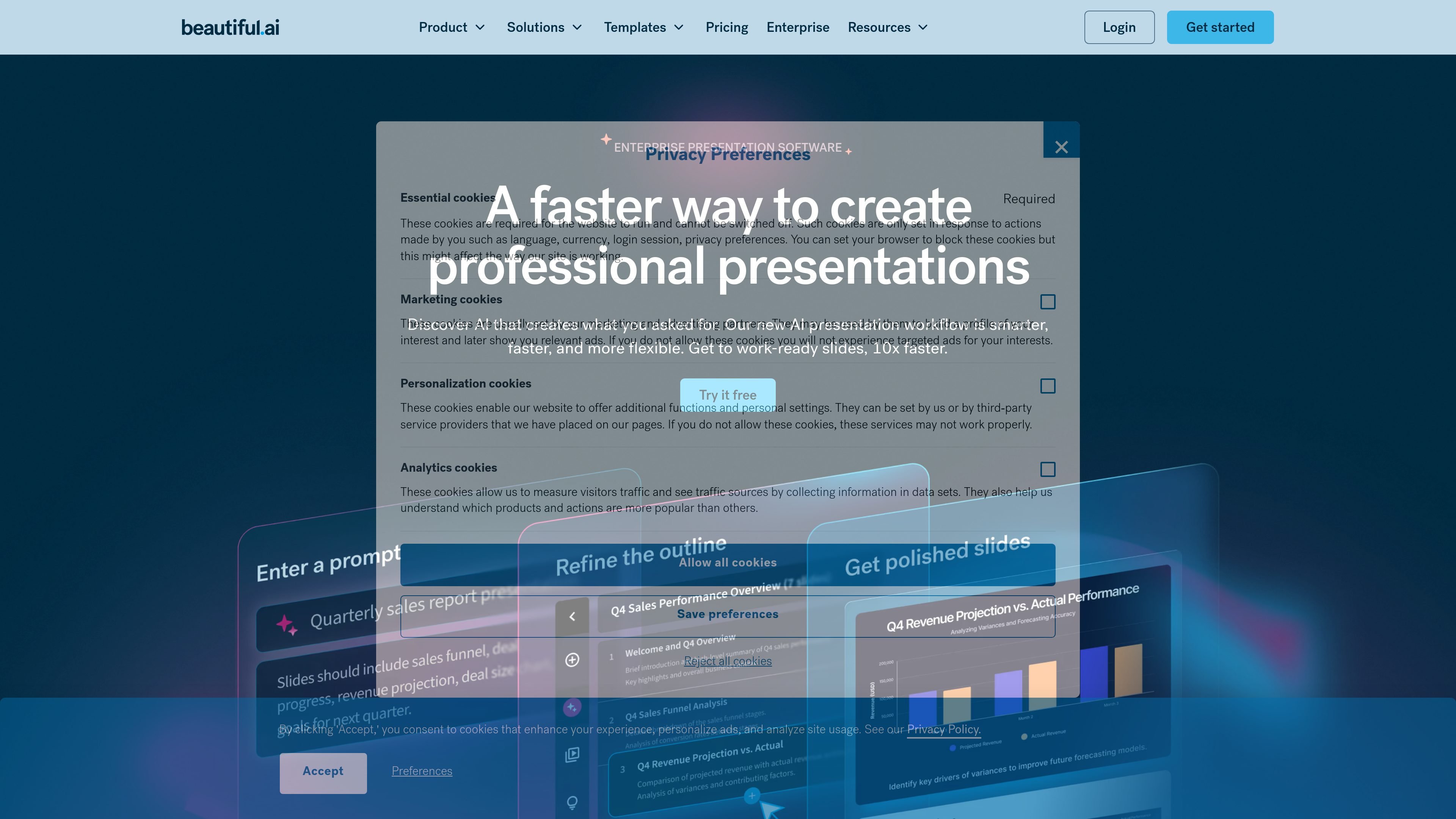
Beautiful.ai is an AI presentation platform for individuals, teams, and enterprise organizations. It helps users create polished slide decks with Smart Slides, a context-aware AI workflow, and branded templates that keep presentations consistent as they are edited and shared.
The product is built to reduce manual formatting work. Users can start from a prompt, outline, document, or theme, then generate slides that adapt layout, spacing, and visuals automatically while still supporting collaboration, analytics, sharing controls, and export options across paid plans.
Generate presentations with AI, starting from a short prompt, detailed prompt, pasted outline, or source document. The workflow stays context-aware as you refine the deck slide by slide.
Use Smart Slides to auto-align layouts, resize content, and keep spacing, text, and visuals organized as you edit. The site describes them as intelligent layouts built to reduce formatting work.
Choose from more than 300 Smart Slide layouts and slide templates for common presentation types such as data, comparisons, timelines, image grids, pitch decks, and QBRs.
Apply custom branding through themes, fonts, colors, logos, icons, and background styling. Team and Enterprise plans add shared themes, locked slides, and brand guardrails.
Collaborate in shared workspaces with real-time editing, version control, locked slides, shared asset libraries, and team-based permissions. Team plans also add engagement analytics and viewer tracking.
Export and present work in multiple ways, including PowerPoint import/export, PDF export, secure sharing, offline playback, audio narration, and data visualizations.
Build branded slide decks from a prompt, outline, document, or even a draft created in another AI tool, then refine the structure before polishing the final presentation.
Keep sales, marketing, legal, and other stakeholders aligned on one deck with shared workspaces, real-time editing, and version-controlled slides.
Standardize company presentations with themes, locked slides, shared asset libraries, and brand guardrails so repeated decks stay on brand.
Prepare decks for different presentation formats, including PDF export, PowerPoint export, secure sharing, offline playback, and browser or smartphone presentation via Webex.
Use Smart Slide templates for common business needs such as pitch decks, QBRs, marketing campaigns, lectures, comparisons, timelines, and data-heavy slides.
Beautiful.ai offers a 14-day free trial for Pro and Team features. A credit card is required to start the trial, and billing begins automatically unless you cancel before the trial ends.
Beautiful.ai offers Pro for individuals, Team plans for collaborators, Enterprise for larger organizations, and a one-off single presentation purchase for ad hoc projects.
Smart Slides are intelligent layouts that adjust spacing, text, and visuals as you edit. Classic Slides give you a blank slide for more creative freedom and less design guardrail.
Yes. The site says Beautiful.ai integrates with tools including Dropbox, ChatGPT, Slack, Monday.com, Salesforce, Webex, and PowerPoint import/export.
You can cancel your subscription from the Billing section of your Profile. Pro access continues until the end of the current billing cycle, and annual subscriptions may be eligible for a partial refund only in limited cases described on the pricing page.

SlideSpeak Onbrand gives AI agents live access to approved brand assets and slide layouts so decks and collateral start on brand. Built for Claude Code, Codex, Cursor, and other MCP clients.

Decktopus AI is a web-based AI presentation maker that creates branded slide decks from prompts, text, or PDFs for teams and enterprises.

Chronicle is an AI presentation maker for teams to turn notes, docs, or decks into polished business presentations, with AI slides, brand controls, collaboration, and export to PPT, PDF, or website.

Slidesgo is a presentation template platform for Google Slides, PowerPoint and Canva workflows, with free and Premium templates plus AI-assisted creation.

图像大厨imgcook 是一款设计转代码工具,可将设计稿转换为前端代码,支持 Sketch、Photoshop、VS Code 和 CLI 工作流。

ChatBA is a generative AI tool for instantly creating slide decks from prompts, with help on templates, sharing, and data sources.