
Visual canvas
A canvas-based workspace is central to the product, so users can sketch and organize ideas visually rather than only in linear text.

Drawsy AI is a web-based visual workspace for turning messy ideas into organized canvases with project context and local codex tools.
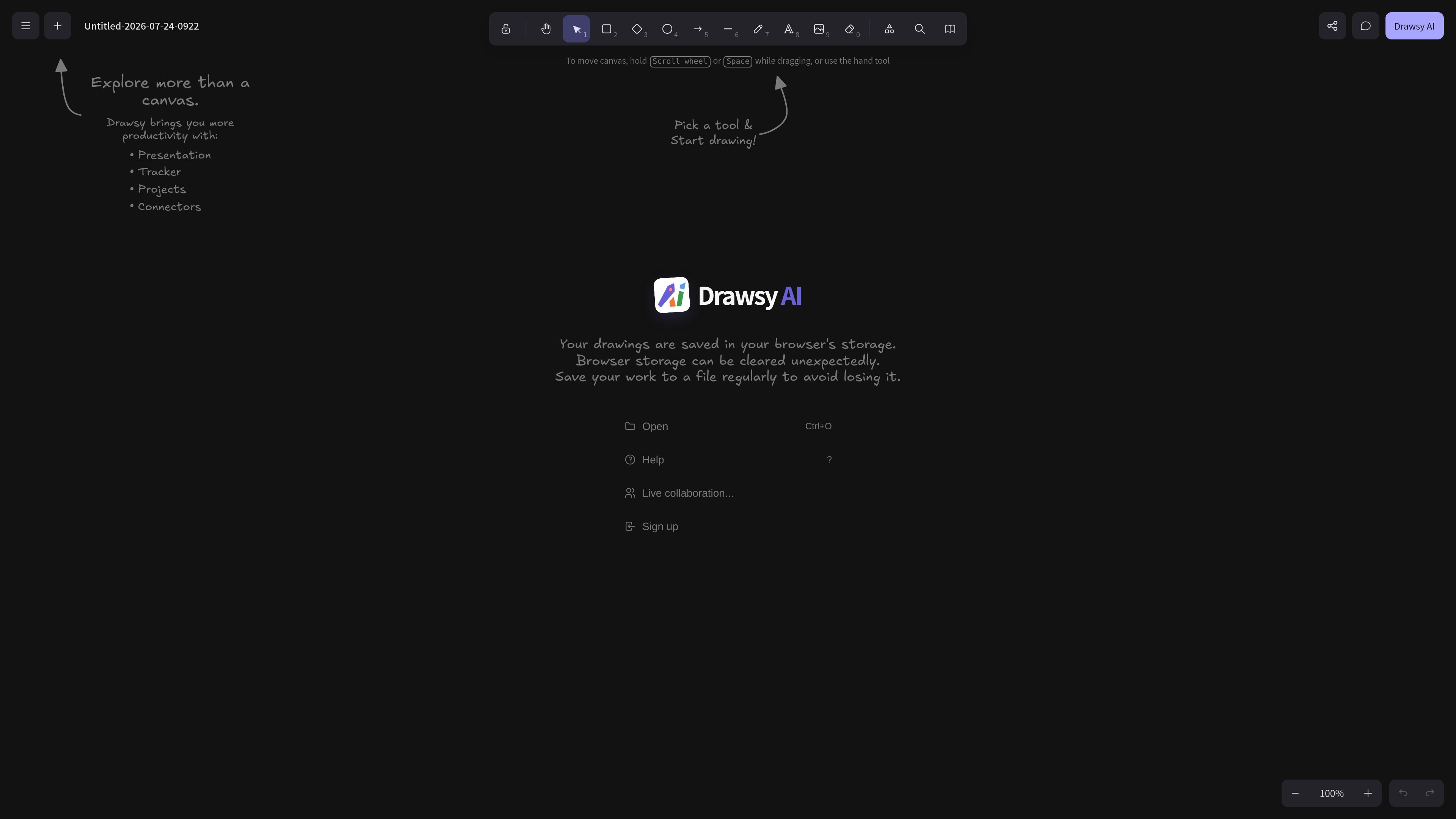
Drawsy AI is a visual workspace product that centers on a canvas for turning messy ideas into organized work. The page positions it as more than a drawing surface by combining project context and software-building tools in one place.
The interface shows a canvas, a Local Codex area, project-oriented tools such as Presentation, Tracker, Projects, and Connectors, and a live collaboration entry. It also warns that drawings are saved in browser storage and should be exported to a file regularly to avoid loss if browser data is cleared.
A canvas-based workspace is central to the product, so users can sketch and organize ideas visually rather than only in linear text.
The interface surfaces project-oriented tools such as Presentation, Tracker, Projects, and Connectors, suggesting support for different parts of a work workflow.
A Codex area appears in the interface for working from a folder and using a local context labeled "Local Codex · no internet."
The page includes a live collaboration entry, indicating that multiple people can work in the same environment.
Browser storage is used for drawings, and the page warns users to save files regularly because browser storage can be cleared unexpectedly.
The interface includes standard canvas actions and a zen mode, which points to controls for navigating and focusing on the workspace.
Use Drawsy AI when you want to sketch early ideas in a canvas and keep related work context close at hand instead of moving between separate apps.
Use the product for project planning when you need presentation, tracking, project, and connector tools around the same workspace.
Open the Local Codex area when you want to work from a local folder without internet-dependent context being the focus.
Use the live collaboration entry when multiple people need to work in the same shared workspace.
Drawsy AI is presented as a workspace for turning messy ideas into visual canvases, and its interface includes a codex area labeled "Local Codex · no internet" for choosing a folder and working from local files.
The site shows a live collaboration entry in the interface, indicating that collaboration is part of the product experience, although the public text does not describe how it works in detail.
The rendered page text references browser storage, opening files with Ctrl+O, and saving work to a file regularly. That suggests drawings can live in the browser and should also be exported or saved locally to reduce loss risk.
The public content does not list plan names or pricing amounts on the captured page text, so the pricing structure cannot be confirmed from the available evidence.

Biji is a versatile platform designed to enhance productivity through innovative tools and features.

runevr is a connected workspace for creative teams, bringing boards, media review, chat, recordings, drive, calls, and AI agents into one room-based environment.

BotBoard is a task-management layer for AI agents to assign work, track progress, and review output via CLI, MCP, and HTTP.

HackathonHost is white-label hackathon and game jam management software with registration, team building, judging, live control, certificates, and analytics.

Offloop is a workspace for teams using AI Agents to run recurring work with shared context, approvals, and visible handoffs. Keep every result, decision, and next step in one record.

hob is an independent workspace for coding agents, with local control over sessions, terminals, history, routing, and follow-up work.