

Fellow
Fellow is an AI meeting assistant that records, transcribes, and summarizes action items with privacy and access controls across Zoom, Meet, Teams, and Slack.
What is Fellow?
Fellow is an AI meeting assistant and notetaker that records meetings, transcribes them, and generates summaries and action items. Its core purpose is to turn meeting discussions into searchable notes and insights so teams can follow up more effectively.
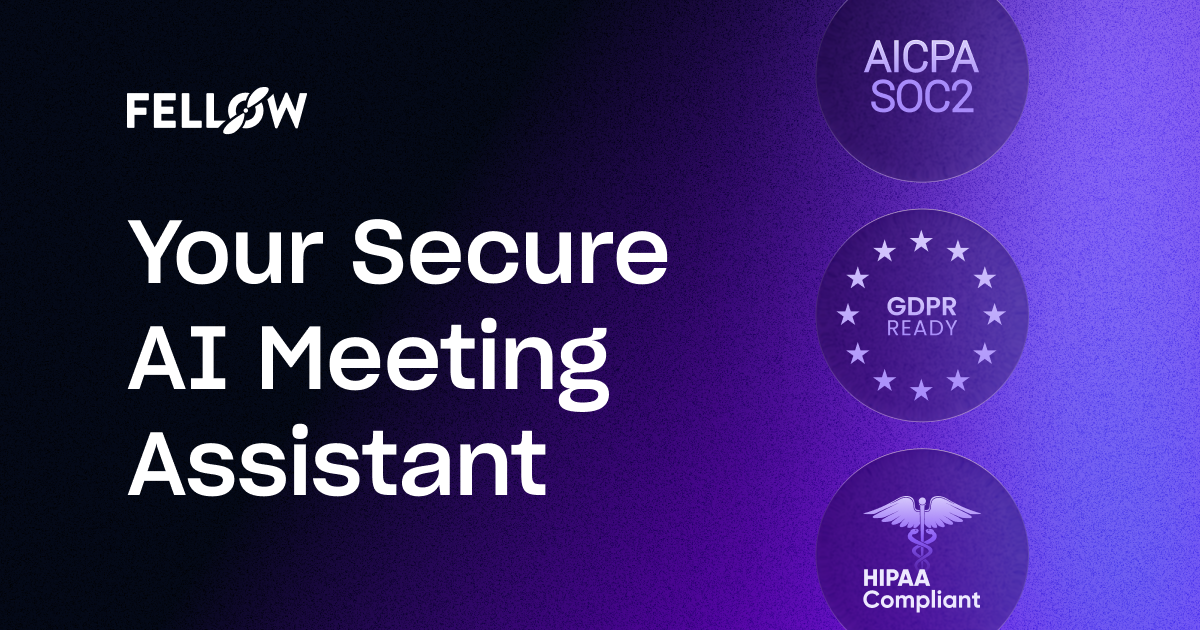
Fellow is positioned around privacy and control for internal meeting recordings and derived outputs. The product is designed to centralize recordings and recaps while providing settings for how meetings are handled and who can access meeting information.
Key Features
- Record, transcribe, and summarize meetings: Captures meetings and produces AI-generated notes, summaries, and action items to reduce manual note-taking.
- AI meeting notes across major meeting platforms: Works with Zoom, Google Meet, Microsoft Teams, and Slack huddles for transcription and recaps.
- AI agent for meeting-based answers and outputs: Provides answers and insights based on meetings you have access to, and can generate documents, memos, and draft follow-up emails.
- Centralized meeting library with access controls: Keeps meeting recordings and recaps in one place while supporting privacy and sharing controls.
- CRM automation with Salesforce and HubSpot: Syncs meeting insights to Salesforce and HubSpot and suggests fields to update based on what was discussed.
- Pre-meeting prep support: Supports collaborative agendas and pre-meeting briefs to help teams prepare before meetings.
How to Use Fellow
- Get started with Fellow (and, for organizations, contact sales where indicated on the site).
- Connect Fellow to the meetings you already run so it can record, transcribe, and summarize (for example, Zoom, Google Meet, Microsoft Teams, or Slack huddles).
- After a meeting, review AI meeting notes, summaries, and action items in Fellow’s centralized library.
- Use the AI agent to ask questions about meetings you can access and generate follow-up materials.
- If relevant, enable CRM sync to push meeting insights to Salesforce or HubSpot with suggested updates.
Use Cases
- Teams using Zoom, Google Meet, or Microsoft Teams for regular meetings: Record and automatically produce transcriptions, summaries, and action items to standardize meeting notes.
- Sales teams needing consistent follow-up: Generate automated meeting notes, draft follow-up materials, and keep CRM information aligned by syncing insights to Salesforce or HubSpot.
- Customer Success teams organizing recurring customer touchpoints: Capture meetings and turn them into actionable notes and follow-ups for faster internal coordination.
- Marketing teams coordinating fast-moving planning and campaign meetings: Use meeting notes and summaries to support documentation and internal alignment.
- HR and IT teams managing internal meeting information: Use privacy and control settings to govern what can be recorded and who can access recordings and transcripts.
FAQ
Does Fellow train its AI on my meeting data?
The site states that Fellow’s AI is never trained on your data.
Which meeting platforms does Fellow support?
Fellow supports Zoom, Google Meet, Microsoft Teams, and Slack huddles for recording, transcription, and summaries.
What outputs does Fellow generate from meetings?
Fellow generates AI meeting notes, transcriptions, summaries, and action items. It also supports an AI agent that can generate documents, memos, and draft email follow-ups.
Can Fellow centralize recordings and control access?
Yes. Fellow provides a centralized library for recordings and recaps and includes privacy and sharing controls to restrict access.
Does Fellow integrate with CRM systems?
Fellow syncs meeting insights to Salesforce and HubSpot and suggests fields to update based on what was discussed.
Alternatives
- Standalone AI meeting transcription tools: These focus primarily on recording and transcription, but may not offer the same combination of summaries, action items, centralized recaps, and downstream automation described for Fellow.
- Note-taking and knowledge management tools with manual upload: Some tools let teams store meeting notes and search content, but typically require more manual work to transcribe, summarize, and structure action items.
- CRM-centric sales assist tools: These focus on sales workflows and CRM hygiene; depending on the product, they may integrate with CRM but provide less end-to-end meeting recording and recap management.
- Enterprise workflow automation platforms: Useful when teams want to automate follow-ups and updates, but they may require additional setup to capture and summarize meetings across multiple conferencing platforms.
Alternatives

Tactiq
Tactiq is an AI meeting assistant that provides live transcription, AI summaries, action items, and custom AI prompts for Google Meet, Zoom, and Teams.

Scripta
Scripta is a privacy-first AI notetaker that records, transcribes, and summarizes your meetings directly on your device, without requiring bot access.

LIAM
LIAM is an AI copilot that drafts email replies, organizes your inbox with auto-labels and prioritization, and schedules meetings from your calendar.

AI PDF Summarizer
An AI-powered tool that summarizes PDF documents quickly and efficiently, providing clear insights and allowing users to interact with the content.

garden-md
Turn meeting transcripts into a structured, linked company wiki with local markdown and an HTML browser view. Sync from supported sources.

心流AI助手
Xinliu is an AI assistant that helps you efficiently acquire knowledge, whether it's everyday entertainment information or professional academic paper insights, it can easily provide answers.