
On-device meeting recording
Captures meeting audio on the device instead of joining the call as a bot, which keeps the recording workflow local according to the site copy.

Scripta is a privacy-first AI notetaker that records, transcribes, and summarizes meetings on your device. Mac beta download available; Windows waitlist.
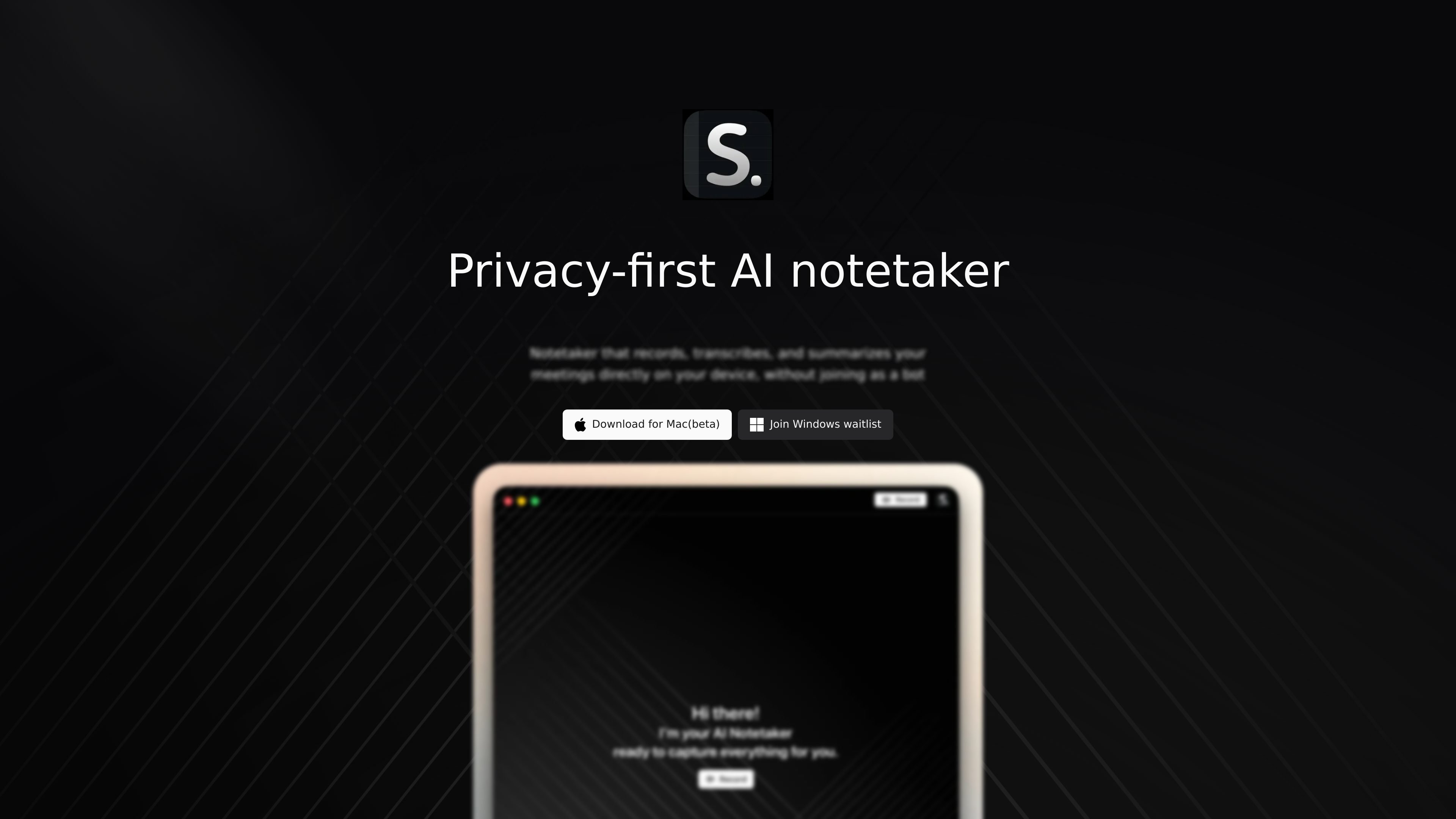
Scripta is a privacy-first AI notetaker for meetings. It records, transcribes, and summarizes conversations directly on the user’s device, and the site emphasizes that it does this without joining the call as a bot.
The product is currently presented as a Mac beta download, with a Windows waitlist available from the homepage. Public pages also show launch-oriented blog posts, including an update that Scripta is finally in beta testing for macOS users.
Captures meeting audio on the device instead of joining the call as a bot, which keeps the recording workflow local according to the site copy.
Turns spoken meetings into written notes using transcription, helping users review conversations after the call.
Produces summaries from recorded meetings so users can get the main points without reading a full transcript.
Offers a Mac beta download from the homepage, with Windows access handled through a waitlist.
Positions the product as privacy-first, emphasizing that meeting content is handled directly on the user’s device.
Useful for individual users who want meeting notes without adding a bot participant to the call or relying on cloud-first recording workflows.
Fits recurring meetings where the main need is a readable summary after the call instead of replaying the full conversation.
Works for users who prefer keeping meeting processing on their own device for a more privacy-oriented setup.
Relevant for early adopters on macOS who want to try a beta meeting notetaker before broader platform support ships.
The site describes Scripta as a privacy-first AI notetaker that records, transcribes, and summarizes meetings directly on the user’s device, without joining as a bot.
The homepage offers a download for Mac beta and a Windows waitlist, so the current public availability appears to be in beta on Mac with Windows access limited to a waitlist.
The source material does not describe export formats, sharing options, or third-party integrations.
The pricing URL currently returns a 404 page, so no public pricing details are available from the source pages.

Tactiq is an AI note taker for Google Meet, Zoom, and Microsoft Teams that transcribes meetings live into summaries, action items, and follow-up outputs.

QuickQuill is a local-first macOS dictation and transcription app to record meetings, summarize audio, and export notes without the cloud.

Notewarp is an AI note-taking tool that turns voice notes, uploads, or pasted text into cleaner notes, transcripts, summaries, and action items.

Crates is a personal saving and discovery workspace for links, screenshots, PDFs, and images. Organize what you save with taste-aware search and weekly recaps.

MeetStream is a meeting bot API for Zoom, Google Meet, Microsoft Teams, and Webex. Record, stream, and analyze meetings with usage-based pricing and $5 free credit.

Liam is an AI copilot for inbox management, email replies, prioritizing messages, and scheduling meetings. Free for individuals; custom pricing for teams and enterprise.