AVE icon

AVE

AVE is a local-first AI video editor for Mac that searches footage, plans edits, and makes timeline changes while keeping projects and exports on Mac.

AVE

Overview

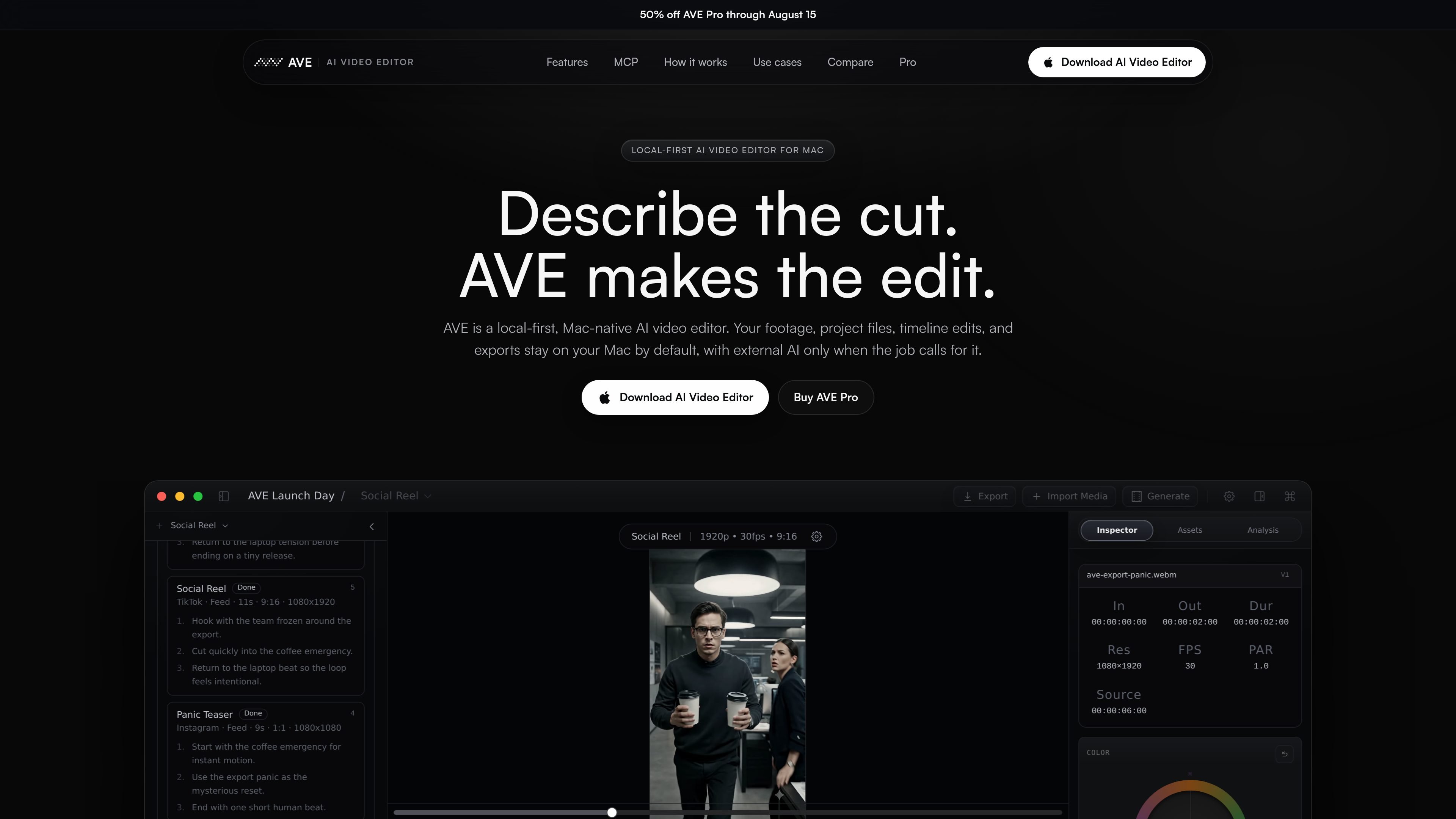
AVE is a local-first AI video editor for Mac that combines a standard non-linear timeline with AI-assisted planning and editing. The product is positioned as an editor first, with AI used to search footage, draft edit plans, and execute supported changes on a timeline you can inspect.

The app is designed for work that starts with real footage and ends with local exports. AVE keeps project files, imported media, analysis, and rendering on the Mac by default, while allowing optional connections to external AI assistants or providers when a workflow calls for them.

Features

Real timeline edits

AVE supports direct timeline operations rather than limiting AI to suggestions. Supported actions include trim, split, ripple, move, duplicate, delete, retime, close gaps, add transitions, add captions, adjust volume, and apply motion.

Footage-aware planning

Ask and Plan use project context to keep AI output grounded in the edit. AVE can use imported assets, transcripts, visual notes, clip metadata, and current timeline state when generating search results or edit plans.

Multi-format editing

Create outputs for common social and distribution formats without rebuilding the project from scratch. The site lists 16:9, 4:5, 1:1, 9:16, LinkedIn, Instagram, TikTok, Shorts, YouTube, websites, and custom formats.

Graphics and polish

AVE includes finishing tools for titles, lower thirds, shapes, brand-aware styling, camera presets, color correction, opacity, masking, and motion actions when the edit needs polish.

Local-first workflow

Projects, media analysis, execution, and exports stay local by default, and the desktop app can store BYO provider keys with encryption.

MCP assistant connection

AVE MCP provides a local authenticated bridge for Codex CLI and Claude Code, letting external coding assistants inspect projects, search footage, request edits, review changes, and export from within the app's controlled tool surface.

Use Cases

  • Short-form clips from long footage

    Turn long recordings into short vertical clips by finding the strongest section, tightening pacing, removing dead air, and adding captions while keeping the timeline available for manual refinement.

  • Launch videos and campaign variants

    Build launch edits, ad variants, founder clips, and platform-specific exports from a shared footage pool, using the timeline to keep control over each version.

  • YouTube, podcast, and interview editing

    Use transcript search, visual search, and plan previews to create tighter episodes, highlights, and promo cuts from interviews, podcasts, or talking-head recordings.

  • Private client and internal video work

    Edit on a local Mac workflow for sensitive client, internal, or private footage, then decide whether to connect assistants or providers only when the project allows it.

  • Generated footage assembly

    Assemble outputs from generated clips by importing assets into AVE, searching for usable moments, building a sequence, and finishing the cut by hand.

Pros and Cons

Pros

  • Real timeline editing is supported, so AI can result in inspectable changes rather than only generated outputs.
  • Local-first behavior keeps project files, imported media, analysis, execution, and exports on the Mac by default.
  • Ask and Plan modes provide two different ways to work, from quick questions and search to reviewable multi-step edit plans.
  • The app supports practical video-editing tasks such as captions, transitions, retiming, motion, and export preparation.
  • AVE MCP extends the workflow to Codex CLI and Claude Code through a controlled local bridge.

Cons

  • The site indicates that some external AI, API, or generation services are optional add-ons, so workflows that need those capabilities may depend on connecting another service.
  • Pricing information is incomplete on the site because the pricing page returns a 404, although the homepage does describe a free option and a paid Pro Lifetime purchase.

FAQ

How do I install AVE?

AVE is available as a local Mac download. The site says version 1.0.21 can be downloaded from GitHub Releases and installed by dragging the app into Applications.

What Mac does AVE require?

AVE is built for Apple Silicon Macs and requires macOS 14.0 or later. The site specifically mentions M1 or later.

Does AVE actually edit the timeline?

AVE combines Ask and Plan modes with a real non-linear timeline. It can turn approved plans into supported timeline changes such as trimming, splitting, moving, transitions, captions, and export preparation.

Can Codex CLI or Claude Code work with AVE?

Yes. AVE MCP connects local Codex CLI or Claude Code installations to a controlled set of AVE project, search, edit, review, and export tools through a local authenticated bridge.

Is AVE private by default?

AVE is local-first by default. Project files, imported media, local analysis, timeline execution, and exports stay on your Mac unless you choose to connect an external assistant, API provider, or generation service.

Quick Facts

Category
Video Editing
Platform
Mac
OS requirement
macOS 14.0 or later
Hardware requirement
Apple Silicon, M1 or later
Workflow
Ask, Plan, review edits, export locally
Source domain
aivideoeditor.app