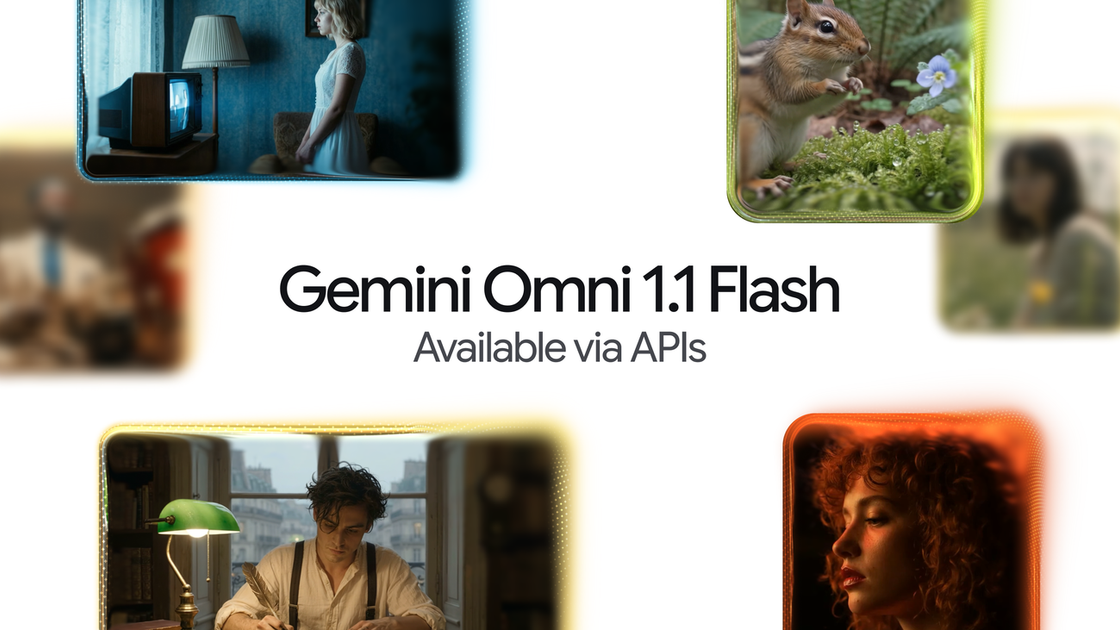
Gemini Omni 1.1 Flash icon

Gemini Omni 1.1 Flash

Gemini Omni 1.1 Flash helps developers create and edit AI video workflows with scene extension, keyframe control, fast 360p previews, and 4K output options.

Gemini Omni 1.1 Flash

Overview

Gemini Omni 1.1 Flash is a Google DeepMind model update for developers building generative video workflows, creative tools, and media editing software. The announcement says it brings more control over video generation, with scene extension, frame-to-frame transitions, faster previews, and higher-resolution output.

The product is positioned as production-ready and available through Google AI Studio, the Gemini API, and the Gemini Enterprise Agent Platform. Its core job is to make AI video generation and editing more controllable and easier to iterate on before final rendering.

Features

Scene extension

Continue an existing video by generating the next segment with improved visual consistency and narrative flow. The model can use up to 10 seconds of prior context, rather than only the final second, and supports extensions in 10-second increments up to 40 seconds total.

First and last frame control

Define where a shot starts and ends so the model can generate continuous footage between those keyframes. This is intended for smoother camera moves, transitions, or looping clips.

Fast 360p drafting

Generate lightweight 360p previews to test ideas before committing to a higher-resolution render. The source says this can be up to 60% faster and at a third of the cost versus standard 720p generation.

1080p and 4K upscaling

Produce higher-resolution video outputs for final delivery, including 1080p and 4K. The announcement frames this as a way to move from rough draft to polished footage in the same workflow.

Developer access

Use the model through the Gemini API in Google AI Studio, with access also mentioned via the Gemini Enterprise Agent Platform. The release note describes Omni 1.1 Flash as production-ready for developers.

Use cases

  • Extend scenes in an ongoing edit

    Build tools that continue an in-progress video clip while maintaining visual and narrative continuity. This suits story-driven generation where the next shot has to follow the previous one closely.

  • Create keyframed transitions

    Generate controlled transitions between two key moments in a shot, such as a start frame and an end frame. This is useful for camera moves, morphing scenes, or seamless loops.

  • Draft and review concepts faster

    Prototype video concepts quickly with 360p drafts before spending on higher-resolution output. That makes sense for early-stage storyboard testing or rapid internal review.

  • Prepare higher-resolution final renders

    Produce final assets for delivery in 1080p or 4K after a rough cut is approved. The announcement ties these outputs to polished, production-ready video workflows.

  • Embed video generation in software products

    Integrate video generation into developer products that need API-driven control rather than a consumer editing interface. The post specifically frames the release for developers and product teams.

Pros and Cons

Pros

  • Gives developers more control over generative video with scene extension and keyframe-based transitions.
  • Supports faster iteration through lower-resolution 360p previews before a final render.
  • Offers higher-quality output options, including 1080p and 4K.
  • Can be accessed through Google AI Studio and the Gemini Enterprise Agent Platform, with Gemini API support called out in the announcement.

Cons

  • The source material does not include a full pricing page, so cost and plan details are not clear from the collected evidence.
  • The announcement is focused on video generation and editing, so it does not document broader model capabilities or non-video workflows in detail.

FAQ

Where can developers access Gemini Omni 1.1 Flash?

The announcement says Gemini Omni 1.1 Flash is available through Google AI Studio and the Gemini Enterprise Agent Platform, with production-ready use via the Gemini API in Google AI Studio. It does not list every possible access path or workspace requirement.

What kind of workflows is it designed for?

The post highlights scene extension, start and end frame control, 360p preview generation, and upscaling to 4K. Those controls are aimed at video generation, editing, and faster iteration rather than general-purpose text or image tasks.

How long can a scene be extended?

The source says you can extend videos in 10-second increments up to a total cumulative length of 40 seconds. It also says the model can analyze up to 10 seconds of prior context when extending a scene.

Is pricing published in the source material?

The announcement describes 360p previews as faster and lower cost than the model’s standard 720p resolution, and says final outputs can be upscaled to 4K. It does not provide a full pricing table or credit schedule.

Who is the product aimed at?

The page positions the update for developers building generative video workflows, creative tools, and media editing software. It is also described as production-ready for professional use.

Quick Facts

Category
Developer Tool
Product
Gemini Omni 1.1 Flash
Source domain
blog.google
Primary use
Generative video creation and editing
Availability
Google AI Studio, Gemini API, Gemini Enterprise Agent Platform
Notable output options
360p previews, 1080p, and 4K