
Always-on source monitoring
Monitors tech sources continuously so users do not have to manually check multiple feeds throughout the day.

Grepfeed tracks Hacker News, GitHub Trending, Reddit, Twitter/X, and RSS, then filters them into a smaller set of trends and summaries for quick daily updates.
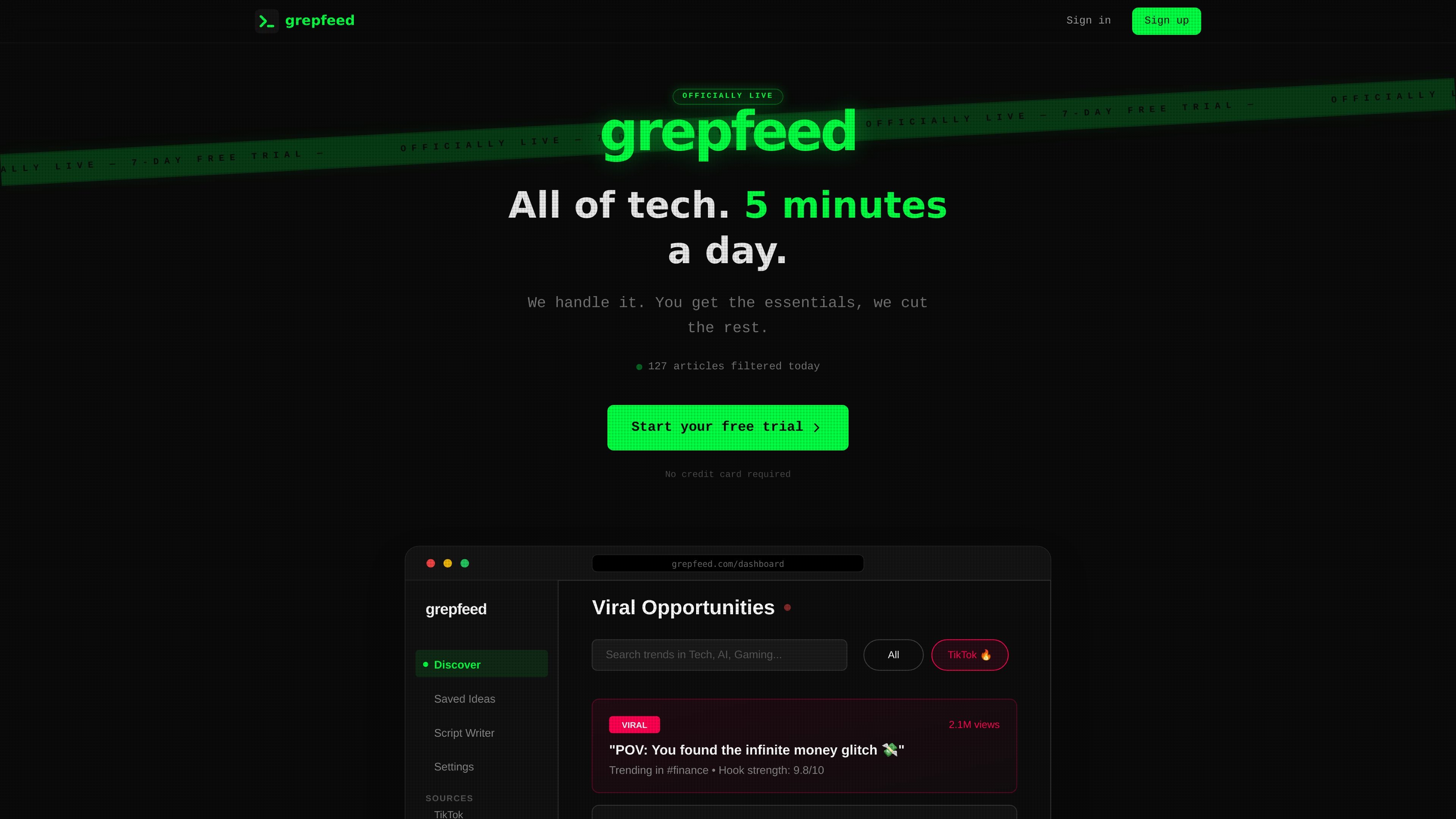
Grepfeed is a tech monitoring product that watches sources such as Hacker News, GitHub Trending, Reddit tech subreddits, Twitter/X on Pro, and RSS feeds, then filters the stream down to items that look worth attention. Its core promise is to reduce the time spent scanning social and community feeds by turning a high-volume information stream into a smaller set of signals.
The product is built around a text-first interface and two main consumption modes: a real-time feed inside the app and email digest delivery. The homepage frames the experience as a way to stay current in about five minutes a day, with users configuring niches and then letting the system surface relevant trends and summaries for them.
Monitors tech sources continuously so users do not have to manually check multiple feeds throughout the day.
Uses AI to evaluate velocity and engagement and surface items that appear to be rising rather than already saturated.
Supports a real-time feed for checking trends on demand, plus a daily digest workflow for a lighter review cadence.
Offers email digests that can be sent daily or weekly, with summaries that gather trending items from the configured sources.
Provides an AI Agent Skill and API access on Pro for workflows that query trend data from compatible tools.
Lets users configure niches and save ideas to a board, keeping the feed focused on specific topics of interest.
For people who want a single daily pass through tech news and trends without checking multiple sites manually.
For builders or researchers who only care about a specific niche and want the feed narrowed to that topic.
For users who prefer inbox-based updates and want a curated summary instead of opening the app repeatedly.
For agent-based or script-based workflows that need trend data in a tool-compatible format.
Yes. The homepage says the trial gives 7 days of full Pro access with no credit card required.
The source says Grepfeed monitors Hacker News, GitHub Trending, Reddit tech subreddits, Twitter/X on Pro, and RSS feeds.
Grepfeed offers a real-time feed in the app and a daily email digest on Pro, with daily or weekly digest timing mentioned in the pricing section.
The pricing section says Pro includes API access and an OpenClaw skill; the homepage also mentions it works with Claude Code and other skill-compatible agents.

An AI-powered tool that summarizes PDF documents quickly and efficiently, providing clear insights and allowing users to interact with the content.

Tactiq is an AI note taker for Google Meet, Zoom, and Microsoft Teams that transcribes meetings live into summaries, action items, and follow-up outputs.

AakarDev AI helps teams manage AI provider access, project setup, logs, and analytics in one dashboard. BYOK support included.

BookAI allows you to chat with your books using AI by simply providing the title and author.

Skills Janitor is a GitHub-hosted set of slash commands for auditing, tracking, and cleaning up Claude Code and OpenAI Codex skills.

FeelFish is a PC client for AI-assisted novel writing, helping writers plan characters and settings, draft and revise novels, and manage story context.