
Meal capture with AI assistance
Log meals from a photo or typed description. GutGraph says AI can estimate ingredients, calories, macros, and FODMAP context to make entry faster.

GutGraph is a food and symptom tracker for IBS and digestive concerns. Log meals, track symptoms, spot patterns, and share private journal summaries.
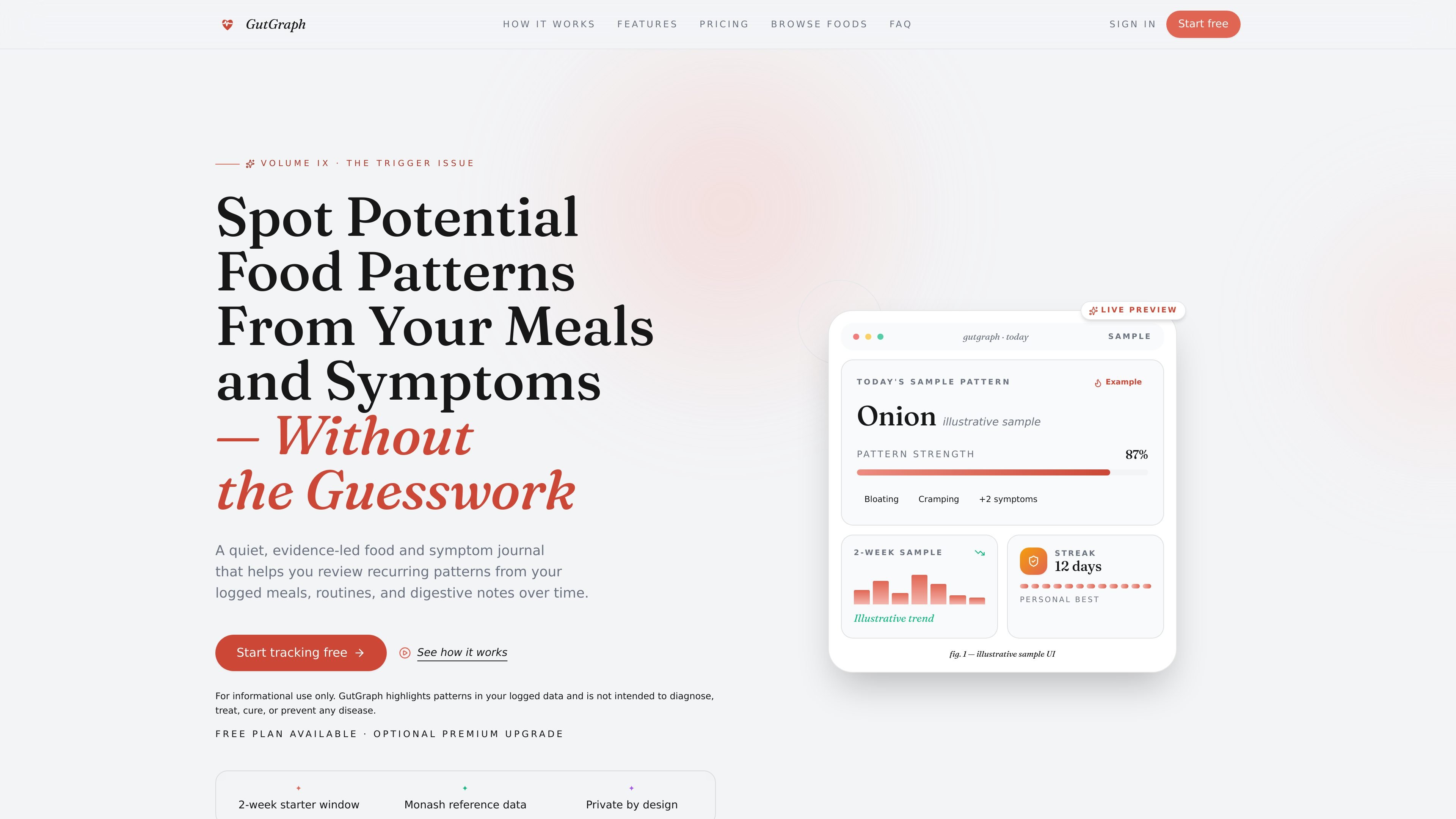
GutGraph is a food and symptom tracker for people who want to review digestive patterns from their own logs. It combines meal entry, symptom tracking, AI-assisted summaries, and report export in one private journal.
The product is built around a simple workflow: log a meal by photo or text, note how you feel after eating, and then review possible ingredient or meal-context patterns as data accumulates. The site positions these results as informational summaries for personal tracking and appointment prep, not medical advice or diagnosis.
Log meals from a photo or typed description. GutGraph says AI can estimate ingredients, calories, macros, and FODMAP context to make entry faster.
Record post-meal symptoms such as bloating, pain, and urgency with timestamps so entries can be compared against meals and routines.
Review recurring ingredient and meal-context patterns from your self-reported history. The product surfaces possible correlations rather than medical conclusions.
Generate PDF summaries for appointments, with premium export options for clinicians or other healthcare conversations.
Use the app on mobile with one-thumb logging, PWA support, and reminder prompts for post-meal check-ins.
Store sensitive fields with encryption and manage export or deletion from account tools, with optional analytics controls.
Track meals, post-meal symptoms, and timing in one place to make it easier to spot recurring patterns over time.
Use photo or text logging plus AI-assisted ingredient estimates to reduce the friction of keeping a food diary every day.
Generate a shareable PDF summary or export data before a visit so a clinician can review meal history, symptom trends, and pattern views.
Build a longer log around meals, routines, and symptom reactions, then review the app’s pattern summaries as the dataset grows.
Stay on the free plan for basic tracking, or upgrade when you want deeper pattern views, unlimited AI photo scans, and exports.
GutGraph lets you log meals, symptoms, and routines so you can review possible food-symptom patterns over time. The site says it is a personal health tracking tool for informational purposes only and not a diagnosis or treatment tool.
The signup flow asks for your name, email, password, and consent to process health data such as meals, symptoms, and bowel movements for pattern tracking and analysis. The product also notes that AI services are used as described in the Privacy Policy.
The home page describes a workflow of snapping a meal photo or entering text, logging how you feel after meals, and then reviewing possible patterns as more data is collected. Premium adds deeper pattern views and shareable PDF summaries.
Premium includes exportable PDF summaries, and the pricing page also mentions CSV or PDF export for health data. The site says these files are available for download for 7 days.
The site states that GutGraph relies on user-inputted data and its summaries are informational only. It also says free users keep access to the last 3 months of data if they downgrade, while all historical data remains stored.

PromptScout tracks how ChatGPT, Gemini, Google AI Overviews, and Perplexity mention your brand or competitors, with source analysis and website audits.

Malyatko is a baby tracker for feeding, sleep, growth, teething, and milestones. Use it on iPhone, Apple Watch, and widgets offline, with iCloud sharing.

Sleek Analytics is a privacy-friendly web analytics tool with real-time visitor tracking, Core Web Vitals, and revenue attribution.

MIRA vision develops synthetic-data-driven AI for pathology image analysis, with privacy-compliant training data, automatic annotations and controlled data generation.

MacSpoof is a macOS MAC address changer that lets you change or randomize your Wi‑Fi MAC to reconnect and limit device logging on public Wi‑Fi.

ClawTick is an AI agent automation platform for scheduling jobs from the CLI, dashboard, or REST API. Built for developers and teams using LangChain, CrewAI, webhooks, or custom workflows with monitoring, alerts, and logs.