

Helply
Helply is an AI support agent that automates customer support with escalation to your help desk when unsure. 65% in 90 days—pay nothing if missed.
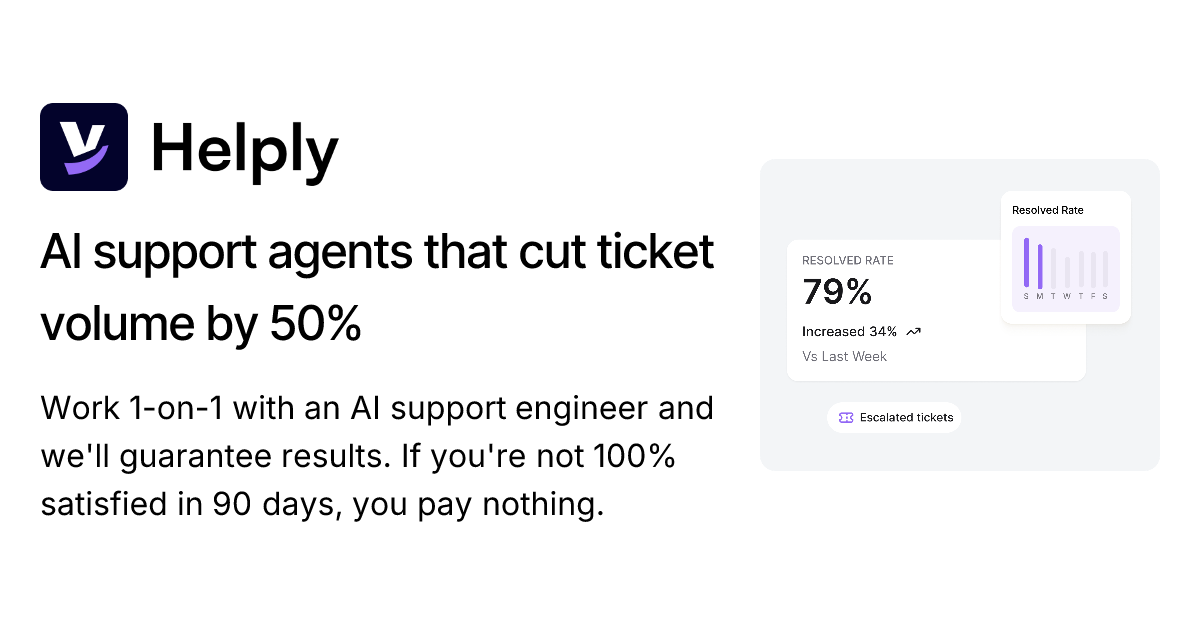
What is Helply?
Helply is an AI support agent built to handle customer support requests using your existing help resources, with a defined path for escalation when the AI is unsure. Its core purpose is to reduce repetitive support work and speed up resolution by automating common ticket types while keeping your help desk in the loop when needed.
Helply positions itself around measurable outcomes: it states a “65% AI resolution rate within 90 days” and says you pay nothing if that target isn’t met. It also highlights a rollout that connects to your help desk and launches an AI agent in production within 14 days.
Key Features
- Resolution guarantee: Helply states it guarantees a 65% AI resolution rate within 90 days, with no payment if the guarantee isn’t met.
- Dedicated AI support engineer (1-on-1): Users work with an engineer while the agent is set up and moved into production.
- Help desk connection and fast launch: Helply states you can connect your help desk, configure workflows, and launch the AI agent in production within 14 days.
- Hallucination-proof escalation: When the AI is unsure, Helply escalates to your help desk with full context and source citations rather than guessing.
- Knowledge base loading and syncing: Helply can load help docs such as help center content, Notion pages, saved replies, or FAQs, and it keeps them synced automatically.
- Workflow guardrails and preview mode: You can define tone and escalation rules and review AI responses in preview mode before making them go live.
- Continuous improvement loop: After launch, Helply tracks resolution rates and highlights top escalations and what to improve, supporting gradual rollout.
- Human review controls: Helply supports reviewing AI replies and marking them as helpful or not, to maintain human oversight of automation quality.
How to Use Helply
- Get started (free option is referenced on the site) and/or book a demo to discuss your support setup.
- Connect your help desk and provide access to your knowledge sources (e.g., help docs/FAQs and saved replies). Helply states it can pull this material in about 5 minutes for setup and keep it synced.
- Configure AI behavior using Helply’s guidance tools—set tone, escalation rules, and review answers in preview mode.
- Launch the AI agent into production after workflows and rules are configured; Helply states production launch can occur within 14 days.
- Monitor and iterate: review AI conversations, track resolution rates, and use insights to close gaps in your documentation and reduce repeat escalations.
Use Cases
- Invoice and billing questions: An example on the site shows Helply assisting a customer with finding the latest invoice link, clarifying whether it includes charges for an additional mid-month user, and offering to send a PDF—then confirming renewal/credits context.
- Reducing repetitive “simple request” tickets: Helply describes a pattern where agents spend much of the day answering the same basic requests, and positions its automation to handle most of those ticket types.
- When automation should hand off safely: For questions the AI isn’t confident about, Helply escalates to the help desk with full conversation context and source citations, aiming to avoid unsupported “guessing.”
- Improving the help center content: Through its “gap finder” concept, Helply identifies real customer questions that aren’t covered in your docs, producing a prioritized list of what to update.
- Guided plan changes and account-related actions: Helply describes guiding customers to the right plan based on usage patterns and supporting billing-related workflows like sending invoices automatically.
FAQ
What does “65% resolution guarantee in 90 days” mean?
Helply states it guarantees a 65% AI resolution rate within 90 days, and says you pay nothing if the guarantee isn’t met.
How does Helply avoid hallucinated answers?
The site says Helply uses hallucination-proof escalation: when unsure, it escalates to your help desk with full context and source citations rather than guessing.
How quickly can Helply be launched?
Helply states it can connect your help desk, configure workflows, and launch your AI agent in production within 14 days.
What do I need to provide to set up Helply?
Helply’s setup involves loading your existing knowledge and support artifacts—such as help docs, Notion pages, saved replies, or FAQs—so it can answer using your materials.
Can I control how the AI responds before it goes live?
Helply describes a preview mode and configurable guidance (tone and escalation rules), so you can review responses prior to enabling them in production.
Alternatives
- Help desk automation with rule-based routing: Instead of an AI agent, teams can automate ticket triage and provide canned responses using workflows/rules. This may be simpler to control but typically handles fewer nuanced questions.
- Customer support chatbots (non-guaranteed / no escalation context): General-purpose support bots can answer frequently asked questions, but may vary in how they escalate when uncertain and whether they provide source-grounded context.
- AI agents focused on knowledge-grounded Q&A for support: Tools in this category primarily retrieve from your docs for answers; depending on the product, they may offer fewer “outcome enforcement” or escalation guarantees than Helply.
- Human-in-the-loop support automation: Some platforms prioritize agent assistance (draft responses, summaries, or suggested replies) rather than fully automated resolution, shifting workload to humans for every interaction.
Alternatives

BookAI.chat
BookAI allows you to chat with your books using AI by simply providing the title and author.

Struere
Struere is an AI-native operational system that replaces spreadsheet workflows with structured software—dashboards, alerts, and automations.

Ably Chat
Ably Chat is a chat API and SDKs for building custom realtime chat apps, with reactions, presence, and message edit/delete.

garden-md
Turn meeting transcripts into a structured, linked company wiki with local markdown and an HTML browser view. Sync from supported sources.

Tavus
Tavus builds AI systems for real-time, face-to-face interactions that can see, hear, and respond, with APIs for video agents, twins & companions.

Falconer
Falconer is a self-updating knowledge platform for high-speed teams to write, share, and find reliable internal documentation and code context in one place.