
Media and playback controls
Shows the current track with album art, a scrubber, and transport controls in the island. A song-change toast can briefly flash the new title when playback changes.
Islet is a notch-based Mac utility for media controls, system HUDs, calendar, weather, and quick capture. Try it free for 3 days or buy once for lifetime access.
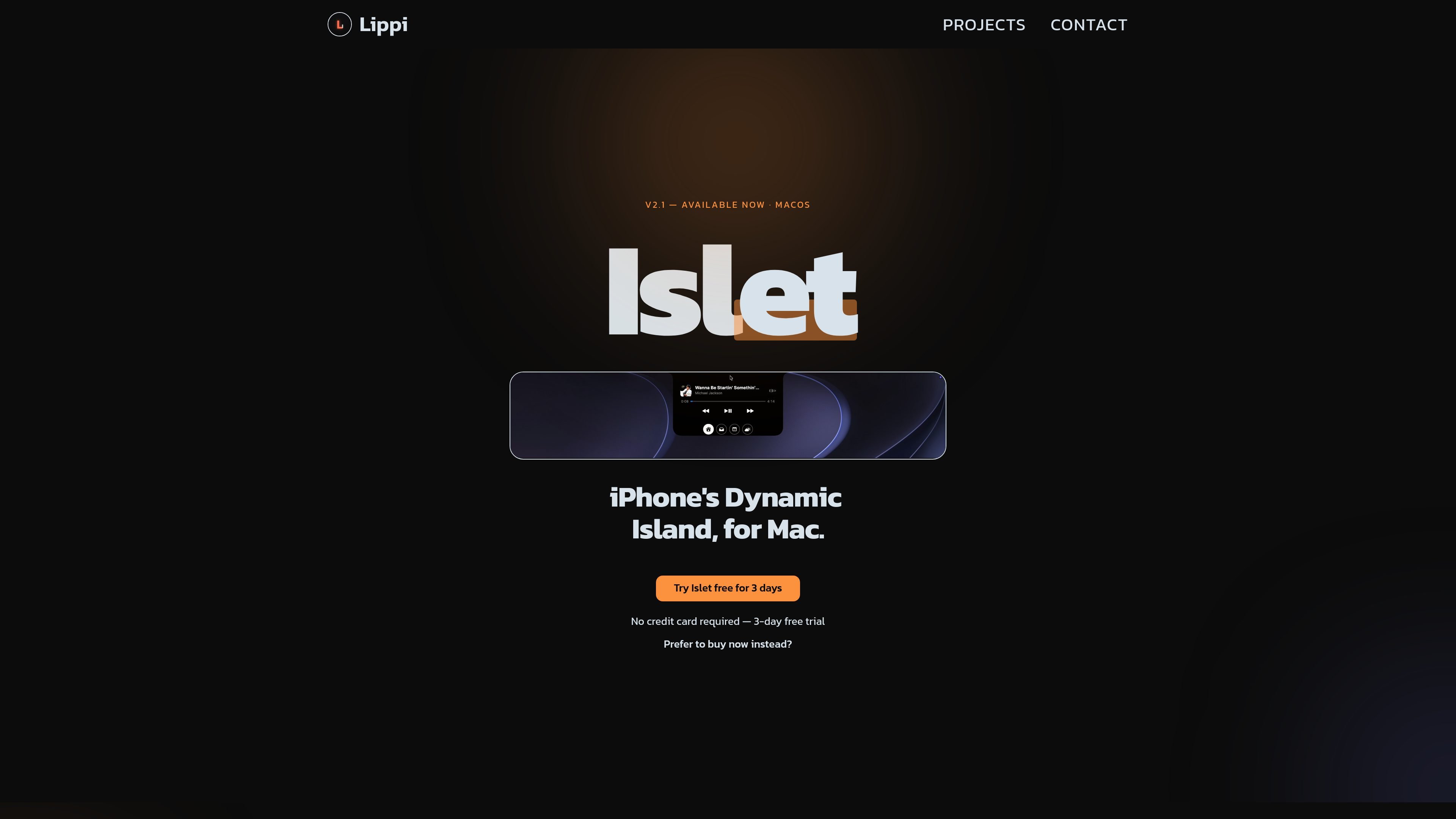
Islet is a Mac app for notch-equipped computers that turns the notch into a small utility surface for media, system status, and everyday workflow information. The page describes it as “iPhone’s Dynamic Island, for Mac,” and positions it as a native Swift + AppKit app.
It combines visual HUDs and quick actions in one menu-bar-controlled experience. Users can watch playback, adjust volume or brightness, see upcoming calendar events or weather, capture quick notes, and surface status changes such as charging, Bluetooth device connections, or Caps Lock without opening separate apps or settings panes.
Shows the current track with album art, a scrubber, and transport controls in the island. A song-change toast can briefly flash the new title when playback changes.
Replaces macOS volume and brightness overlays with a notch-based HUD so changes appear where you are already looking.
Displays useful glances in the notch for calendar countdowns, today's weather, and a file tray for dropping and retrieving files.
Offers live productivity modules such as a countdown or Pomodoro timer, a meeting HUD with call timer and mic-mute control, and Quick Notes that send text straight into an Obsidian vault.
Uses optional toggles for each feature, so the notch only shows the modules you turn on.
Explains every requested permission and limits them to the specific feature that needs them, such as Bluetooth, location while using, Calendar, and Keychain access.
Keep music controls and playback context visible in the notch while working, so you can skip tracks or adjust the output destination without leaving the active window.
Track volume, brightness, charging, Caps Lock, and Bluetooth accessory changes as they happen, using the notch as a lightweight system-status area.
See today's weather, the next calendar event, and a countdown timer without opening separate apps, which is useful for time-sensitive workdays and meetings.
Capture a short note directly into an Obsidian vault or drop a file into the island for later retrieval, keeping small tasks out of the way.
Use the meeting HUD during Zoom or Teams calls to follow call timing and mute status from the same interface.
Yes. The page says Islet is available now and offers a 3-day free trial with no credit card required. The buy page also shows a one-time launch price of $5.99 and lifetime access.
Islet is built for Macs with a notch and is described as a native Swift + AppKit app.
The home page lists 13 live features today, including media controls, volume and brightness HUDs, calendar countdown, weather, file tray, timers, meeting HUDs, and Quick Notes. Some items such as Quick Actions, Menu Bar Overflow, and Coding Progress are marked coming soon.
Islet requests only the permissions it needs for specific features, including Bluetooth, location while using, Calendar, and Keychain access for trial and license status.
Support is handled directly by the creator. The page provides X @lippi304 and [email protected] for bug reports, feature ideas, and general messages.

Yattayo: Slider To-Do Board turns tasks into a tactile slider board with sticky notes, widgets, reminders, iCloud sync, and Premium recurring habits.

Malyatko is a baby tracker for feeding, sleep, growth, teething, and milestones. Use it on iPhone, Apple Watch, and widgets offline, with iCloud sharing.

at8pm is an iPhone journaling app that locks daily entries after a chosen time, with text, voice, photos, locations, video notes, private iCloud sync, and Face ID.

ConscioussAI is an AI assistant for macOS, Windows, iOS, and Android that helps complete tasks across apps, files, browsers, and messages with your permission.

Goldfish is an AI memory app for macOS that helps you reply, write, summarize, and continue with context already on your Mac. It stores memory locally and writes in your tone.

Flunkey is a voice-first productivity layer for Windows that turns speech into text, AI outputs, and remembered context without leaving your app.