

Jared
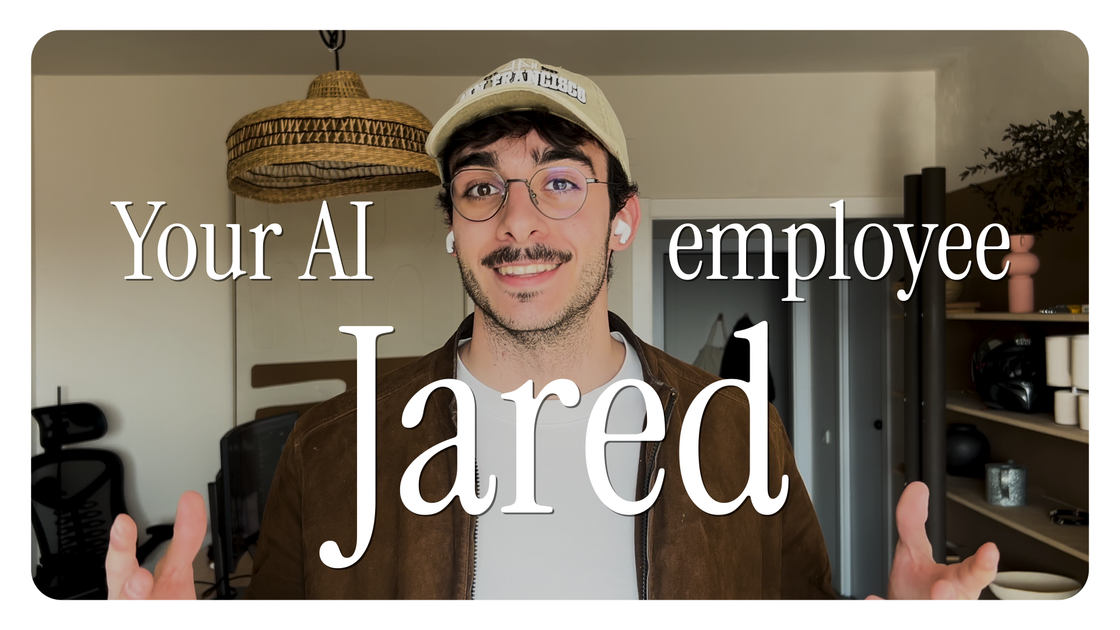
Jared is an AI employee for Slack and connected work tools, reading your workspace context and handling tasks proactively like summaries, drafts, and follow-ups.
What is Jared?
Jared is an AI employee built to work inside team collaboration spaces, with a focus on reading the context (Slack history and related work artifacts) and handling tasks proactively. The product positions Jared as a “social” AI employee—he listens to what’s happening in a workspace and then contributes only when it’s relevant.
Jared’s core purpose is to take over day-to-day knowledge work like summarizing, drafting, researching, creating reports, and following up, while flagging items that need attention. The site also notes “org memory,” where Jared remembers context from earlier work conversations.
Key Features
- Proactive task handling (24/7): Shows up to handle tasks without waiting for a user prompt, based on what’s happening in the workspace.
- Reads workspace context before day one: Ingests your existing materials so he can participate with context from the start, without onboarding calls or IT tickets.
- Org memory for past decisions: Remembers prior discussions and outcomes (e.g., decisions from earlier meetings/calls) to inform later work.
- Works across multiple sources: The site states Jared searches across Slack, Notion, email, and meetings.
- Social, conversation-aware participation: Described as the first AI employee with “social skills,” including reading the room, following full conversations (not just @mentions), knowing when to speak, and staying quiet when not.
- Tool connectivity at scale: The site claims connections to 10,000+ tools and lists example contexts like Linear, GitHub, Notion, and Stripe event ingestion.
- Task queue with execution states: Includes a “Jared Task Queue” concept (active tasks, completed drafts, in-progress work) for tracking proactive and assigned work.
How to Use Jared
- Hire Jared to add him to your workspace (the site shows “Jared was added to the workspace”).
- Connect your stack so he can ingest context from the sources mentioned on the page (e.g., Slack, Notion, email/meetings; the page also references tools like Linear, GitHub, and Stripe events).
- Start with a request or let him initiate work: either message him in Slack or allow him to monitor activity and respond when it’s relevant.
Use Cases
- Summarize recurring team notes: Ask Jared to pull together a summary of “last quarter’s retro notes,” with output placed into a relevant Notion document.
- Draft and distribute leadership updates: Generate a draft Q2 board update and then follow through with a workflow step for sharing (shown as tasks in the task queue).
- Run follow-ups on business processes: For example, have Jared “follow up with Acme contract,” including working the item to completion or flagging what needs attention.
- Flag operational issues: Queue work like “flag overdue invoices from HubSpot,” leveraging stored context and monitoring.
- Produce periodic digests and research: Create a weekly digest to leadership or draft competitor analysis based on workspace context.
FAQ
-
How does Jared get started in a workspace? The page shows Jared can be “hired” to be added to the workspace, after which he connects to the user’s stack and ingests existing materials.
-
Does Jared require onboarding calls? The site states “No onboarding reads your docs…before its first day” and references “no setup calls, no IT tickets.”
-
What can Jared read or search? The site states Jared searches across Slack, Notion, email, and meetings, and also references ingestion of tools like Linear, GitHub, and Stripe events.
-
Does Jared respond only to @mentions? No. The page explicitly distinguishes Jared from systems that “respond whenever they’re tagged,” stating Jared listens to conversations first and follows full conversations.
-
Is Jared proactive or reactive? The page describes Jared as proactive—monitoring what’s happening and flagging what needs attention—while also indicating he executes assigned tasks.
Alternatives
- General-purpose Slack/Teams AI assistants: Useful for answering questions and drafting messages, but typically focus on reacting to prompts or mentions rather than maintaining a workspace-wide “org memory” and proactive task execution.
- Workflow automation platforms with AI features: Better suited when you want structured automations (e.g., triggers, routing, reminders), though they may require more configuration to interpret conversation context.
- Project management assistants (e.g., for Linear/Jira): Can summarize issues and help manage tickets, but may not cover broader cross-tool social participation in Slack conversations.
- Knowledge-base or document summarization tools: Strong for summarizing specific documents, but usually don’t integrate deeply into team communication to track who’s waiting on whom or decide when to speak.
Alternatives

Lasso
Lasso is an AI-first PIM for ecommerce teams that enriches product attributes and descriptions, processes supplier data, and monitors competitors via app or API.

Biji
Biji is a versatile platform designed to enhance productivity through innovative tools and features.

Struere
Struere is an AI-native operational system that replaces spreadsheet workflows with structured software—dashboards, alerts, and automations.

garden-md
Turn meeting transcripts into a structured, linked company wiki with local markdown and an HTML browser view. Sync from supported sources.

Tavus
Tavus builds AI systems for real-time, face-to-face interactions that can see, hear, and respond, with APIs for video agents, twins & companions.

Falconer
Falconer is a self-updating knowledge platform for high-speed teams to write, share, and find reliable internal documentation and code context in one place.