
Create forms from prompts
Start from a plain-language prompt and generate a complete form with relevant fields and basic settings, without opening a blank builder.

Jotform ChatGPT App is a ChatGPT-integrated form builder for creating, editing, designing, and analyzing forms in conversation, connected to your Jotform account.
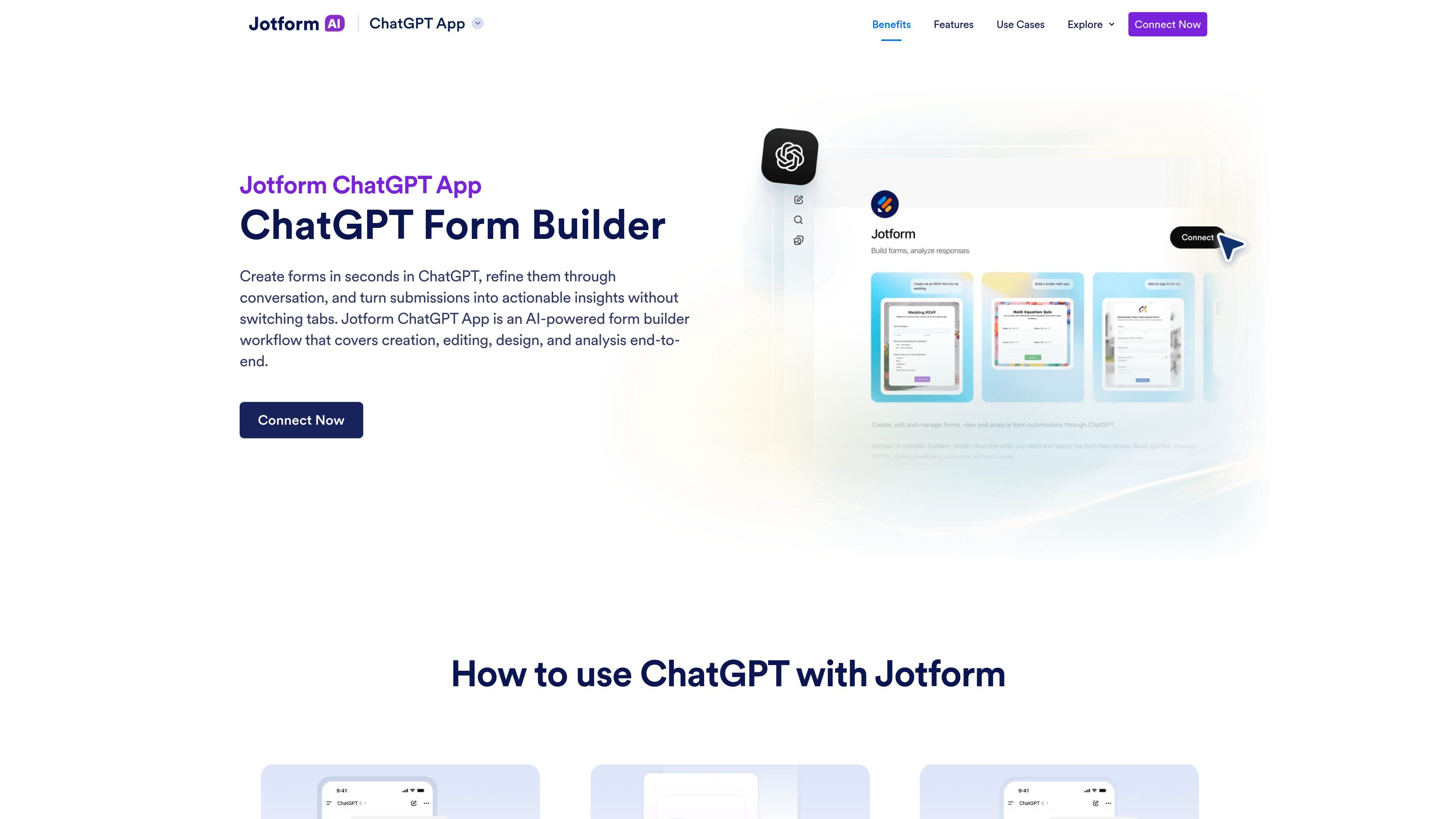
Jotform ChatGPT App is a ChatGPT-integrated form builder workflow for creating, editing, designing, and analyzing forms without leaving the chat window. It is positioned as a no-code way to move from a first prompt to a working form, then into submission review and response analysis.
The app connects a Jotform account to ChatGPT so users can build forms from prompts, refine them through conversation, manage existing forms, and inspect submissions in context. Jotform also shows example workflows for RSVP events, quizzes, customer intake forms, feedback surveys, and signed-document or new-submission conversations.
Start from a plain-language prompt and generate a complete form with relevant fields and basic settings, without opening a blank builder.
Keep chatting to rewrite questions, add or remove fields, reorder sections, change settings, and refine the form structure as you go.
Adjust themes, layouts, and styling from within the conversation instead of switching to another screen.
View your forms, pull submission lists, and filter responses by date, status, keywords, or field values.
Use AI to summarize responses, identify trends, group feedback into themes, and suggest improvements based on real submission data.
Create an RSVP form for an event, then add conditional questions and use AI summaries to track attendees, dietary needs, and follow-ups.
Build a quiz or training assessment, revise questions in chat, and review results to see average scores and commonly missed questions.
Generate a customer intake form with fields such as contact details, project type, budget, and deadline, then refine it to improve qualification.
Collect ratings and open-ended comments from a satisfaction survey, then ask ChatGPT to group responses into themes and highlight recurring issues.
List forms and review recent submissions by date, status, keywords, or field values when you need to work through responses quickly.
The Jotform ChatGPT App is an AI-powered app that lets you create, edit, design, and analyze forms directly inside ChatGPT through conversation.
Yes. You can generate a form from a prompt, then continue chatting to rewrite questions, change field order, adjust settings, and update the theme, layout, or styling.
Yes. After submissions come in, you can ask ChatGPT to summarize responses, identify trends, group feedback into themes, and suggest improvements based on the data.
You can build RSVP and event forms, quizzes and training assessments, customer intake forms, feedback and survey forms, registration forms, and internal request forms.
Yes. The app can list forms and view submissions, and you can filter responses by date, status, keywords, or field values to focus on specific entries.

Codex Plugins bundle reusable skills, app integrations, and MCP servers into workflows you can install in the Codex app or use from Codex CLI.

Struere turns spreadsheet data into structured operational software with dashboards, alerts, and automations for teams replacing manual spreadsheet workflows.

Wysera is an AI business platform with PostWyse for content and OpsWyse for CRM and revenue workflows, powered by shared Wyse AI and approval-first automation.

OpenFlags is an open-source, self-hosted feature flag platform for JavaScript teams, with local evaluation, targeted rollouts, and controlled launches.

ClawEase is an AI business operator that captures requests across calls, email, SMS, WhatsApp, LINE, and web forms, then completes booking workflows in existing web systems.

VForms lets you place questionnaires inside YouTube videos, capturing feedback in context with timestamped, embeddable video forms.