UStackUStack
LingVisions icon

LingVisions

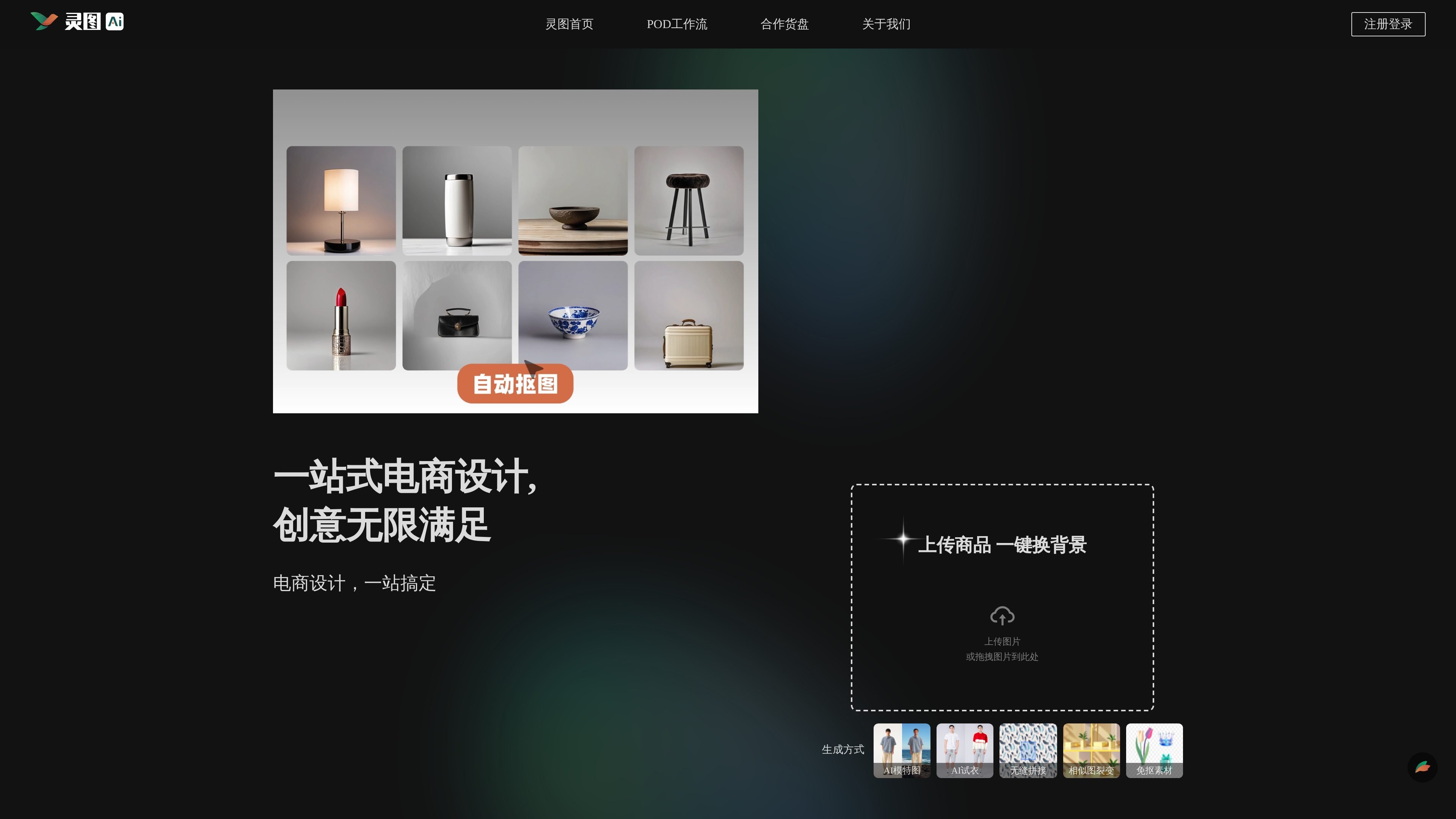
LingVisions is an AI design and image editing platform for eCommerce—change backgrounds, create AI model images, try-on, cutouts, seamless edits.

LingVisions

What is LingVisions?

LingVisions is an AI-assisted platform designed for eCommerce, providing one-stop capabilities for product showcase image creation. It covers a wide range of common eCommerce material production needs, including background replacement for product images, AI model displays, AI try-on, seamless stitching, similar image variations, cutout-free material generation, and more.

Its core purpose is to integrate various image processing and material generation workflows into a single pipeline: after uploading products or related materials, users can use AI for background replacement, subject/element cutouts, partial inpainting, and processes like "try-on/face swap/outfit swap," to enhance product visuals and output efficiency.

Key Features

  • One-Click Background Replacement: Upload images for background swaps to adapt product visuals to different showcase scenarios.
  • AI Model Images: Combine products with model displays to generate "model wearing" product showcase images, with further face/outfit/background swaps in model scenarios.
  • AI Try-On (Wear-On Effect): One-click "wear-on" generation for apparel materials, ideal for turning flat-lay clothing shots into wearable display images.
  • Seamless Stitching/Flawless Blending: Seamless fusion stitching and "perfect blend" processing for continuous backgrounds or layout extensions.
  • Similar Image Variations: Quickly generate similar images from the same main image direction for batch expansion of display versions.
  • Cutout-Free & Smart Erasure, HD Upscale & Repair: Includes cutouts for people/animals/products/graphics, smart erasure examples (e.g., watermark removal, person removal, debris cleanup); plus lossless upscale, old photo repair, detail enhancement.

Note: Page info also mentions "smart background replacement/partial inpainting," "image size expansion," "line art extraction/image to hand-drawn line art," for further material form and style expansion.

How to Use LingVisions

  1. Enter eCommerce Design/Image Processing: Upload product images or drag them to the platform's designated area.
  2. Select Generation/Edit Mode: E.g., background swap, AI model images, AI try-on, seamless stitching, similar image variations, or cutout-free.
  3. Complete Generation per Page Prompts: Finish processing based on selected mode; for further edits, continue with cutouts, erasure, upscale, size expansion, or line art extraction.
  4. View & Download Results: Use generated/edited images for eCommerce product showcases and campaigns.

Use Cases

  • Quick Background Swaps for Main Images/Details Pages: For unified visual styles or different campaign environments, use "one-click background replacement" to generate multiple background versions.
  • Apparel "Try-On Display" Images: For flat-lay clothing shots, use "AI try-on/one-click wear-on" to create wearable effect images for apparel showcase pages.
  • Boost Displays with AI Model Images: When live model shoots aren't feasible, generate model showcase scenes with AI model images to enhance product presentation.
  • Batch Expand Similar Display Images: Around the same product theme and main image direction, use "similar image variations" for quick similar versions covering different placements or needs.
  • Cutouts & Remove Distractions: Cut out people/products/graphics, combined with smart erasure (e.g., watermark removal, person removal, debris cleanup).

FAQ

Q1: What image types can I upload?
Page states support for uploading or dragging images to the platform, with processing for products and related materials (e.g., product images, people/animals/graphics cutouts & erasure). Check specific mode entrances for exact support.

Q2: What's the difference between AI Model Images and AI Try-On?
Page info: AI Model Images focus on model showcase scenarios (with face/skin/background swaps); AI Try-On emphasizes one-click "wear-on" effects for clothing materials. Both for apparel displays, but different emphases.

Q3: Does it support watermark removal or person removal?
Page mentions "cutout-free & smart erasure," with examples including watermark removal, person removal, debris cleanup.

Q4: Can it enhance image clarity or repair old photos?
Page lists lossless upscale, HD restoration, old photo repair, detail enhancement for image quality.

Q5: Can it extract line art or generate hand-drawn line art?
Page mentions "line art extraction/image to hand-drawn line art" for converting photos/images to line art materials.

Alternatives

  • General Online Image Editors/Cutout Tools: Good for single edits (e.g., background swaps, cropping, basic cutouts), but often require manual workflows, lacking model/try-on/variation combos.
  • General AI Image Editing/Generation Platforms: For generation & edits, but eCommerce workflows (try-on, similar variations, seamless stitching) may need custom step combos, depending on platform features.
  • eCommerce Design & Poster Software: Focus on layouts & material arrangement; for automated cutouts/smart erasure, AI try-on/variations, may need other tools.
  • eCommerce Main Image Processing Services/Tools: Often cover background swaps, cutouts, batch outputs; check specific products for AI model/AI try-on/seamless stitching as mentioned.
LingVisions | UStack