
Background removal
Pixelcut can remove backgrounds from images and video using its proprietary background removal tools, which are positioned as high quality and easy to use.

Pixelcut is an AI photo editor for product images, social content and video assets. Free and paid plans; mobile app and browser access for individuals and teams.
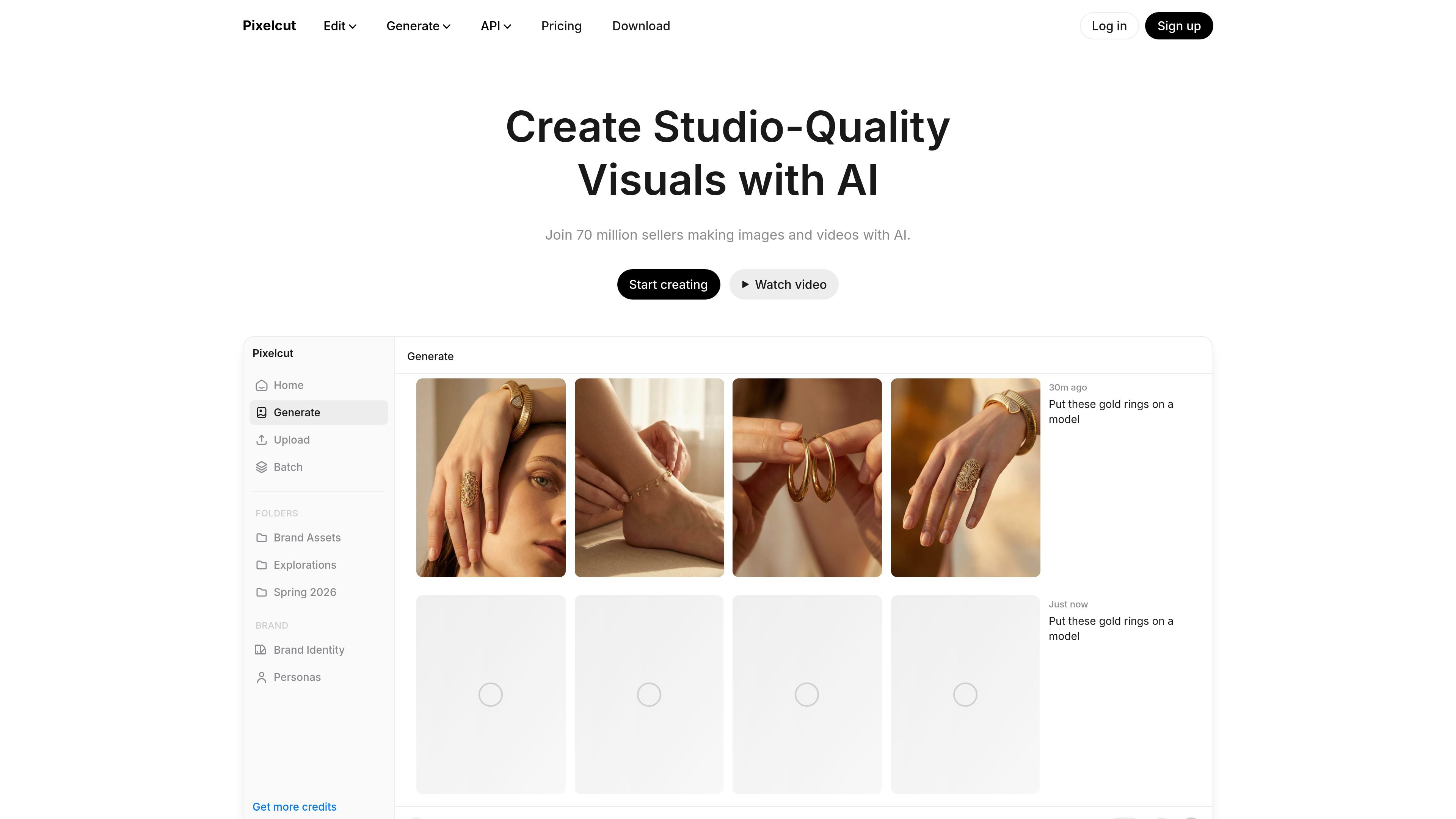
Pixelcut is an AI photo editor and creative workspace for creating and editing product images, social content, and video assets. The site positions it as a tool that helps users work from a prompt or upload, then apply background removal, retouching, upscaling, image generation, and video workflows in one place.
The product’s main focus is fast visual production for creators, brands, and businesses that need polished outputs without building every asset manually. Its pages highlight product showcase images, AI UGC ads, custom personas, and an AI agent that can handle multi-step requests, choose tools, and export results in formats suited for social media, e-commerce, print, and other uses.
Pixelcut can remove backgrounds from images and video using its proprietary background removal tools, which are positioned as high quality and easy to use.
The editor supports upscaling, including up to 16x resolution, so users can improve image detail for larger outputs or cleaner product visuals.
Users can expand or reframe images beyond their original edges to fit new layouts or aspect ratios without rebuilding the asset from scratch.
Retouching tools let users erase objects or make targeted edits with generative fill, which is useful for correcting product shots or cleaning up scenes.
Batch editing can apply changes across hundreds of files at once, which is designed for repetitive catalog and content workflows.
Pixelcut’s creative agent can plan and execute multi-step tasks, including image generation, edits, and video creation, from a natural-language prompt.
Create product photos with clean backgrounds, lighting adjustments, and styling for listings or storefront assets.
Generate talking-head or UGC-style video ads from product images and scripts for paid social and campaign testing.
Use the AI agent to turn a plain request into a multi-step creative task, such as generating an image, making edits, and exporting the result.
Process large sets of files with the same edit, such as background removal or retouching across a catalog.
Edit marketing visuals on phone or browser when you need to work away from a desktop design stack.
Yes. Pixelcut offers a free version with basic image editing tools. The pricing page also shows paid plans that add access to all AI tools, batch editing, and higher export capabilities.
Yes. The pricing page says Pixelcut Pro can be used on iPhone, Android, mobile browsers, and desktop browsers.
Yes. The pricing page says subscriptions can be canceled at any time.
Teams are supported on paid plans. The pricing page says Pro includes 3 seats and Business includes 10+ seats, with shared organizational credits.
Yes. The pricing page says annual billing saves 20% compared with monthly billing.

Airbrush is an AI photo and portrait editor for web, desktop, and mobile. Retouch portraits, remove backgrounds, and enhance images with credit-based AI tools.

Aaavatar is a macOS portrait editor for teams. Remove backgrounds, apply brand colors or presets, and export consistent staff photos to LinkedIn, Slack, and email.

Upscale.media is an AI image upscaling and enhancement tool by Pixelbin that sharpens low-resolution images in the browser, with bulk processing and API support.

Free browser-based AI image enlarger by PhotoAid for upscaling JPEG, WEBP, and PNG photos, especially portraits, without heavy blur.

BgSub is a browser-based AI tool for removing or replacing image backgrounds. Fast cutouts, background replacement, and color adjustment for product images, photos, and web visuals.

Slazzer is an AI photo editor for automatic background removal, with web app, API, desktop software and plugins, plus upscaling and restoration tools.