
Pixel-perfect flow capture
Capture HTML-based product flows with automatic state handling so interactive demos can mirror complex app behavior without recapturing every step.

LiveDemo is a product experience platform for interactive SaaS demos and guided walkthroughs. Build and share tailored demos without engineering.
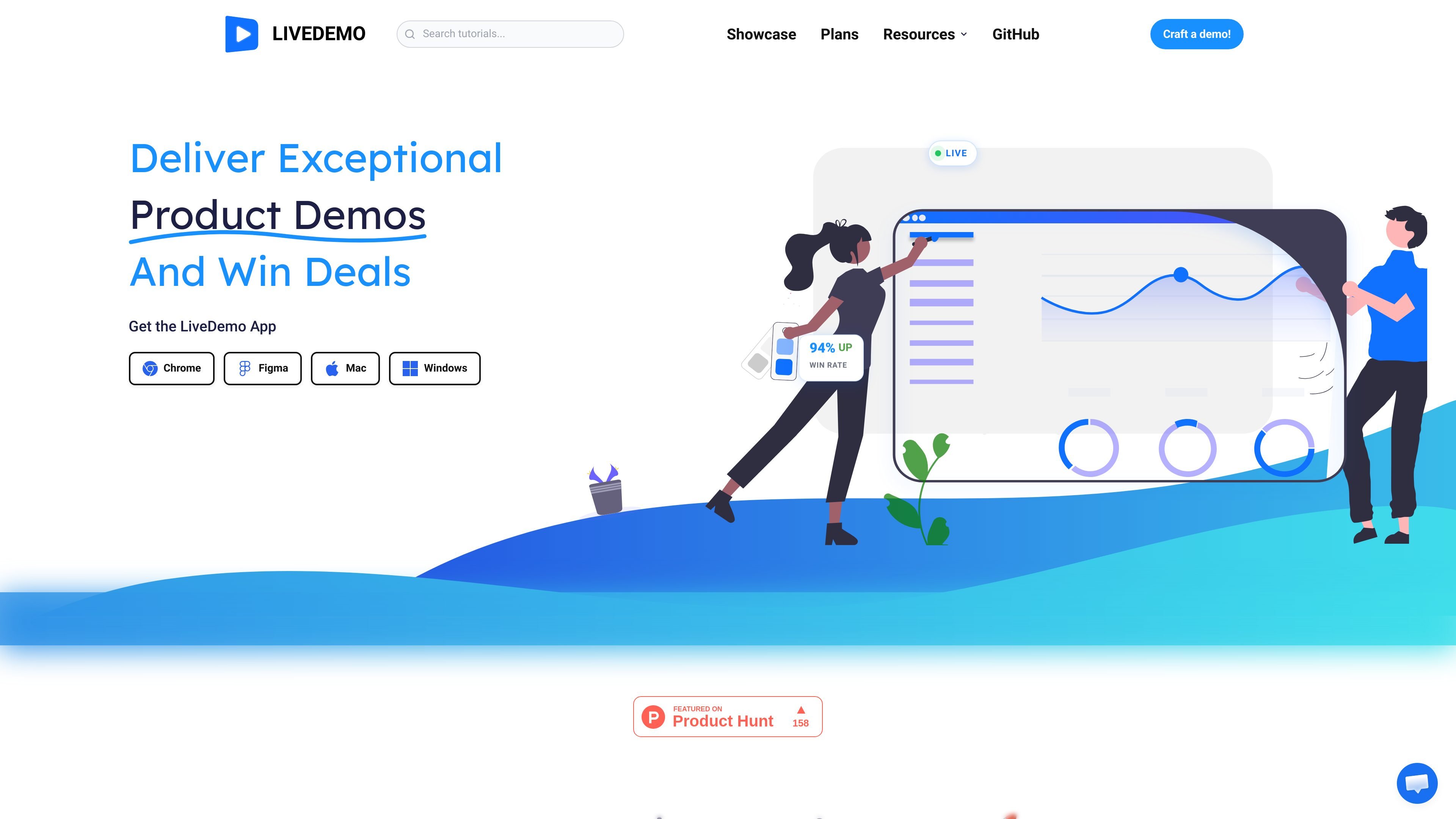
LiveDemo is a product experience platform for creating interactive SaaS demos and guided walkthroughs. It is positioned as a single workspace for modern go-to-market teams to capture, edit, and orchestrate demos without waiting on engineering.
The site emphasizes building a demo once and then adapting it for different industries, use cases, and stakeholders. Its workflow combines HTML flow capture, browser-based editing, reusable assets, and guided interactions so teams can distribute tailored product stories across marketing, sales, customer success, and enablement.
Capture HTML-based product flows with automatic state handling so interactive demos can mirror complex app behavior without recapturing every step.
Edit copy, data, and visuals directly in the browser, reducing the need for design tools or engineering handoff.
Add dynamic annotations, branching logic, and in-context forms to tailor the path a viewer takes through the demo.
Reuse shared assets, variables, and templates so teams can produce multiple variants from one source story.
Publish and share demos through link and iframe embeds, with additional outputs such as GIF and MP4 exports on paid plans.
Track completion, CTA engagement, and persona-level drop-off to understand how viewers move through each demo.
Create campaign-ready walkthroughs that can be embedded on landing pages or used in website journeys to capture interest and route prospects onward.
Package product stories for discovery and follow-up so sales teams can send curated replay hubs after calls and let prospects share the demo internally.
Build onboarding checklists, feature-launch walkthroughs, and expansion playbooks that help customer success teams guide users after purchase.
Maintain centralized demo versions, change logs, and best-practice notes so GTM teams stay aligned on the current story.
Personalize one demo framework for different industries, stakeholders, or buying priorities without recapturing the same screens repeatedly.
LiveDemo is presented as a product experience platform for product-led growth that helps teams create, edit, and orchestrate interactive demos in one workspace.
The homepage says teams can capture pixel-perfect HTML flows, edit copy/data/visuals in the browser, and use annotations, branching logic, and in-context forms to guide buyers through a demo.
The site positions the product for marketing, sales, customer success, and enablement teams that need reusable, shareable demo experiences.
The pricing page shows a free Startup plan, a Pro plan with a trial, a Growth plan marked contact sales, and a custom Business plan.
The source does not list supported integrations beyond a custom integrations option on higher tiers, and it does not provide a detailed setup guide or technical requirements.

PromptScout tracks how ChatGPT, Gemini, Google AI Overviews, and Perplexity mention your brand or competitors, with source analysis and website audits.

SaveMRR is a Stripe retention tool for SaaS teams to scan churn and MRR leaks, then automate recovery with dunning, cancel-save offers, win-back emails, and onboarding nudges.

Hype is a web tool for finding trending YouTube topics by category, time range, and scoring mode. Spot emerging ideas and review source videos.

DailyPlay.ai is a behavioral growth platform using AI site scans and micro-games to boost engagement and conversions across web, mobile, and more.

Sleek Analytics is a privacy-friendly web analytics tool with real-time visitor tracking, Core Web Vitals, and revenue attribution.

Struere turns spreadsheet data into structured operational software with dashboards, alerts, and automations for teams replacing manual spreadsheet workflows.