
Menubar-first interface
Runs as a menubar app on macOS so it stays out of the Dock while remaining available for voice control.

LocalClicky is a macOS voice assistant that controls apps, files, reminders, and browser actions locally by voice, with wake-word listening, local transcription, Ollama reasoning, and optional screen vision.
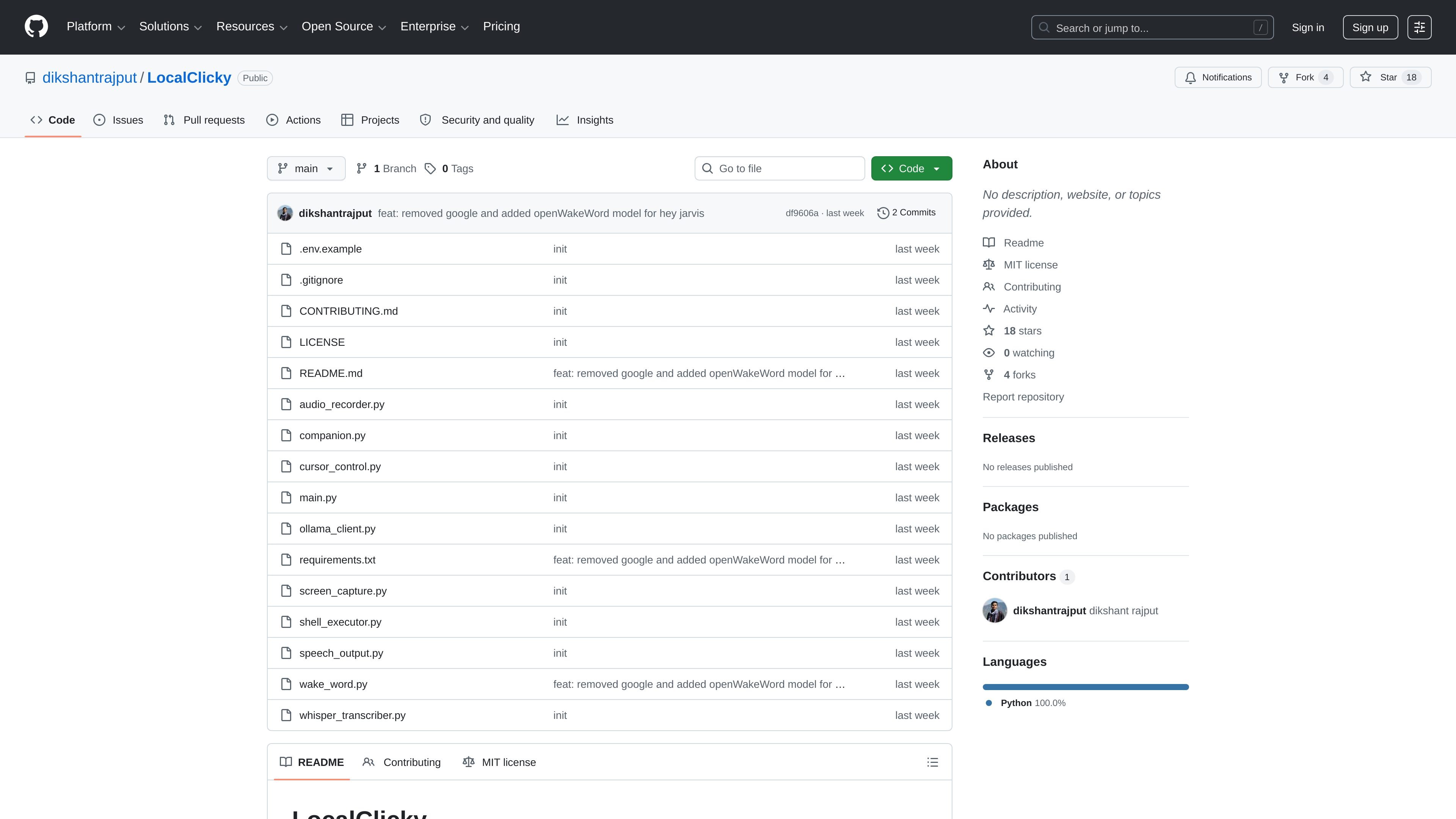
LocalClicky is a macOS voice assistant built to control the Mac locally from the menubar. Its README describes an offline design that keeps transcription, reasoning, screen analysis, and speech output on the user’s machine rather than sending voice or screenshots to cloud services.
The project is designed around wake-word sessions and natural language commands. After a trigger phrase starts recording, the assistant can process requests, call tools, inspect the screen when needed, and continue the conversation until you end the session or it times out from inactivity.
Runs as a menubar app on macOS so it stays out of the Dock while remaining available for voice control.
Uses a wake phrase to begin a session, then stays active until you end it or silence expires, so follow-up commands do not require repeating the trigger phrase.
Combines offline transcription, local AI reasoning, and optional screen vision to interpret spoken requests and act on them.
Supports system actions such as app control, volume changes, file operations, shell commands, Spotify control, reminders, and Chrome JavaScript injection.
Takes screenshots on demand and uses the vision model to identify targets for clicking or describing what is on screen.
Uses voice activity detection and a hard cap fallback to stop recordings when possible, reducing the need for manual cutoffs.
Use LocalClicky when you want to open apps, change volume, manage files, or launch browser actions by voice while keeping the workflow local to the machine.
Use the assistant to ask what is on your screen, find a target element, and click it when a command depends on current UI state.
Use natural language requests for reminders, Spotify control, and shell commands when you want a mixed personal-assistant and automation workflow.
Use the session mode for back-to-back follow-up instructions, such as refining a task after the first command runs, without repeating the wake phrase.
Use the repository as a reference implementation for an offline, local-first voice assistant stack that combines wake-word detection, transcription, model inference, and automation.
LocalClicky is set up to run on macOS with a local Whisper transcription backend, Ollama for reasoning and vision, and macOS built-in text-to-speech. The README lists additional macOS permissions for microphone, screen recording, and accessibility access for the Python binary in its virtual environment.
The README describes LocalClicky as a menubar app that starts recording after the wake phrase, stops automatically on silence when voice activity detection is available, and can continue through a session without repeating the wake word.
It can open and quit apps, adjust volume, control Spotify, manage files, run shell commands, inject JavaScript into Chrome, create reminders, and click or identify on-screen UI elements using a screenshot and vision model.
The project README says the assistant keeps the last 10 exchanges as conversation memory during a session.
The repository is presented as a local, offline project with no cloud APIs, no API keys, and no subscriptions mentioned in the README. The GitHub pricing page confirms GitHub itself offers a free plan and paid plans, but the LocalClicky repository does not describe a separate product price.

Carbon Voice is an asynchronous voice messaging app for teams and individuals, with transcripts, AI catch-up, and cross-device access. It helps people and agents communicate without needing a live call.

Gemma AI is a phone call reminder app that calls you with scheduled reminders instead of push notifications. It helps people who want a more direct way to stay on schedule, with Google Calendar sync and conversational call interactions.

Spotit is a macOS app that reads your screen and highlights exactly where to click, using voice questions and on-screen guidance.

Sanota is an app that turns spoken memories, reflections, and interviews into clear written stories. It supports personal storytelling, family history, and shared memories, with guided prompts and subscription pricing.
MealTime is your personal, offline-first recipe companion designed to help you save, organize, plan meals, and generate smart grocery lists, all while keeping your data private.

Lemon is a Mac voice assistant that turns spoken instructions into finished writing tasks and other actions. It offers a free Basic plan, a paid Pro plan, and a workflow centered on pressing fn, speaking, and staying in the same tab.