

Manus Agents
Manus Agents brings Manus tasks into Telegram chat. Connect via QR with no setup, server, or API tokens—run multi-step reasoning and structured outputs.
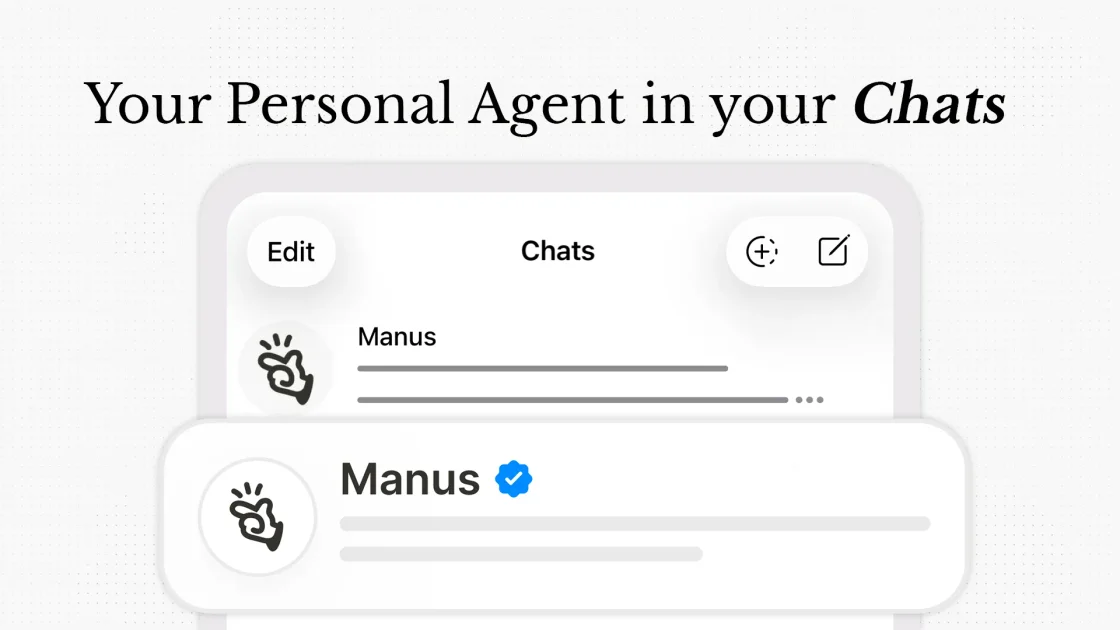
What is Manus Agents?
Manus Agents lets you access Manus directly inside your messaging app, starting with Telegram. Instead of using a separate web interface, you chat with an “agent” that can run Manus tasks and return results in the same conversation.
The core purpose is to reduce the overhead of getting an AI agent working for real tasks. The page emphasizes that Manus Agents are not a lightweight chatbot add-on; they use the same Manus approach for reasoning, tools, and multi-step task execution, delivered through chat.
Key Features
- Chat-based access inside Telegram: Open the Agents tab in your Manus workspace, connect your account by scanning a QR code (or using a link), and start messaging without terminal commands or configuration files.
- Multi-step Manus tasks from chat: Request work such as research and data processing, and have the agent run multi-step flows using Manus capabilities, delivering results back in the chat.
- Structured outputs including documents: The agent can generate structured reports and other outputs (including PDFs) directly as part of a chat request.
- Voice, images, and files in the conversation: Send voice messages, photos, and documents. The agent can transcribe voice, understand the request, generate edits/variations, and return outputs without manual file handling.
- Response style control: Specify whether you want responses to be concise/structured or more conversational, and the agent follows that preference across interactions.
- Model choice for speed vs depth: Switch between Manus 1.6 Max (optimized for complex multi-step reasoning and creative work) and Manus 1.6 Lite (optimized for faster everyday tasks such as quick questions and summaries).
How to Use Manus Agents
- Open the Agents tab in your Manus workspace.
- Click Connect.
- Scan the QR code with your phone (or open the linked chat in Telegram).
- Start messaging—your Manus agent is ready to handle requests.
The page also notes that onboarding is designed to avoid setup steps like command lines, configuration files, or running your own server.
Use Cases
- Weekly meeting preparation: Send a voice request to set up a recurring task that reviews your email and summarizes upcoming meetings and preparation needs, with scheduled summaries delivered in chat.
- Creative profile image variations: Share a photo and ask for profile picture variations (e.g., different styles for different scenarios), then review multiple generated options directly in the conversation.
- Product content concepting from an image: Upload a product image along with a brief prompt and ask for a structured product launch video mockup concept, including scene ideas and visual directions, delivered through chat.
- Structured report generation: Provide a task request that requires reasoning and organization (such as research and data processing) and receive a structured report or document output in the chat.
- Document or content edits from files: Send a document or relevant file and request edits or variations; the agent returns the results in the same chat thread.
FAQ
Is it safe? Can Manus read my other Telegram chats?
Your Manus agent only has access to the messages you send directly to it in your private chat. It cannot see, read, or interact with other conversations, groups, or contacts.
Can the agent handle tasks that require multiple steps or tools?
Yes. The agent can orchestrate sub-tasks behind the scenes, each using the Manus toolkit, so a single request can trigger multiple actions (e.g., research, code execution, document generation, and delivery).
Can I send voice messages?
Yes. The agent can transcribe voice messages, interpret the request, and act on it.
Which messaging apps are supported?
Telegram is the first supported channel. Support for additional messaging platforms is described as actively in development.
Alternatives
- Web-based AI assistants: Use an AI assistant in a browser for multi-step workflows and document generation, but you may need to move between tools rather than keeping everything inside a messaging thread.
- Standalone chatbot tools with automation: Options that run scripted workflows and knowledge retrieval can handle chat-based tasks, but may require more setup to achieve the same “agent runs full tasks” behavior.
- General-purpose messaging-integrated AI bots: Messaging app bots can provide chat interfaces and basic generation; compared to Manus Agents, capabilities for multi-step execution and the exact toolchain behavior may differ.
- Dedicated design/content generators: Tools focused specifically on image variations, mockups, or content concepts can be an alternative when your primary goal is creative output rather than executing multi-step tasks across tools.
Alternatives

AgentMail
AgentMail is an email inbox API for AI agents to create, send, receive, and search email via REST for two-way agent conversations.

LobeHub
LobeHub is an open-source platform designed for building, deploying, and collaborating with AI agent teammates, functioning as a universal LLM Web UI.

Codex Plugins
Use Codex Plugins to bundle skills, app integrations, and MCP servers into reusable workflows—extending Codex access to tools like Gmail, Drive, and Slack.

Ably Chat
Ably Chat is a chat API and SDKs for building custom realtime chat apps, with reactions, presence, and message edit/delete.

Tavus
Tavus builds AI systems for real-time, face-to-face interactions that can see, hear, and respond, with APIs for video agents, twins & companions.

HiringPartner.ai
HiringPartner.ai is an autonomous recruiting platform with AI agents that source, screen, call, and interview candidates 24/7, reducing time-to-hire from weeks to as little as 48 hours.